Free Online Quiz Maker
Opinion Stage’s quiz maker helps marketers capture leads and recommend products, and helps publishers keep readers engaged, with quizzes people actually want to answer. Create one in minutes.
- ✓ Free to use
- ✓ No credit card needed
Trusted by 100,000+ teams and brands, including








How to Make a Quiz
You can make a quiz with Opinion Stage in three steps, with no developer needed.
1. Create your quiz
Start by creating a quiz. You can create one from scratch, from a template, or describe your idea and let AI draft the questions and results for you.
2. Set up results & lead capture
Add scoring to match answers to results, then add a lead form so people share their email to see their result.
3. Embed & share
You can add the quiz with an embed code to any site, including WordPress, Squarespace, Wix, or Shopify. There’s also an option to share the quiz link on social media, in emails, or in messaging apps.
Why Use Quizzes?
Opinion Stage’s AI-powered online quiz maker helps marketers and publishers create quizzes that engage audiences, capture leads, and recommend the right products.
Engage Your Audience
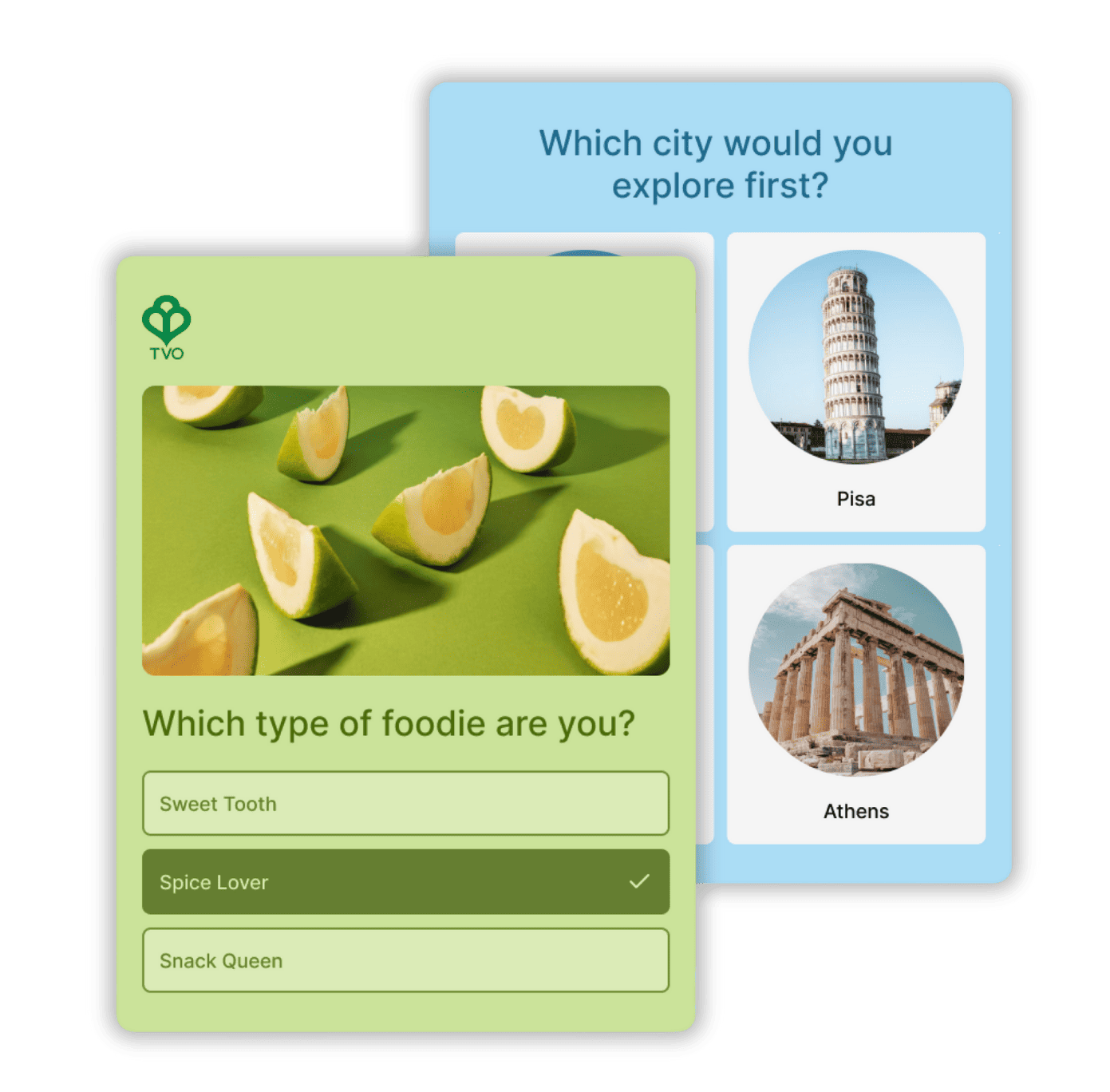
Quizzes give people something to do, not just scroll past. Publishers embed trivia and personality quizzes in articles to keep readers on the page longer and bring them back. Marketers use them to make campaigns memorable and keep people engaging with their brand. Up to 80% of people who see an interactive poll or quiz in their feed click on it.

Capture Qualified Leads
Ask for an email up front and most people leave. Ask for it after a quiz, when they want their result, and they happily share it. Marketers get up to 5X more leads this way, and every lead comes with answers that tell you who they are and what they need. Each lead goes to your email tool or CRM with its quiz result, through native integrations like Mailchimp and Salesforce, or through Zapier and webhooks, so you can send different follow-ups for each result.
Recommend Products
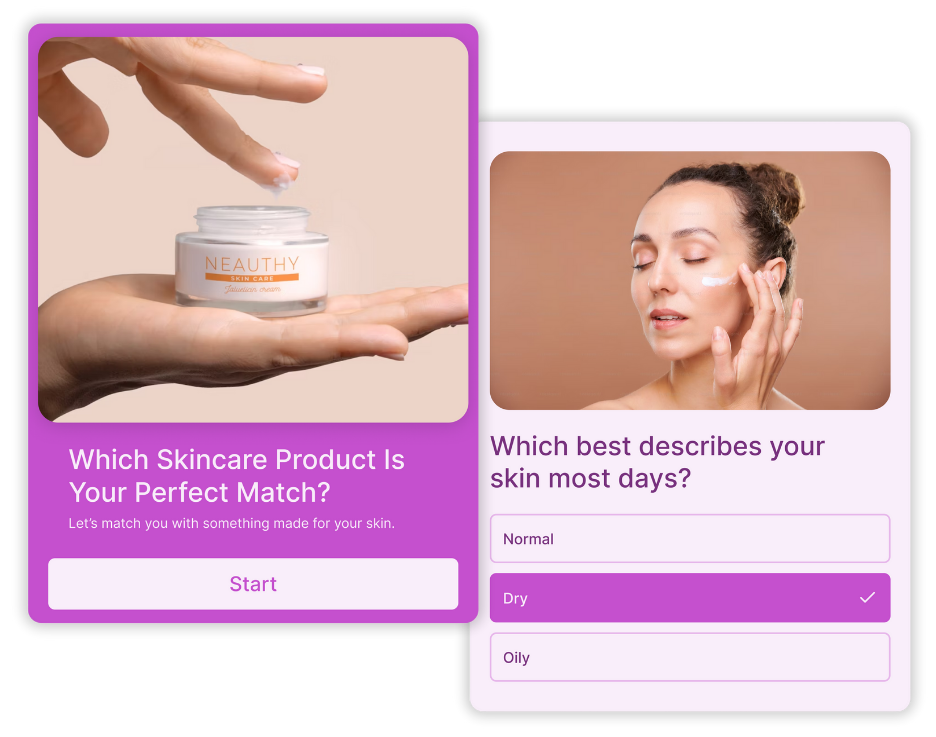
Shoppers who can’t decide don’t buy. A product recommendation quiz asks a few questions, matches each shopper to the right product, and sends them straight to it, so more browsers become buyers. You also learn what each customer wants, which makes your follow-up emails more relevant.
See how marketers use quizzes → and how publishers use quizzes →
Create Any Quiz for Any Goal
Build personality, knowledge, product recommendation, trivia, picture, and BuzzFeed-style quizzes, each designed to drive engagement, capture leads, or guide decisions. Use multiple choice, true/false, image and video answers, open text, and more, plus email and phone fields for lead capture.
Knowledge Quizzes
Our knowledge quiz maker lets you turn information about your product, industry, or brand into something people want to engage with. Instead of reading or scrolling, people are encouraged to take the quiz to see how they stack up.
Because the experience is interactive and playful, it’s easy to spark friendly competition and encourage sharing – whether that’s comparing scores or challenging friends. Automatically grade answers, calculate scores, and track time spent.
Personality Quizzes
Our personality quiz maker hooks people through curiosity and self-discovery. With just a few questions, you help someone learn something about themselves, like their style, preferences, or “type,” and deliver a result that feels made for them.
That’s why people are more likely to finish the quiz, share their result, and keep exploring. It’s a simple way to turn attention into real engagement while learning more about your audience.
Product Recommendation Quizzes
Product recommendation quizzes turn choice overload into a quick, guided experience. By helping people narrow their options and feel confident in their choice, they give hesitant shoppers a nudge in the right direction when decisions might otherwise stall or get abandoned.
Opinion Stage Quiz Maker Features
Opinion Stage gives you the tools to build, customize, and share quizzes people want to finish.
Create in Minutes
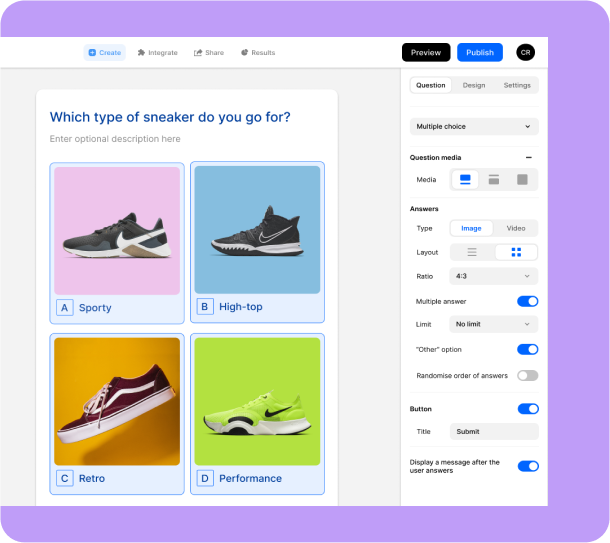
Create quizzes in no time with a builder that just makes sense. Everything you need is right at your fingertips, so building a professional quiz feels easy from the start. New to quiz creation? Our step-by-step guide to making a quiz walks you through the entire process.
- Free plan available: Start creating at no cost and upgrade anytime for advanced features.
- 100+ templates for every use case: Choose from ready-to-use marketing templates built for lead generation, engagement, product recommendations, and more.
- Beginner-friendly interface: Simple, visual, and easy to navigate, even if you’ve never built a quiz before.
- No coding needed: Launch quizzes quickly without relying on designers or developers.
Let AI Draft Your Quiz
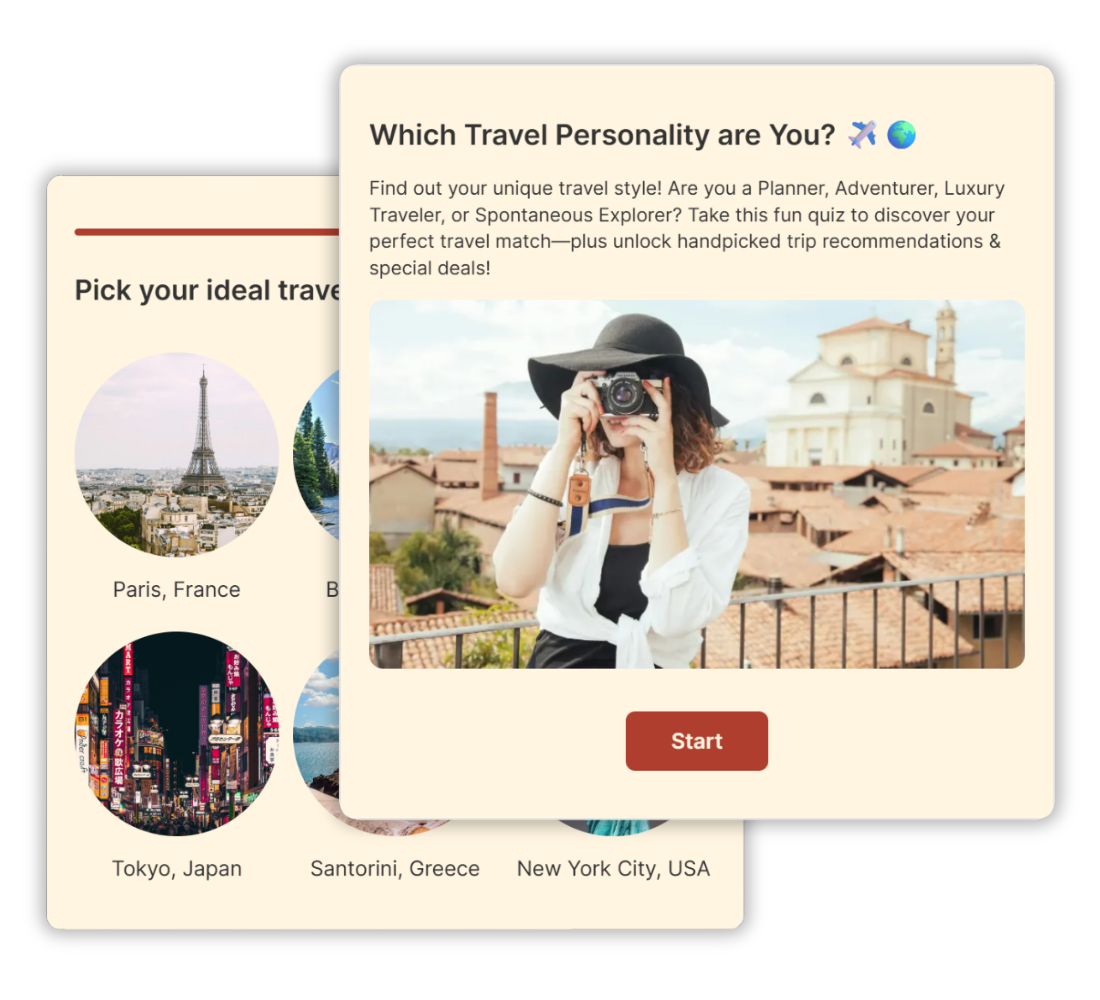
Describe your quiz idea, and Opinion Stage’s AI drafts the questions, answers, and results for you. Review the draft, change anything you like in the builder, and publish. AI drafting is included on the free plan.
Logic That Sends Every Person to the Right Result
Give each person their own path and the result that fits them, with no code. You set it all up in the builder, and it’s included on every plan.
- Skip logic: choose which question or result each answer leads to, so people only see what applies to them.
- Result mapping and product matching: link answers to results and set how strongly each answer points to each one. For recommendation quizzes, use your products as the results.
- Scoring with score ranges: give answers point values, grade automatically, and show a different result for each score range.
- Personalization: repeat an earlier answer in a later question.
- Randomized answers: shuffle answer order to avoid answer bias based on the order of answers.
- Source tracking: URL parameters are captured and shown with each response in your results, so you can tie responses to a campaign, source, or user.
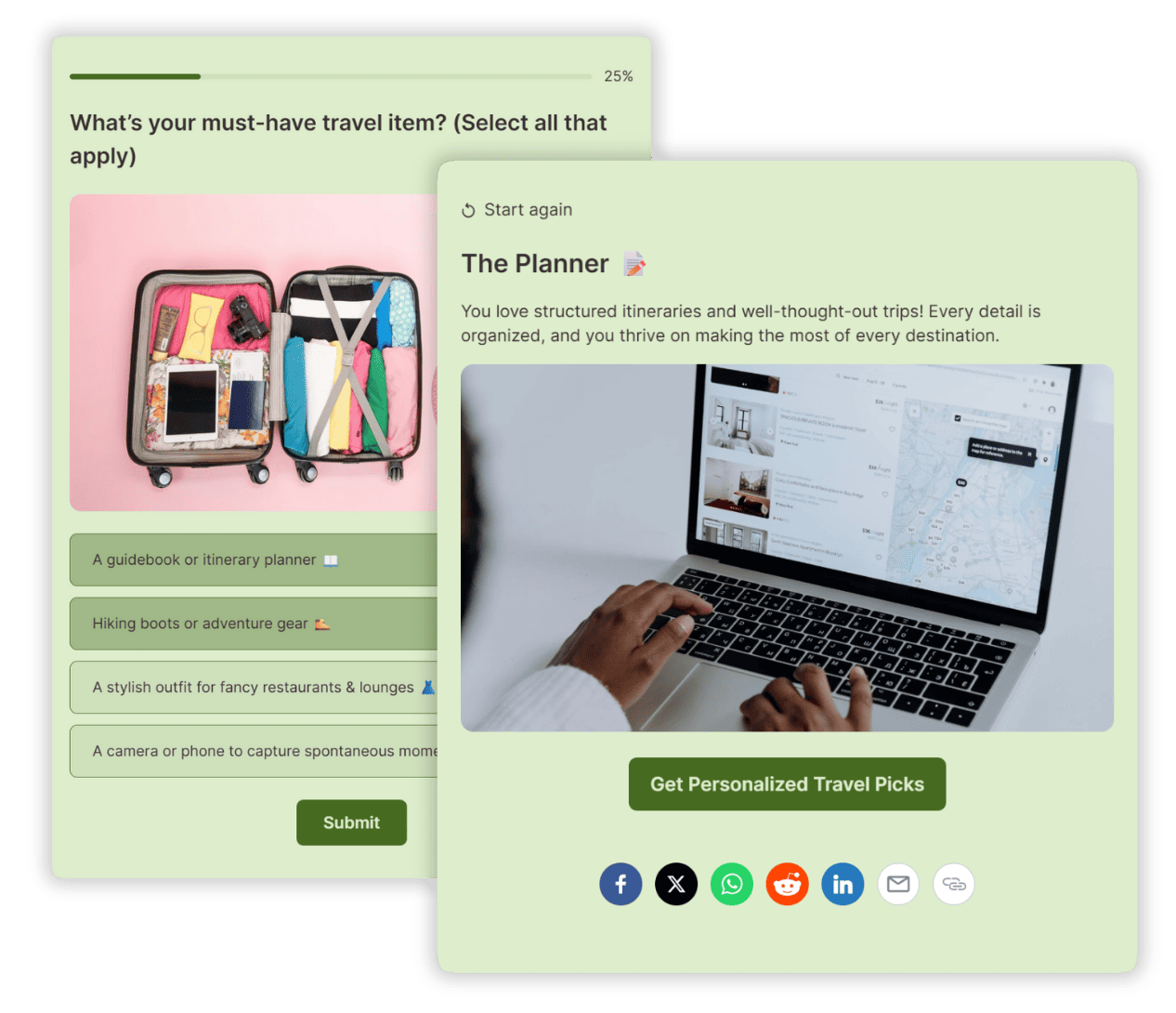
- A next step on every result: each result gets its own title, image, description, and call-to-action button.
See how to set up quiz logic.
Fully Customizable & On-Brand
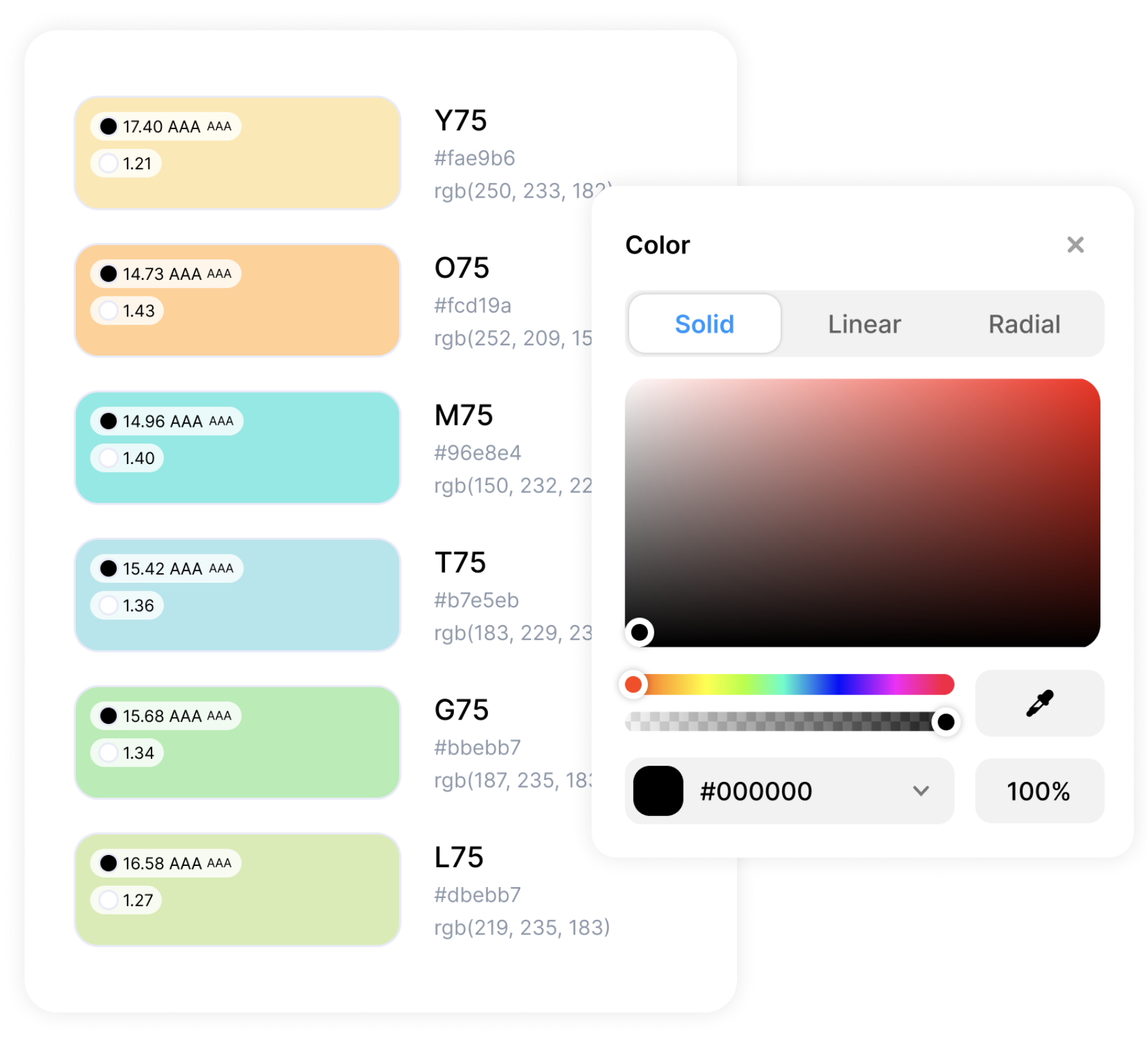
Your quiz should look like it was built by you, not a third-party tool. With full design flexibility, you can control every detail and make each quiz truly your own.
- Custom color themes: Align your quiz with your brand palette.
- Custom CSS: Go beyond presets to customize anything and everything.
- Customizable buttons & forms: Style CTAs and lead forms to fit your brand voice and look.
- White label & add your logo: Keep the spotlight on your brand, not ours.
Integrations With Your Favorite Tools
Opinion Stage offers 100+ integrations, so you can connect your quizzes to the tools you already rely on and put your data to work right away.
- Send responses to tools like Mailchimp, HubSpot via Zapier, webhooks, or your API
- Get email notifications for every new submission
- Add Facebook and Google pixels to track performance and support remarketing
See how to connect your quiz to your email marketing tool.
Share & Embed Anywhere
A great quiz only works if people see it. That’s why sharing is simple and flexible, so you can publish your quiz wherever your audience spends time.
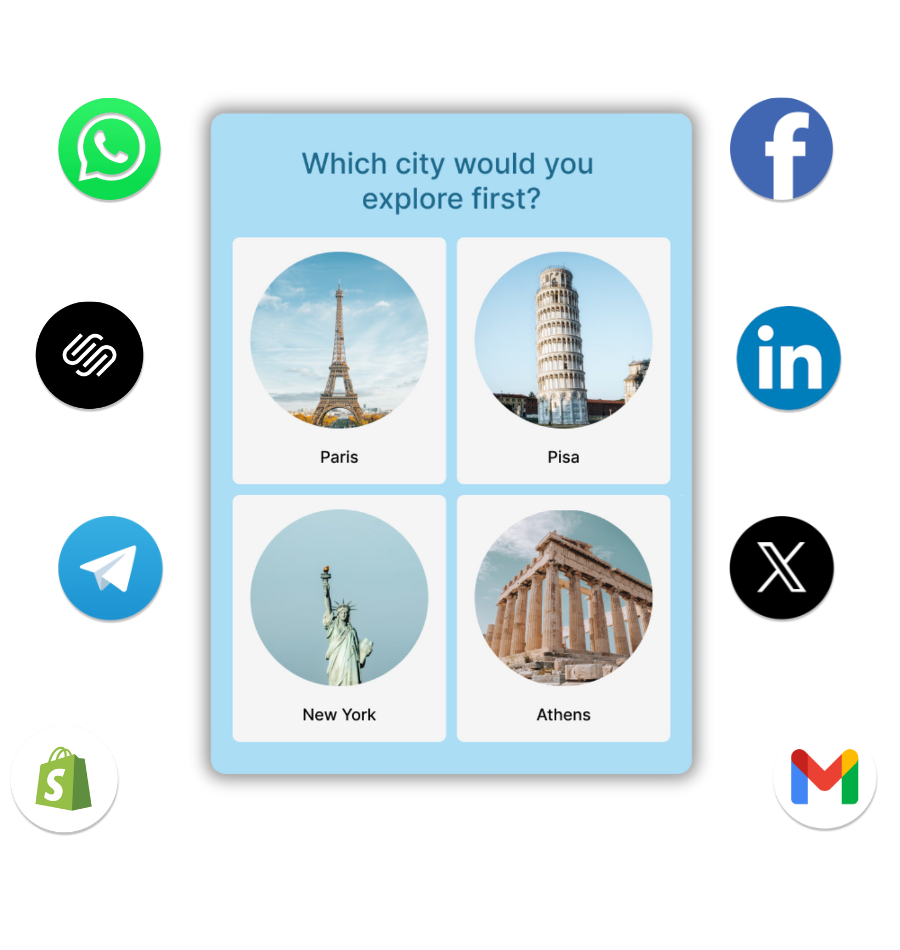
- Add to your site: Embed an HTML quiz on any website – use our WordPress quiz plugin, add a Squarespace quiz or Wix quiz, or paste an embed code on any other platform.
- Run from a landing page: Launch directly from an optimized page on the Opinion Stage site.
- Share on social & more: Post on social channels like Facebook, Instagram or X, include in emails, or send through messaging apps like WhatsApp.
- Quizzes adapt to any screen size
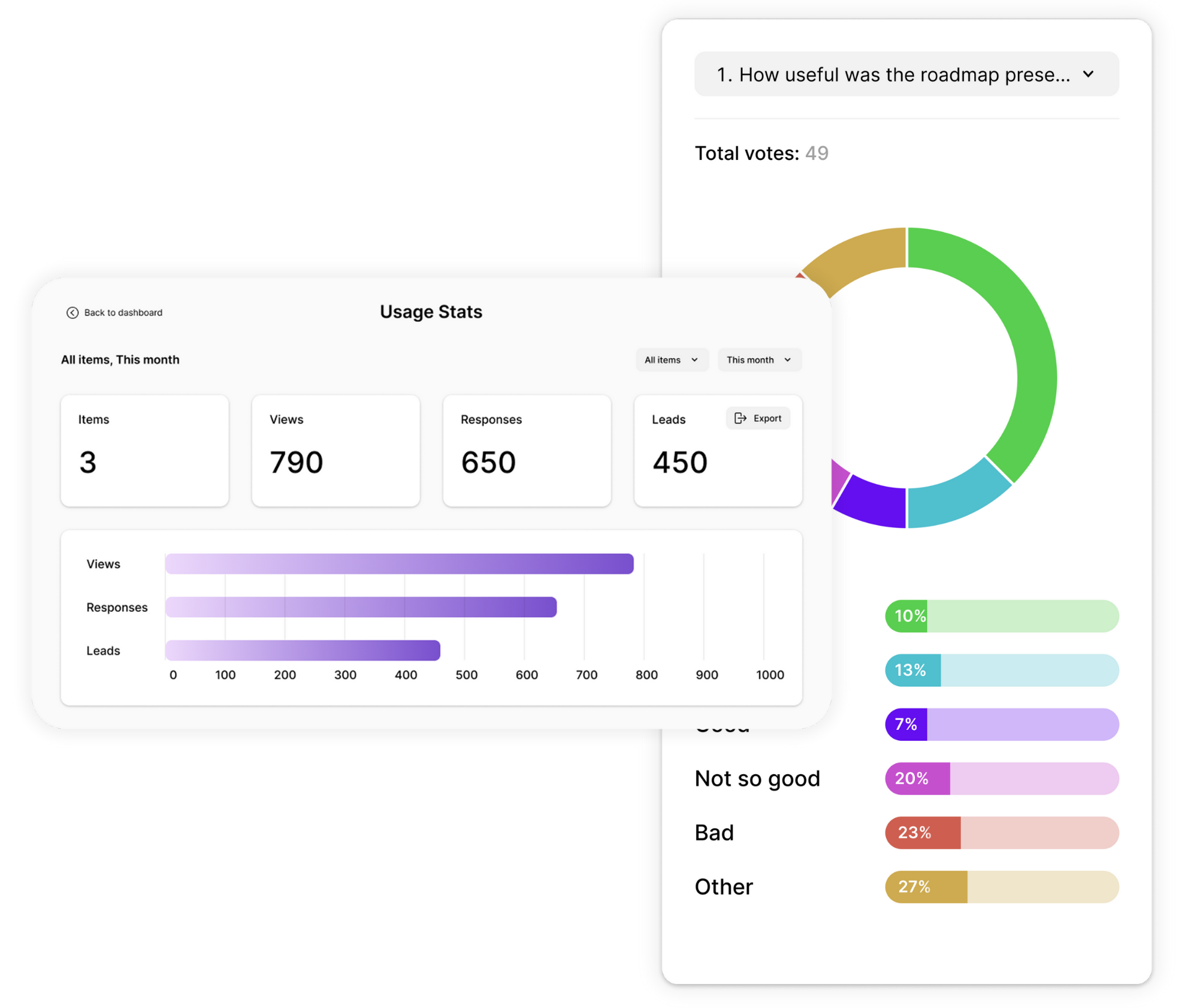
Analytics You Can Act On
Get clear insights into how people interact with your quizzes. Opinion Stage’s analytics show you what’s happening at every step, so you can improve performance based on real data, not assumptions.
- Track views, starts, completions, and time spent.
- Spot where participants lose interest and drop off.
- Get visual answer breakdowns in pie charts, bar charts, and tables.
- Export all responses and metadata to Excel, Google Sheets, or CSV for easy sharing and deeper analysis.

Secure, Accessible & Compliant
Your data and your audience’s information are protected with industry-standard security practices. Opinion Stage encrypts data in transit and at rest, and is GDPR and CCPA compliant.
Quizzes meet WCAG 2.1 AA Accessibility Compliance for embeds, so they work with screen readers, keyboard navigation, and assistive technologies.
Built for High Traffic & Sudden Spikes
A high-traffic site, a newsletter send, a viral post, a TV mention: your quiz keeps loading fast when everyone shows up at once. Opinion Stage quizzes load quickly on any device and connection and handle sudden traffic spikes, with data stored on secure AWS servers.
- Fast on any device and connection
- Built for spikes: traffic surges don’t mean broken or slow quizzes
- Enterprise plans: unlimited responses, with a dedicated account manager for high-volume sites

What Marketers and Publishers Say About Opinion Stage



With Opinion Stage we can create beautiful and on-brand content in an easy, collaborative fashion.

Stasia Kehoe
Opinion Stage is the best quiz tool I’ve used. It’s feature-rich, easy to use, and the content looks great.
John Dykstra
These quizzes allow us to tackle a variety of topics in a fun and easily consumed way that is great to share on social media.

Jessica de Bruyn
- 3B+ Questions answered
- 20M+ Leads captured
- 10+ Years of results
- 40+ Languages
Quiz Maker FAQs
Where can I find a free quiz maker?
You can create quizzes for free with Opinion Stage’s quiz maker. The free plan lets you build quizzes and collect leads. As your needs grow, you can upgrade to access more responses, deeper analytics, and additional branding options. See how Opinion Stage compares to other quiz makers.
How do I make an online quiz?
You can make an online quiz by choosing a quiz type, adding a few questions, and setting up results or outcomes. With Opinion Stage’s quiz maker, you can do this in minutes using an intuitive builder, then embed your quiz on your site or share it anywhere.For a full walkthrough, see our step-by-step guide on how to make a quiz.
What types of quizzes can I create?
You can create different types of quizzes with Opinion Stage, depending on your goal. These include personality quizzes for engagement and insights, knowledge quizzes for educating your audience, and product recommendation quizzes for guiding decisions.
Can I embed a quiz on my website?
You can embed a quiz on your website using Opinion Stage’s embed options. If you use WordPress, you can add quizzes directly with our WordPress plugin. On other platforms like Squarespace, Wix, or Shopify, you can embed quizzes by copying and pasting an embed code.
Does Opinion Stage support skip logic and scoring?
Yes. Opinion Stage’s quiz maker supports skip logic that sends each answer to a chosen question or result, answer-to-result mapping for personality and product recommendation quizzes, point-based scoring with a different result per score range, reusing earlier answers, randomized answer order, and URL parameters. These logic features are included on every plan.
What is a quiz maker?
A quiz maker is a tool for creating online quizzes without code. You write the questions, set how answers lead to results, and publish the quiz on your website or share it with a link. Opinion Stage’s quiz maker helps marketers and publishers create quizzes people actually want to answer, to capture leads, recommend products, and keep audiences engaged.
Is there an AI quiz maker?
Yes. Opinion Stage’s AI drafts a complete quiz from your idea, including questions, answers, and results. You can edit anything in the builder before you publish. AI drafting is available on the free plan.
Can I use the free plan for commercial use?
Yes. The free plan allows commercial use, so you can run quizzes for your business, your clients, or your website from day one. Upgrade when you need more responses or advanced features.