Connect Your Quizzes to Your Email Marketing Tool
Quizzes people actually want to answer turn the traffic you already have into more leads, up to 5X more than regular lead forms. Opinion Stage sends each new lead to your email marketing tool through a native Mailchimp integration, Zapier, or webhooks, so you can follow up based on what each person told you and turn more of them into sales.
- ✓ Free to use
- ✓ No credit card needed
Trusted by 100,000+ teams and brands, including








Connect Your Quiz, Grow Your List
A quiz grows your list and tells you what each subscriber is looking for. Connect it to your email tool, and you can follow up faster and turn more of those leads into sales. No developer needed.
Send New Quiz Leads Straight to Your Email List
When someone takes your quiz and fills in the lead form, the fields you collect, such as email, first and last name, or website, are sent to your email tool automatically and added to the list or audience you choose. No exporting or importing, and if you set up a welcome automation in your email tool, it can go out right away while their interest is still fresh.
Personalize Emails With Quiz Results
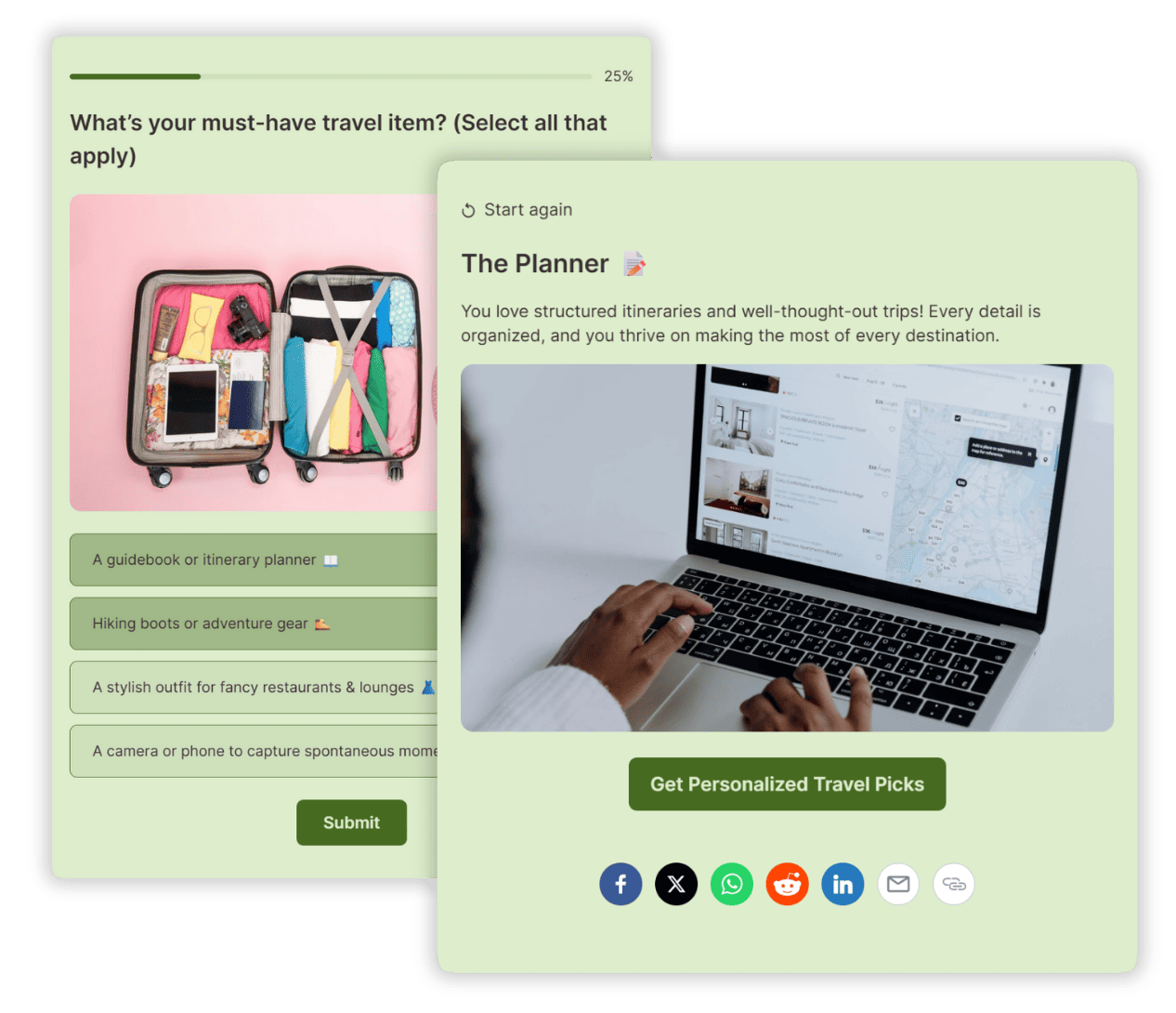
Quiz answers tell you what your audience wants, prefers, or needs. Pass those details to your email tool to sort subscribers into segments and tailor your follow-ups. A skincare brand, for example, can send different product picks to shoppers whose result points to dry, oily, or sensitive skin.
Measure Quiz Signups & Improve Conversions
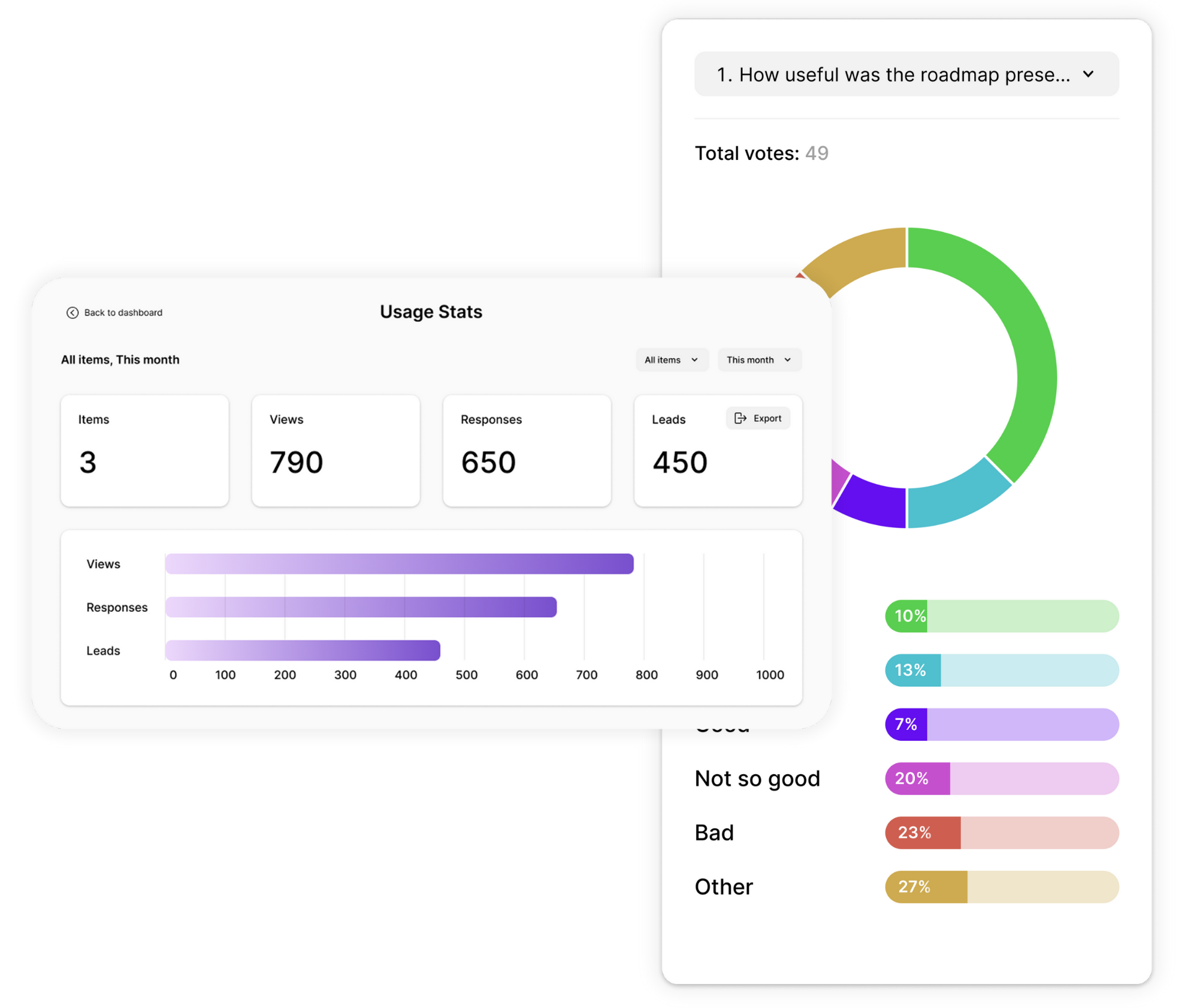
Once your quiz is connected, see how people move from the first view to the lead form, and where there’s room to improve.
- Lead capture rate: see how many quiz takers share their details. If it’s low, give people a stronger reason to sign up, like their full result or a discount.
- Drop-off: find the question where people leave before they reach the lead form, then shorten or rewrite it.
- Views, starts, and completions: follow the whole path from first view to signup.
- Pixels: add Facebook and Google pixels to measure campaigns and support remarketing.
- Export: download responses to Excel, Google Sheets, or CSV for deeper analysis.
3 Ways to Send Quiz Leads to Your Email Platform
Opinion Stage collects the lead and the quiz result, and your email tool sends the emails. Pick a direct integration for the simplest setup, Zapier to connect other tools, or webhooks to send leads to your own system.
Connect Directly With Mailchimp
Best for: teams that want to send quiz leads to Mailchimp with a straightforward setup.
Connect your account from your quiz’s Connect tab. With Mailchimp, you choose the audience new leads should join, map your lead form fields and quiz answers to Mailchimp fields, and add tags: one tag for every lead, or a different tag for each quiz result.
Make the most of it: in Mailchimp, use a tag for each quiz result to start a different automation, so every subscriber gets follow-ups that match their result. See the step-by-step guide: how to connect a quiz to Mailchimp.
Connect HubSpot & Other Tools With Zapier
Best for: teams using email tools or CRMs that aren’t a direct integration. HubSpot connects to Opinion Stage through Zapier.
In Zapier, create a Zap that starts with a new Opinion Stage response and sends the lead and their quiz answers to the tool you choose, without any code.
Make the most of it: map the quiz result to a contact field in your tool, then use that field to start the right email sequence. Follow our step-by-step Zapier guide, or see how it works with HubSpot quizzes.
Send Quiz Leads to Your Own Systems With Webhooks
Best for: teams with a developer or a custom data setup.
A webhook sends each lead’s data to a URL you choose as soon as it’s submitted. Your system can then process it and pass it to the tools and workflows you need.
Make the most of it: use the incoming data to route leads to the right team or decide which follow-up each subscriber receives.
See all Opinion Stage integrations.
How a Quiz Can Personalize Your Email Follow-Ups
Here’s an example using Mailchimp. Imagine a skincare brand that wants to recommend the right products to each shopper. With an Opinion Stage quiz connected to Mailchimp, it can grow its list and use quiz results to send more relevant emails.
- Create a skincare quiz: ask shoppers a few questions about their skin, with three possible results: dry, oily, or sensitive.
- Invite shoppers to subscribe: add a lead form before the results, so shoppers enter their email to see their personalized routine.
- Organize subscribers by result: set up the Mailchimp integration to add the matching tag to each new lead.
- Send relevant follow-ups: create a Mailchimp automation for each tag, with skincare tips and product picks for that result.
Shoppers get recommendations that fit their skin, and the brand learns more about its audience for future campaigns. Using HubSpot or another tool through Zapier? The same approach works: save the quiz result to a contact field and start a different email sequence for each result.
What Marketers and Publishers Say About Opinion Stage



With Opinion Stage we can create beautiful and on-brand content in an easy, collaborative fashion.

Stasia Kehoe
Opinion Stage is the best quiz tool I’ve used. It’s feature-rich, easy to use, and the content looks great.

John Dykstra
These quizzes allow us to tackle a variety of topics in a fun and easily consumed way that is great to share on social media.

Jessica de Bruyn
- 3B+ Questions answered
- 20M+ Leads captured
- 10+ Years of results
- 40+ Languages
Quiz Email Marketing FAQs
Which quiz platforms connect directly to email marketing software?
Opinion Stage quizzes connect to email marketing tools in three ways: a native Mailchimp integration, Zapier for tools like HubSpot, and webhooks for your own systems. Leads captured in the quiz’s lead form are sent to your email tool automatically as soon as they submit.
Can I send different follow-up emails based on quiz answers?
Yes. Opinion Stage sends the quiz result with each lead, and your email tool sends the emails. With Mailchimp, you give each quiz result its own tag and start a different automation for each tag. With Zapier, you save the result to a contact field in your tool, such as HubSpot, and use it to start a different sequence. The exact setup depends on the tool you connect.
How do I track email signup rates from a quiz?
Opinion Stage’s quiz dashboard shows your lead capture rate, along with views, starts, completions, and where people drop off before the lead form. You can also add Facebook and Google pixels to track quiz performance in your ad tools.
Does Opinion Stage integrate with HubSpot?
Yes, through Zapier. Opinion Stage doesn’t have a native HubSpot integration, but Zapier can send the leads your quiz collects, along with their quiz answers, to your HubSpot contacts. See how to add a quiz to HubSpot.
Can I connect a quiz to Mailchimp on the free plan?
Yes. The Mailchimp integration is included on Opinion Stage’s free plan, and it works with free Mailchimp accounts too.