
How to Run a Survey on Snapchat
Make an engaging survey in minutes and share it on Snapchat. Learn how to make surveys that people enjoy answering.
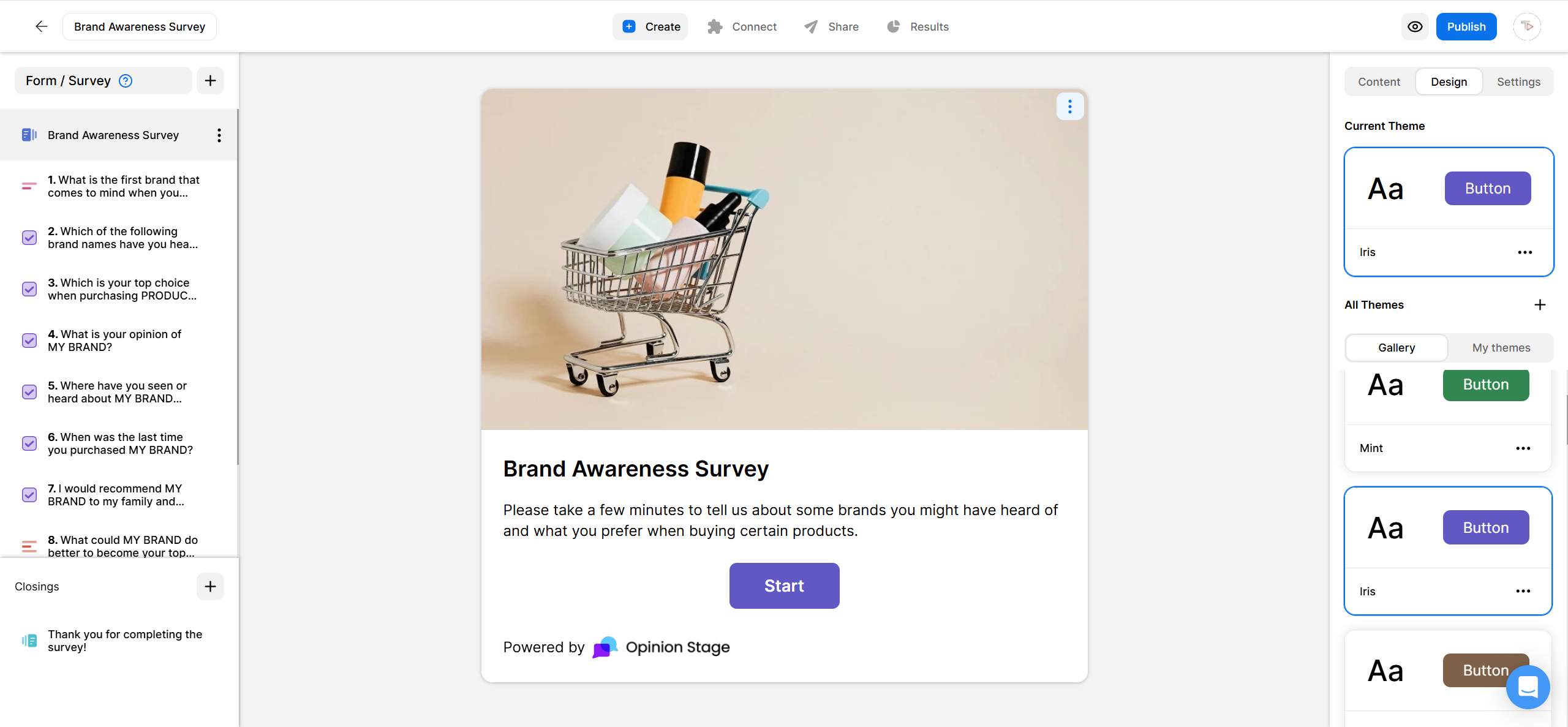
2. Copy the survey link
To find the survey link, click on Share, located at the top of your screen. Next, click Share the link and copy the link.
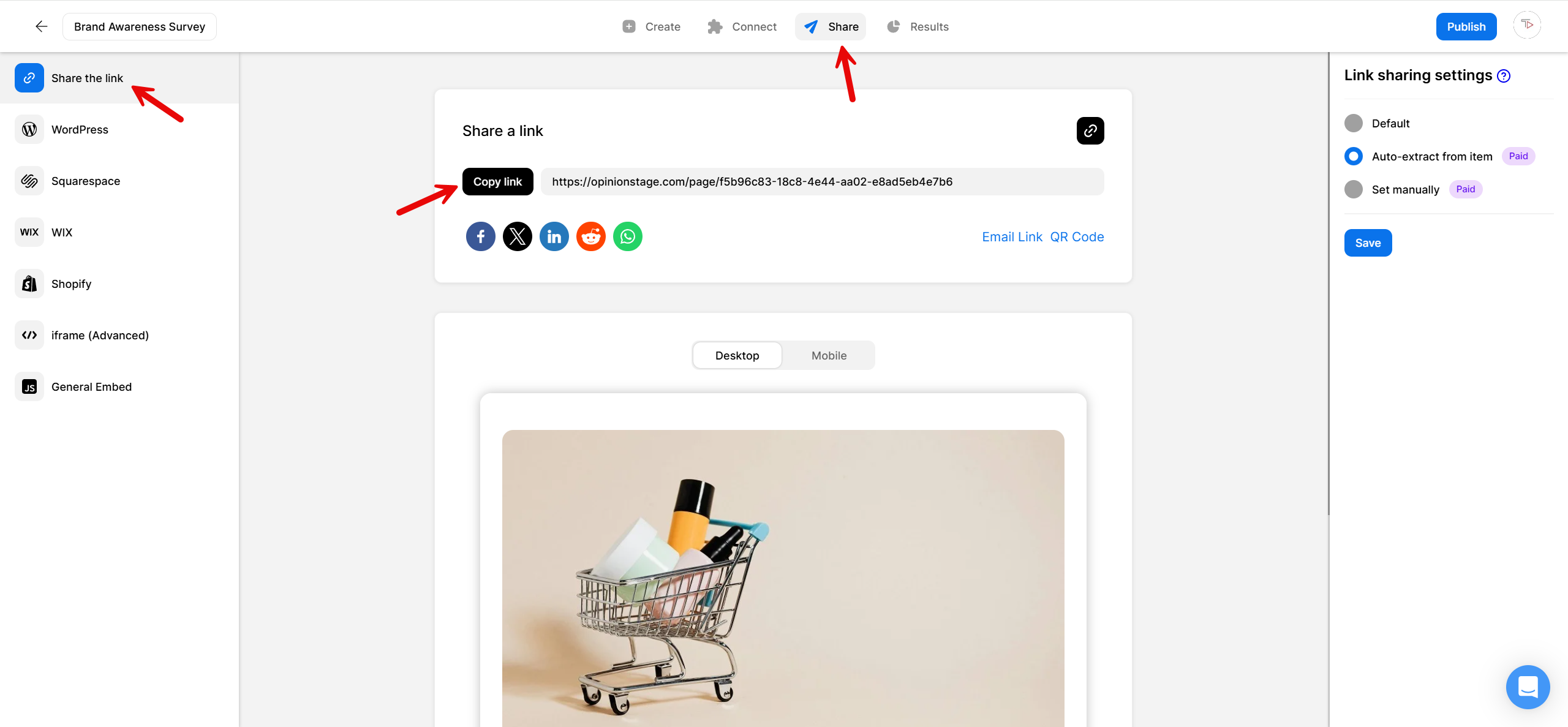
3. Share on Snapchat
Now go to Snapchat and share your survey in your channel or in a message.
And now you’re done!
Best Practices for Creating a Snapchat Survey
Here are a few tips that can help you make your survey even more effective and engaging.
Focus on Your Objectives
Think about your users when writing the survey questions. Ask questions that let you extract the most information, without redundant questions that don’t add real value.
Keep It Short
Try to keep the survey in the range of 5-15 questions whenever possible. If you want to make it even shorter, you can ask one question with an engaging Snapchat poll.
Add Images
Images are highly recommended as Snapchat is primarily a visual medium. With our survey maker, adding an image to the cover of the survey and to each of the survey questions is super easy, and it will dramatically increase the participation rate.
Find out what else you can do to boost engagement and communication with your audience with a Snapchat quiz or a Snapchat form.
You can easily do it yourself, no need for a developer
Create a Survey