Free Online Quiz Maker
Engage your audience, capture leads, & recommend products. Make interactive, high-converting quizzes in minutes with Opinion Stage’s quiz maker.
- ✓ Free to use
- ✓ No credit card needed
Trusted by 100,000+ teams and brands, including








Why Use Quizzes?
Opinion Stage’s AI-powered online quiz maker helps marketing teams and businesses create quizzes that engage audiences, capture leads, and deliver personalized recommendations.
Engage & Educate Your Audience
Quizzes give people something to interact with, not just scroll past. Bright visuals, fun questions, and relatable results make them easy to start and finish. When people enjoy the experience, they’re more likely to spend time with your content, remember your brand, and keep engaging.
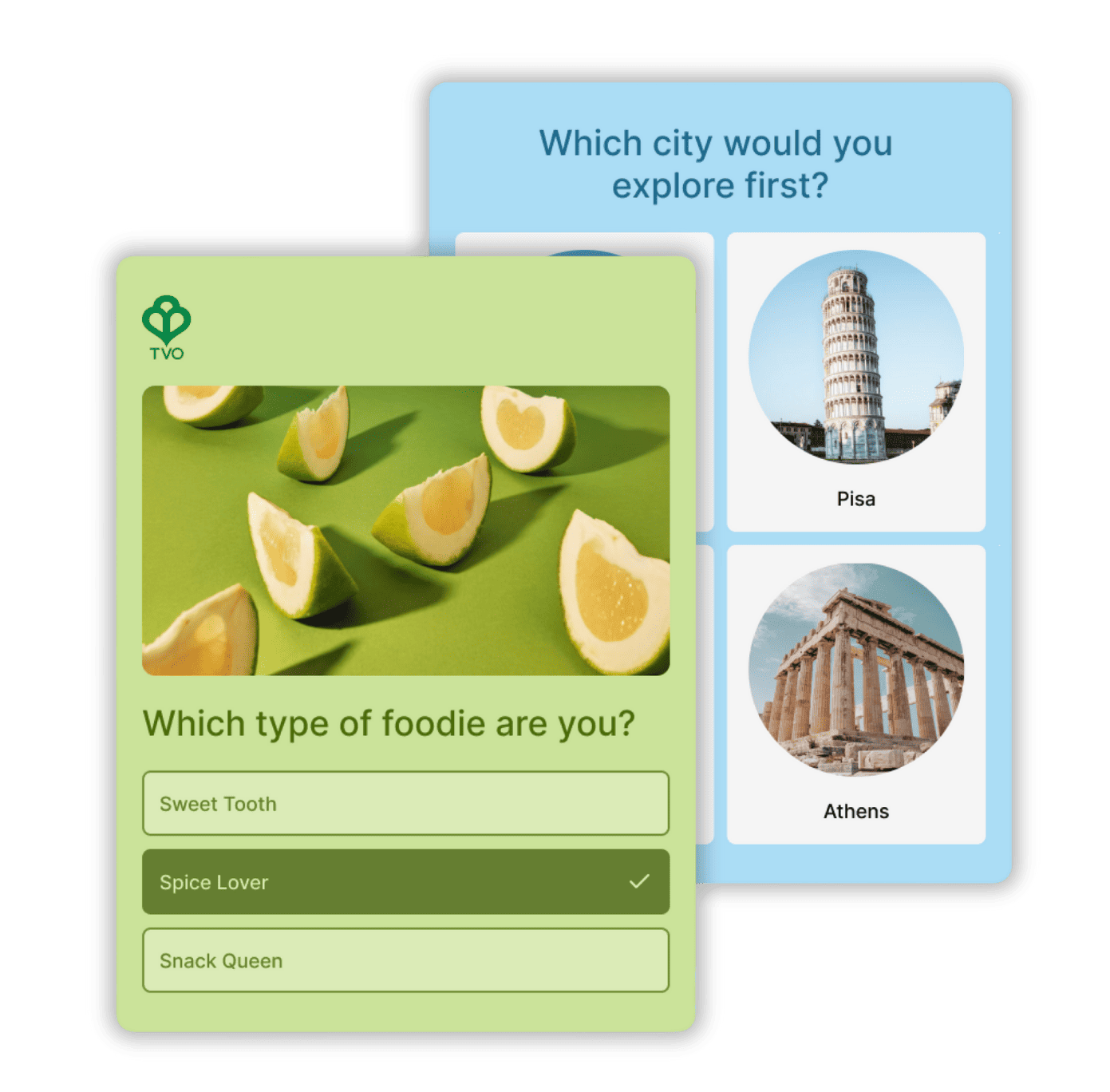

Capture Qualified Leads
Instead of asking for an email up front, lead generation quizzes give people a reason to engage first. People answer a few questions, get curious about their results, and naturally want to see how things turn out.
And by the time someone signs up, you already know more than just their email. Each lead comes with context from their answers, making follow-ups more personal and more effective.
To see how this works end-to-end, check out our guide to building a quiz funnel that converts visitors into leads and customers
Recommend Products
When people aren’t sure what to choose, quizzes can help guide the way. By asking a few targeted questions, you help them narrow their options and find what fits their needs. That clarity builds confidence and makes it easier to take the next step.
Create Any Quiz for Any Goal
Build personality quizzes, knowledge quizzes, product recommendation quizzes, and more – each designed to drive engagement, capture leads, or guide decisions.
Knowledge Quizzes
Our knowledge quiz maker lets you turn information about your product, industry, or brand into something people want to engage with. Instead of reading or scrolling, people are encouraged to take the quiz to see how they stack up.
Because the experience is interactive and playful, it’s easy to spark friendly competition and encourage sharing – whether that’s comparing scores or challenging friends. Automatically grade answers, calculate scores, and track time spent.
Personality Quizzes
Our personality quiz maker hooks people through curiosity and self-discovery. With just a few questions, you help someone learn something about themselves, like their style, preferences, or “type,” and deliver a result that feels made for them.
That’s why people are more likely to finish the quiz, share their result, and keep exploring. It’s a simple way to turn attention into real engagement while learning more about your audience.
Product Recommendation Quizzes
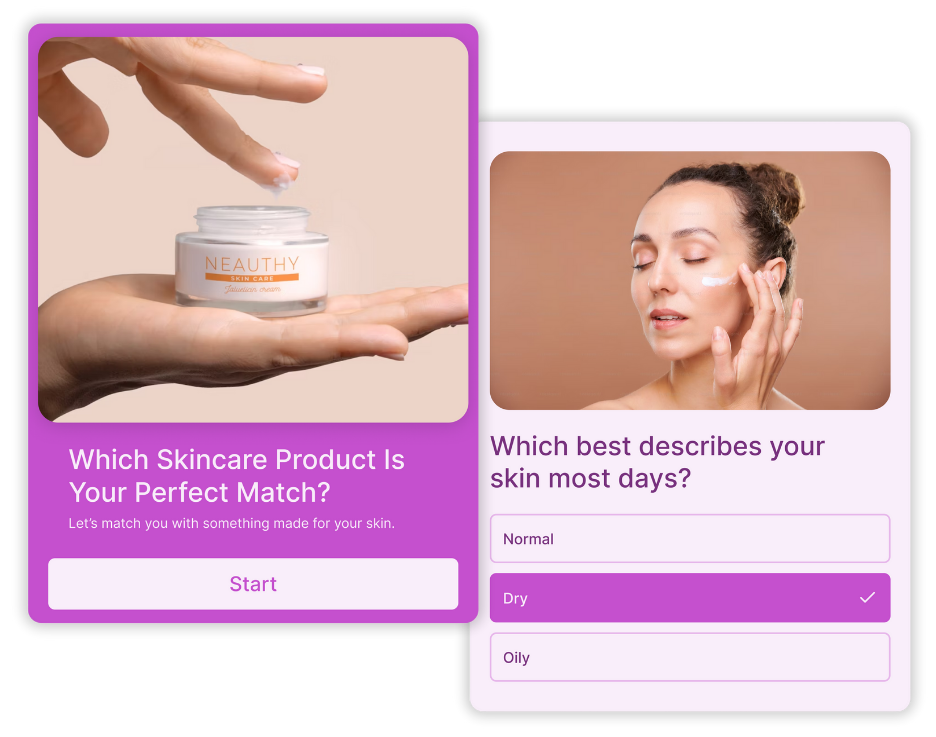
Product recommendation quizzes turn choice overload into a quick, guided experience. By helping people narrow their options and feel confident in their choice, they give hesitant shoppers a nudge in the right direction when decisions might otherwise stall or get abandoned.
Opinion Stage Quiz Maker Features
Opinion Stage gives you the tools to build, customize, and share quizzes people want to finish.
Create in Minutes
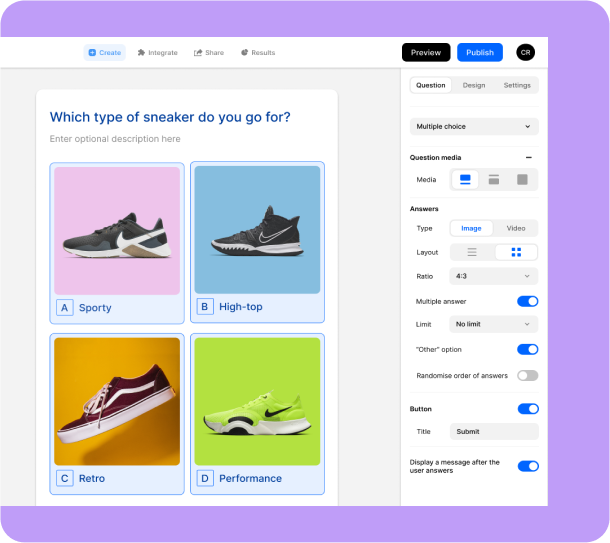
Create quizzes in no time with a builder that just makes sense. Everything you need is right at your fingertips, so building a professional quiz feels easy from the start. New to quiz creation? Our step-by-step guide to making a quiz walks you through the entire process.
- Free plan available: Start creating at no cost and upgrade anytime for advanced features.
- AI quiz maker: Chat with our AI to turn your idea into a complete quiz in under a minute.
- 100+ templates for every use case: Choose from ready-to-use marketing templates built for lead generation, engagement, product recommendations, and more.
- Beginner-friendly interface: Simple, visual, and easy to navigate, even if you’ve never built a quiz before.
- No coding needed: Launch quizzes quickly without relying on designers or developers.
Logic That Creates Real Connections
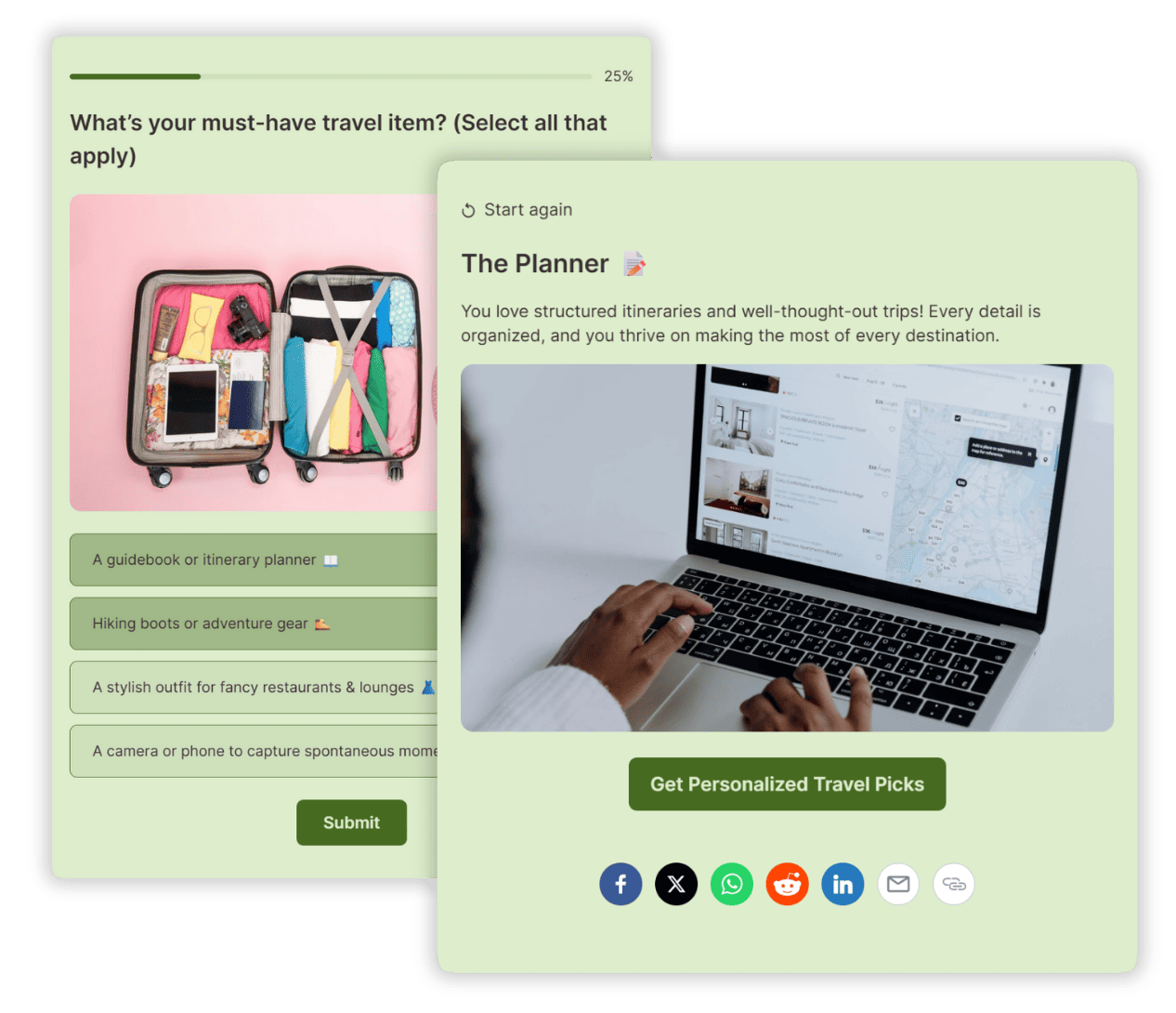
Quizzes work best when they’re easy to finish. Skip logic and personalization help keep things moving by showing people only the questions and results that make sense for them.
- Show only questions that are relevant
- Follow up with questions that build on earlier responses
- Easy to configure and adjust
Fully Customizable & On-Brand
Your quiz should look like it was built by you, not a third-party tool. With full design flexibility, you can control every detail and make each quiz truly your own.
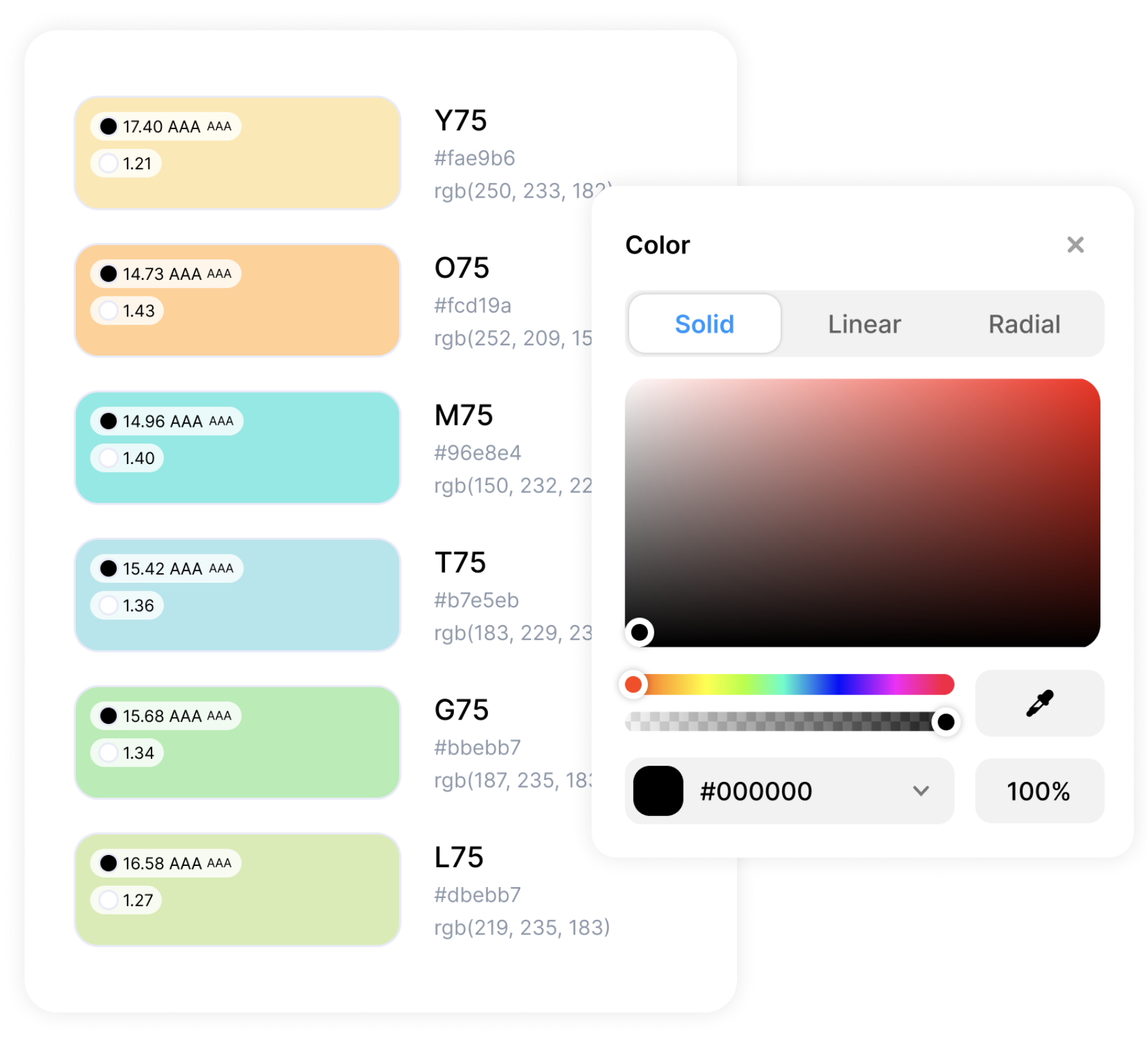
- Custom color themes: Align your quiz with your brand palette.
- Custom CSS: Go beyond presets to customize anything and everything.
- Customizable buttons & forms: Style CTAs and lead forms to fit your brand voice and look.
- White label & add your logo: Keep the spotlight on your brand, not ours.
Integrations With Your Favorite Tools
Opinion Stage offers 100+ integrations, so you can connect your quizzes to the tools you already rely on and put your data to work right away.
- Send responses to tools like Mailchimp, HubSpot, Zapier, webhooks, or your API
- Get email notifications for every new submission
- Add Facebook and Google pixels to track performance and support remarketing
Share & Embed Anywhere
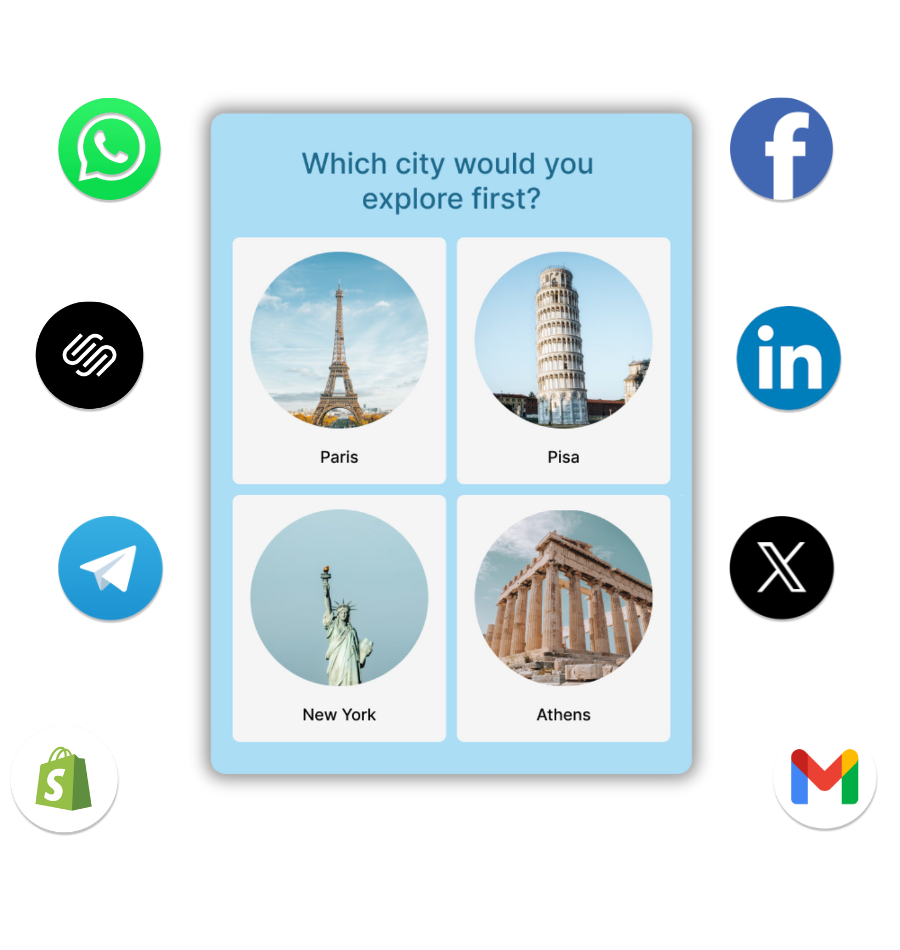
A great quiz only works if people see it. That’s why sharing is simple and flexible, so you can publish your quiz wherever your audience spends time.
- Add to your site: Embed an HTML quiz on any website – use our WordPress quiz plugin, add a Squarespace quiz or Wix quiz, or paste an embed code on any other platform.
- Run from a landing page: Launch directly from an optimized page on the Opinion Stage site.
- Share on social & more: Post on social channels like Facebook, Instagram or X, include in emails, or send through messaging apps like WhatsApp.
- Mobile-friendly & responsive: Quizzes are fully optimized to perform smoothly across all devices and networks.
Analytics You Can Act On
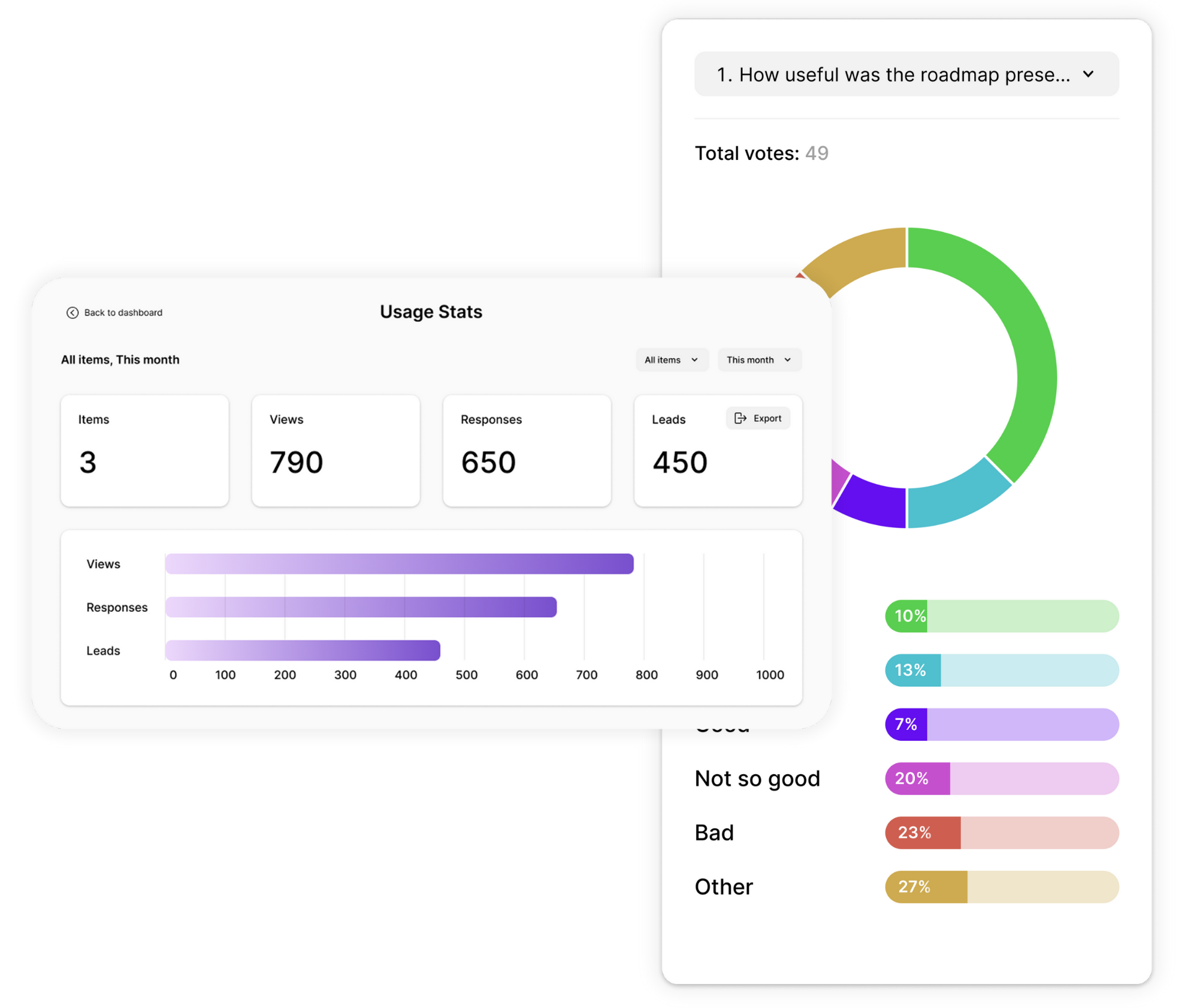
Get clear insights into how people interact with your quizzes. Opinion Stage’s analytics show you what’s happening at every step, so you can improve performance based on real data, not assumptions.
- Track views, starts, completions, and time spent.
- Spot where participants lose interest and drop off.
- Get visual answer breakdowns in pie charts, bar charts, and tables.
- Export all responses and metadata to Excel, Google Sheets, or CSV for easy sharing and deeper analysis.
Secure, Accessible & GDPR Compliant
Your data and your audience’s information are protected with industry-standard security practices. Opinion Stage quizzes use encryption in transit and at rest, and support GDPR compliance.
All quizzes created with Opinion Stage follow WCAG 2.1 accessibility guidelines, ensuring they are usable by people with disabilities and compatible with screen readers, keyboard navigation, and assistive technologies.

Hundreds of Customers Gave Us 5-Star Reviews



With Opinion Stage we can create beautiful and on-brand content in an easy, collaborative fashion.

Stasia Kehoe
Great for engagement and lead capture. I highly recommend Opinion Stage!

Mickey Bates
Opinion Stage is the best quiz tool I’ve used. It’s feature-rich, easy to use, and the content looks great.

John Dykstra
- 1.3M+ Experiences created
- 3B+ Questions answered
- 20M+ Leads captured
- 10+ Years of results
Quiz Maker FAQs
Where can I find a free quiz maker?
You can create quizzes for free with Opinion Stage’s quiz maker. The free plan lets you build unlimited quizzes with unlimited questions and collect leads. As your needs grow, you can upgrade to access more responses, advanced logic, deeper analytics, and additional branding options. See how Opinion Stage compares to other quiz makers.
How do I make an online quiz?
You can make an online quiz by choosing a quiz type, adding a few questions, and setting up results or outcomes. With Opinion Stage’s quiz maker, you can do this in minutes using an intuitive builder, then embed your quiz on your site or share it anywhere.For a full walkthrough, see our step-by-step guide on how to make a quiz.
What types of quizzes can I create?
You can create different types of quizzes with Opinion Stage, depending on your goal. These include personality quizzes for engagement and insights, knowledge quizzes for educating your audience, and product recommendation quizzes for guiding decisions.
Can I embed a quiz on my website?
You can embed a quiz on your website using Opinion Stage’s embed options. If you use WordPress, you can add quizzes directly with our WordPress plugin. On other platforms like Shopify, Wix, or Squarespace, you can embed quizzes by copying and pasting an embed code.