
Make a Snapchat Quiz in Minutes
Learn how to make a fun and challenging Snapchat quiz that looks great, grabs attention, and gets tons of clicks and shares. With Opinion Stage’s quiz maker, you can create interactive quizzes and share them on Snapchat in just minutes.
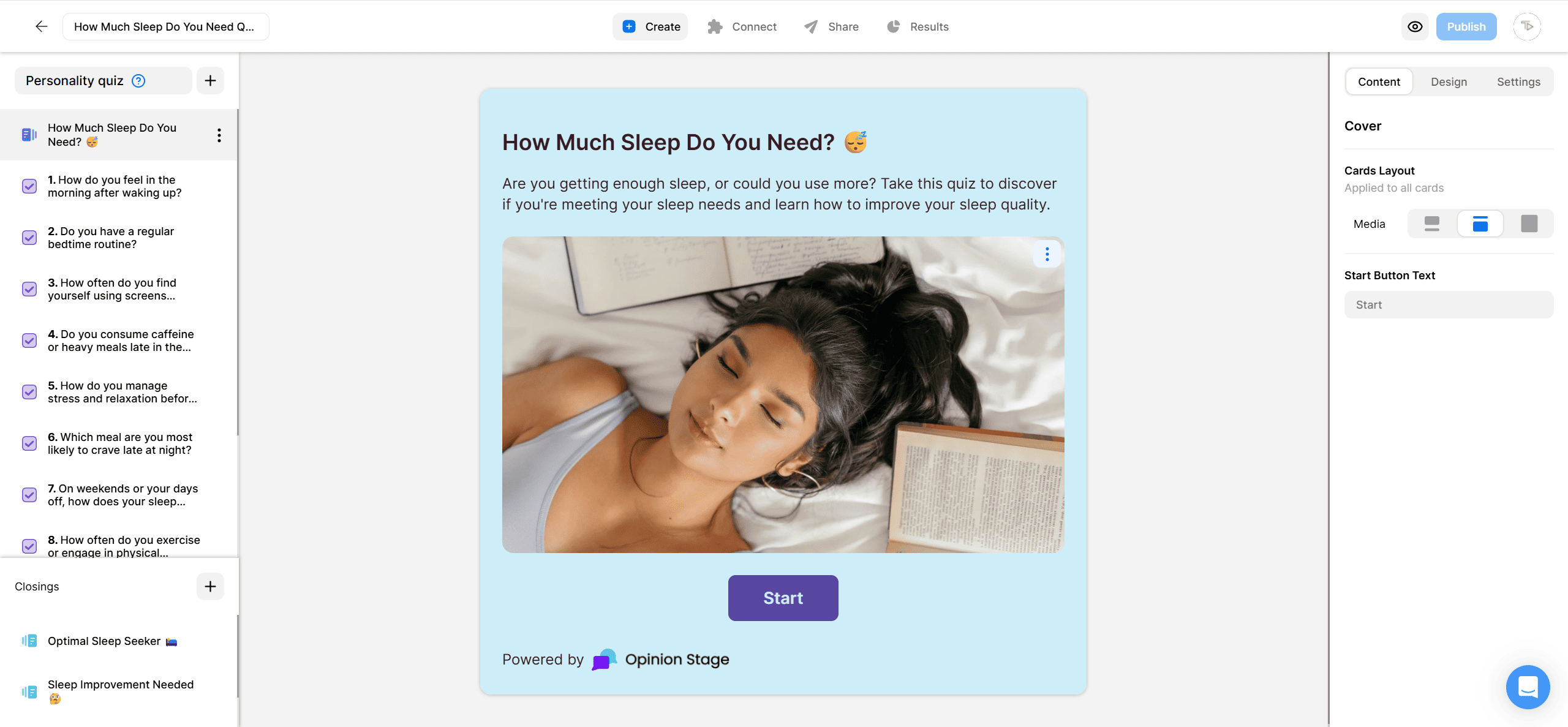
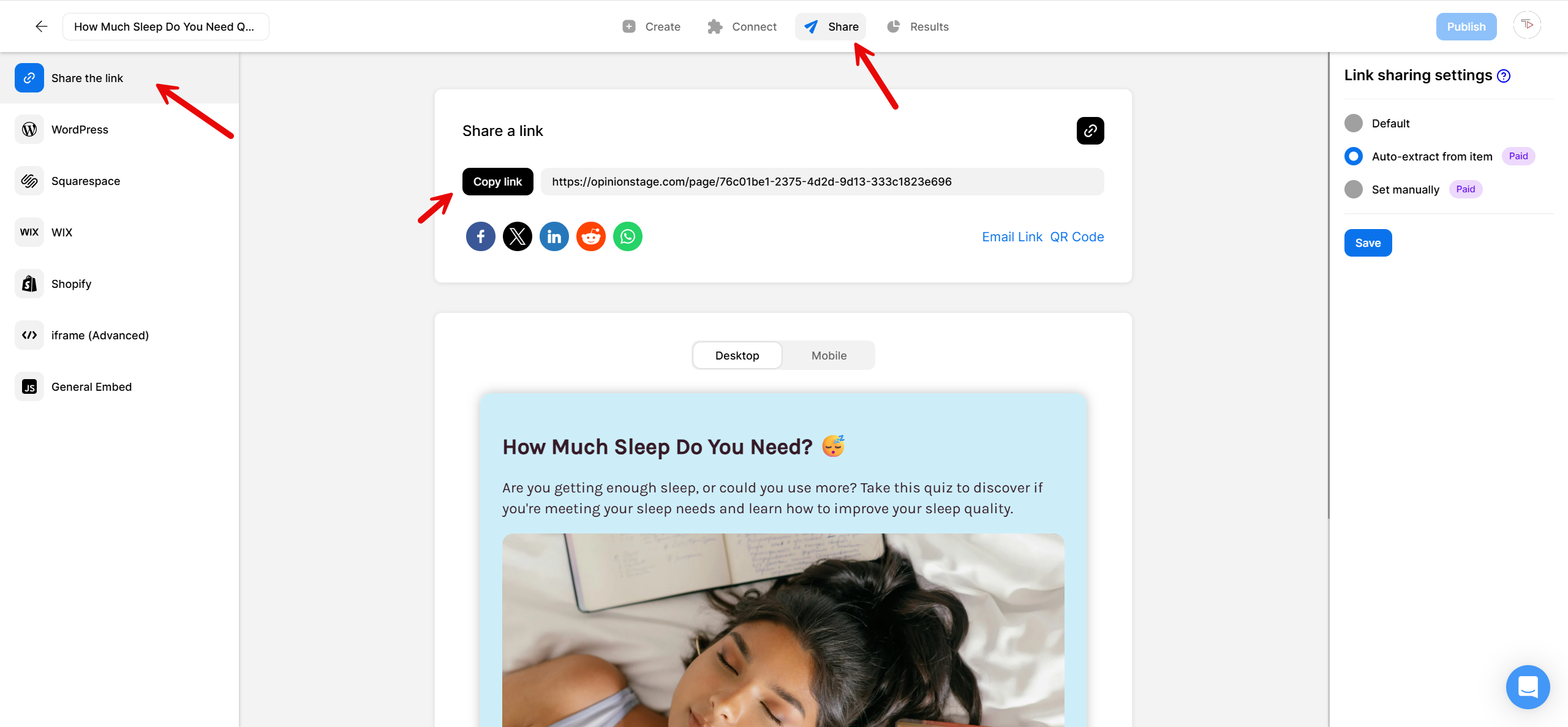
2. Copy the quiz link
Click on Share located at the top of your screen, and then on Share the link. Copy the link.
3. Share your quiz
Paste your quiz link in your Snapchat channel or in any conversation.
And now you’re done!
Best Practices for Creating a Snapchat Quiz
Here are some tips that’ll help you make your quiz sparkle and shine.
Know Your Users
Think about your users when deciding on the quiz topic and title. What will make them curious and interested? what would they love to participate in? A good and focused title can be the difference between a super successful quiz and a sub-optimal one.
Make It Easy to Participate
Select questions that are short and easy to understand. Try to keep your answers short as well. Verify all the options are covered and that answers don’t overlap.
Select a Good Length
Remember that the longer the quiz, the fewer responses you will get. Make it long enough to bring value to the participant, but not too long. We usually recommend anywhere between 5-15 questions.
Add Visuals
Snapchat is a visual medium, therefore we highly recommend adding images to your quiz cover and to each one of the questions. You can also add images to the answers to make them more appealing.
Customize Your Snapchat Quiz
With our Quiz Maker, you can easily customize the quiz so it matches your brand look & feel. Select a color theme & font from a list of offered options or add your own created theme and font.
You can easily do it yourself, no need for a developer
Create a Quiz