Free Poll Maker That Gets More Votes
Create visual online polls in seconds that make voting easy and engaging. Collect opinions, spark conversations, and gather feedback from your audience.
- ✓ Free to use
- ✓ No credit card needed
Trusted by 100,000+ teams and brands, including








Why Use Online Polls?
A poll maker lets you create voting questions and collect opinions in real time. Opinion Stage helps marketers and publishers build visual polls, embed anywhere, and turn votes into insights.
Engage Your Audience
Polls give people something simple and satisfying to do instead of just scrolling past your content. A quick vote invites participation and makes your audience feel involved, turning passive readers into active participants in the conversation.
Collect Instant Feedback
Need a fast pulse check? Polls make it easy to ask your audience what they think and get answers right away. Whether you’re testing ideas, comparing options, or validating a decision, polls give you immediate feedback you can actually use.
Spark a Conversation
Polls are a natural way to start discussions around your content. One simple question can encourage readers to share their opinions, compare perspectives, and join the conversation. Whether embedded in an article or shared on social media, polls help turn opinions into engagement.
Make Your Content Easy to Share
People love sharing their opinions and seeing how others voted. Polls create quick, opinion-driven moments that readers are more likely to share with friends or followers. This can help your content reach a wider audience and attract more participation.
Types of Polls You Can Create
With Opinion Stage, you can create a variety of polls using visual options, flexible voting formats, and interactive layouts designed to encourage participation.
Image Polls
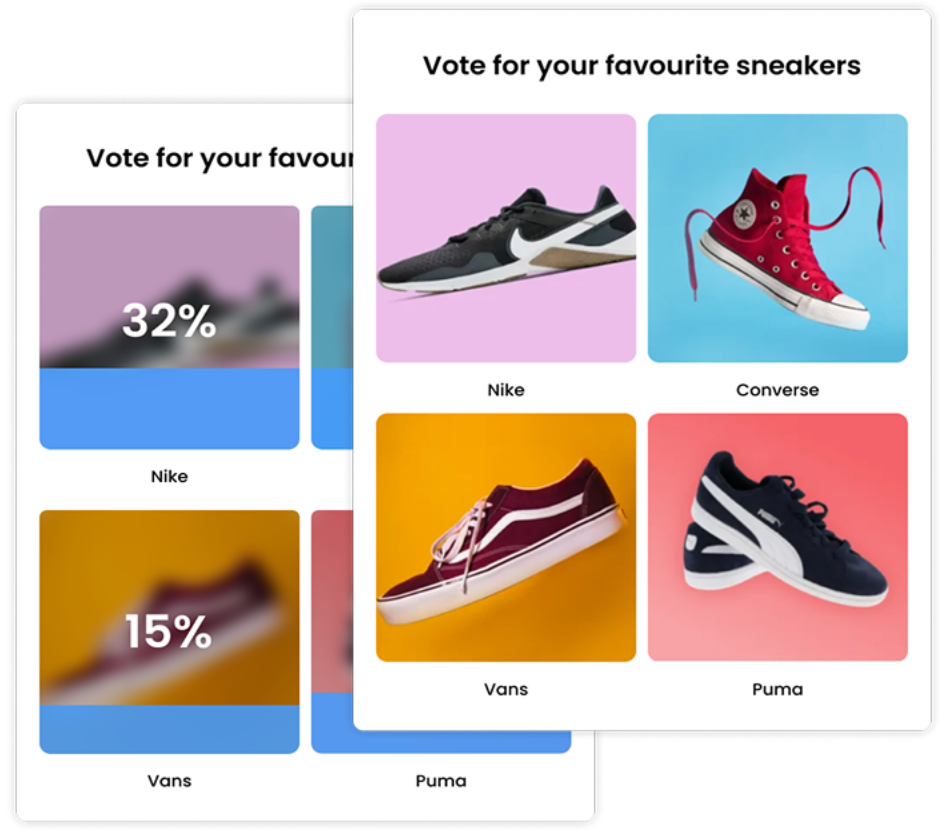
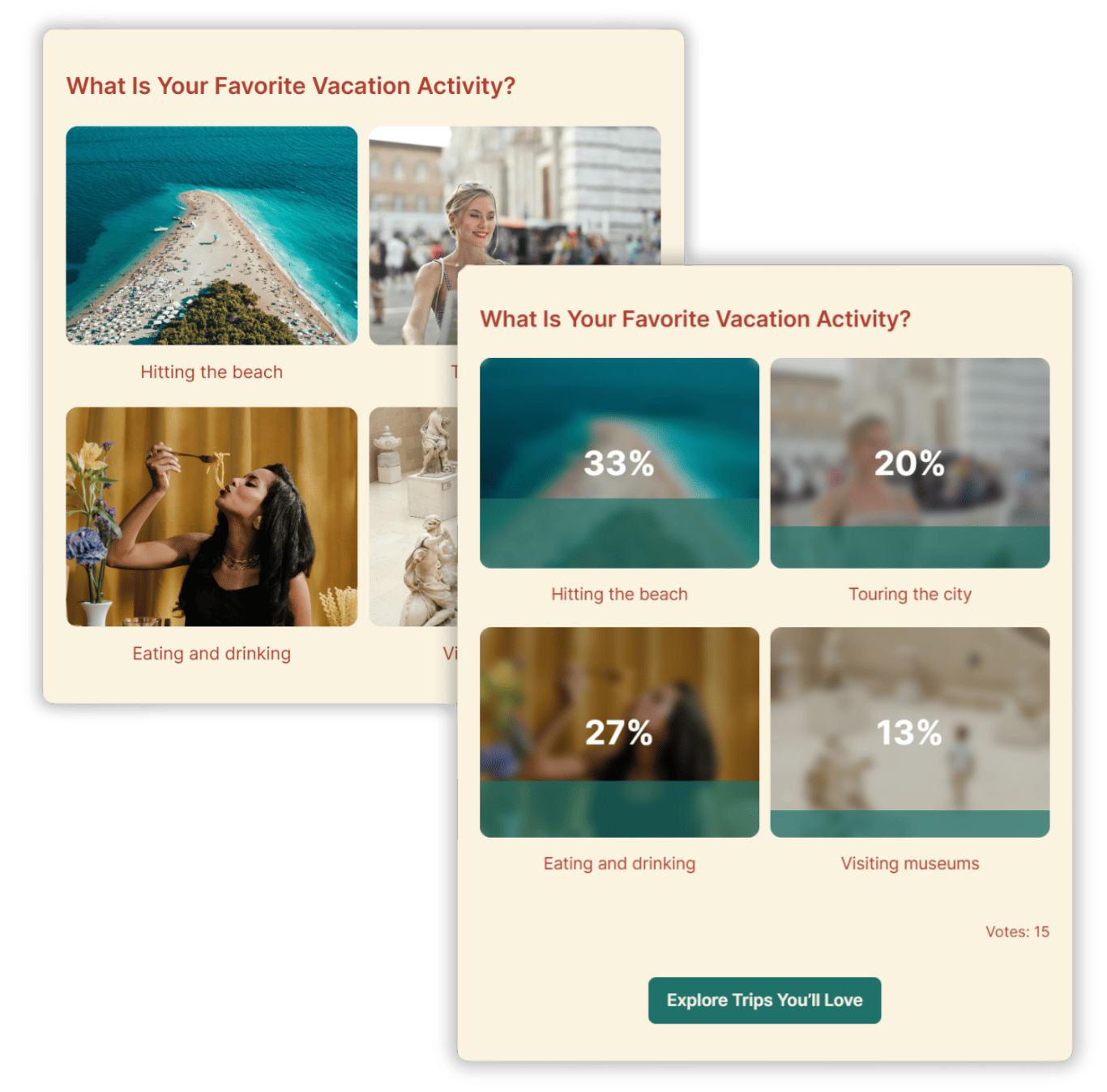
Image polls let voters choose between visual options, making them ideal for comparing products, designs, or creative ideas.
Multiple Choice Polls
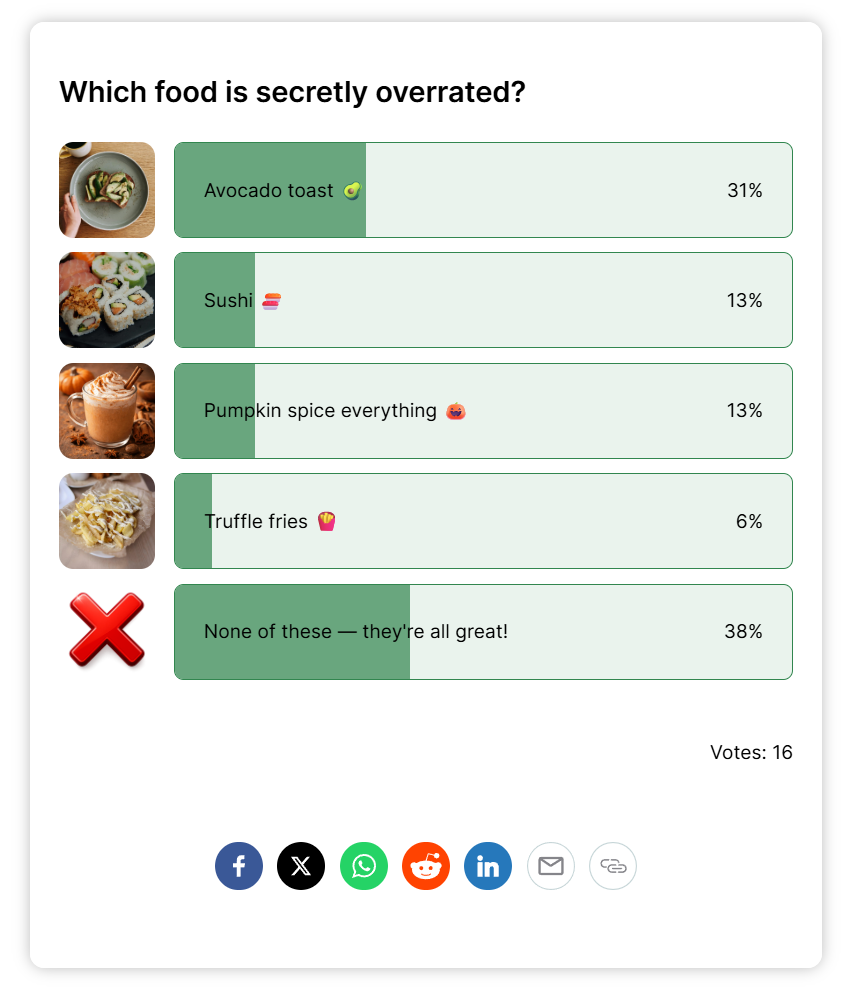
Multiple choice polls allow voters to select from several answer options to quickly collect opinions and compare preferences.
Head-to-Head Polls
Head-to-head polls present two options and ask voters to choose between them in a simple “this-or-that” comparison.
Rating Polls
Rating polls collect feedback using star ratings or numerical scales to evaluate products, content, or experiences.
Ranking Polls
Ranking polls let participants order options by preference to reveal priorities and audience preferences.
Straw Polls
Straw polls are quick, informal votes used to gauge opinions before making a decision.
Live Polls
Live polls allow audiences to vote during events, webinars, or presentations to gather instant feedback.
Opinion Polls
Opinion polls gather quick feedback on a single topic to measure how an audience feels about a news story, idea, or decision.
Opinion Stage Poll Maker Features
Opinion Stage’s online voting tool helps you build, customize, share, and analyze polls that people want to participate in.
Build Visual Polls That Stand Out
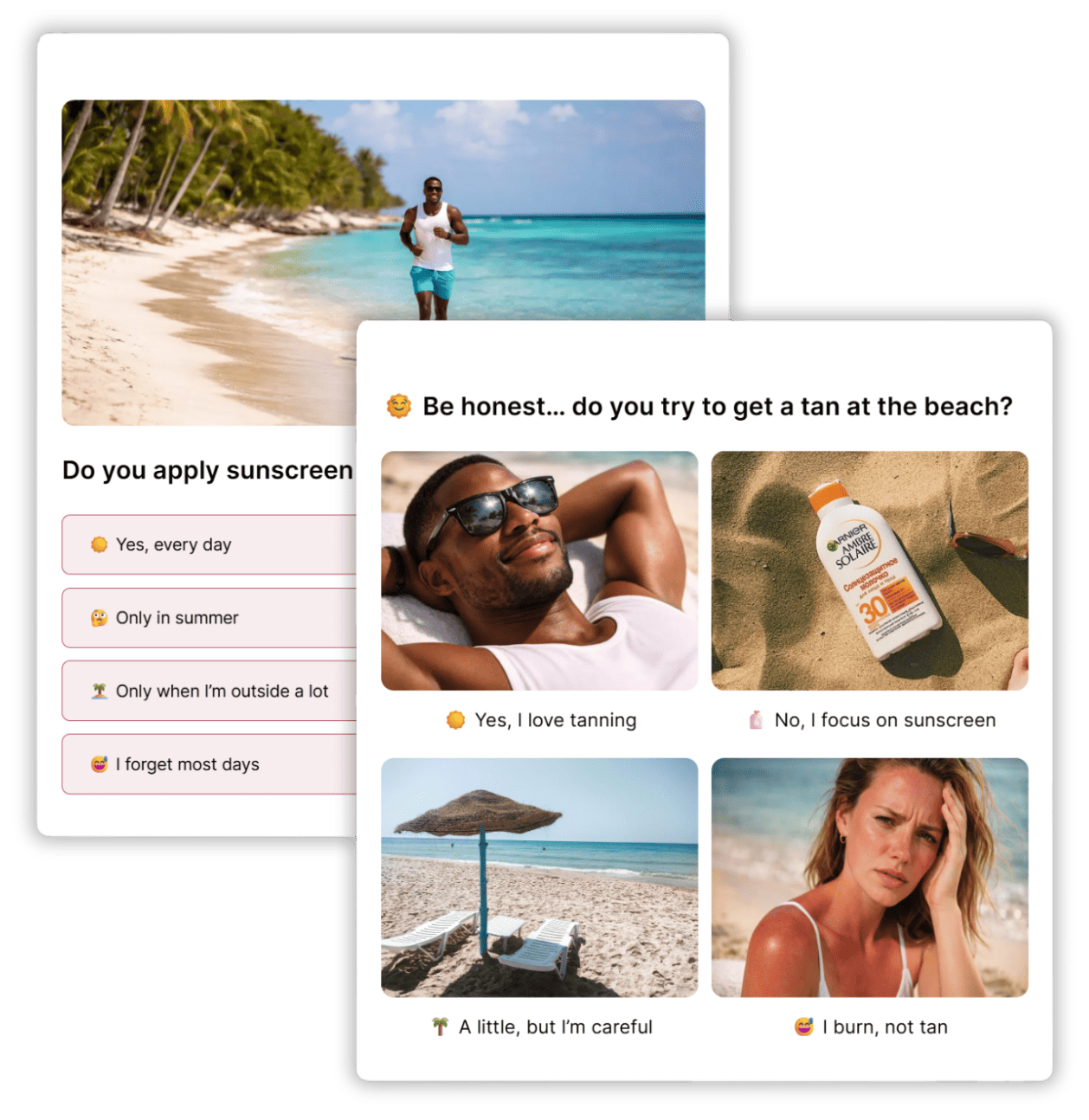
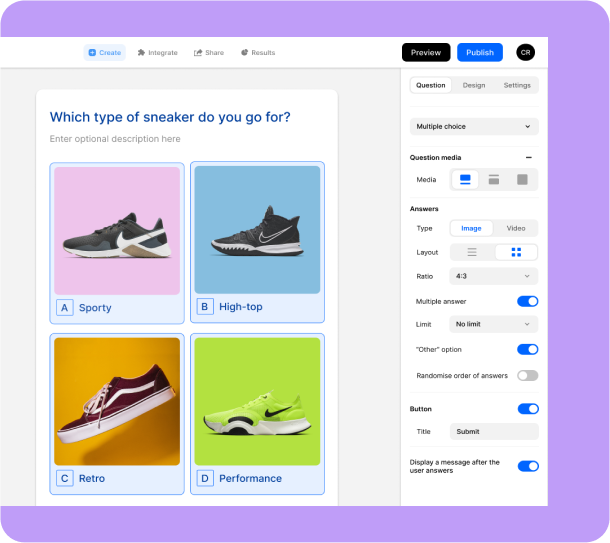
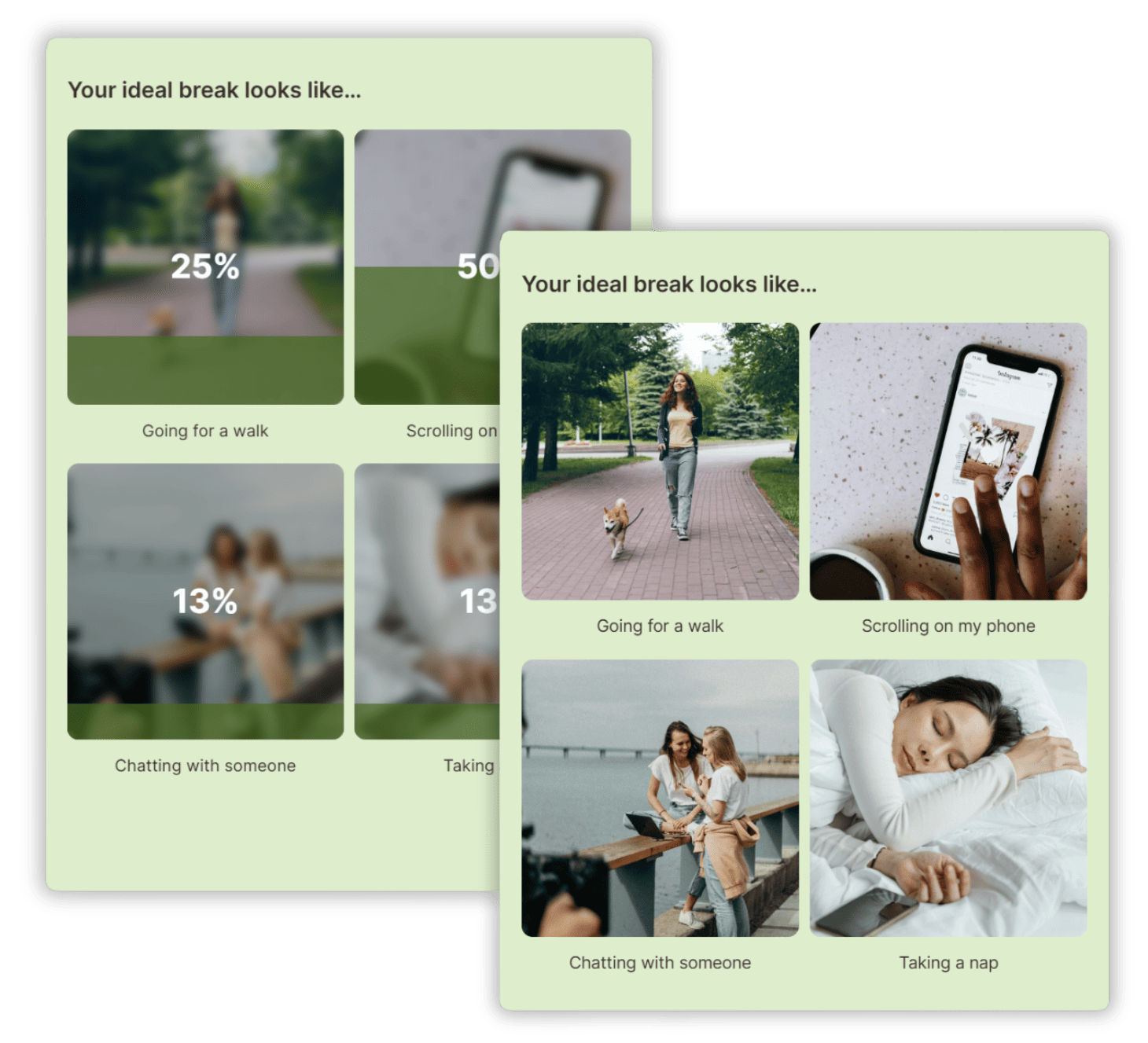
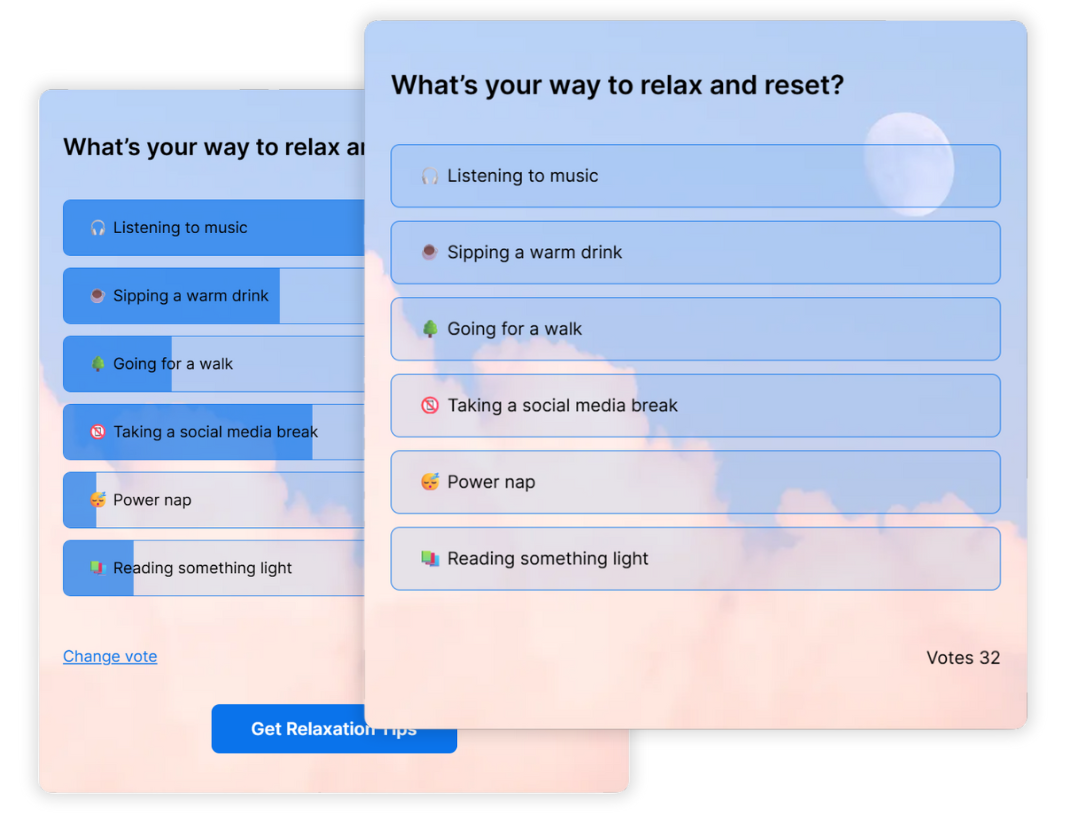
Visual polls make voting faster, easier, and more engaging for your audience. With images, videos, and visual answer layouts, people can quickly react and participate.
- Add images, videos, and GIFs to poll question and answer options.
- Use visual answer layouts like image grids and thumbnails.
- Create image polls for product comparisons, design feedback, and creative choices.
- Use rating formats like star ratings for quick feedback.
Launch Polls in Seconds
Create polls quickly using a simple builder designed to make poll creation easy from the start.
- Free plan available: Start creating right away and upgrade anytime for advanced features.
- Create with AI: Turn an idea into a complete poll in seconds by letting AI generate the question and answer options for you.
- Poll templates: Choose from 100+ marketing templates for different goals and use cases.
- Beginner-friendly interface: Simple and intuitive for anyone to use.
- No coding required: Launch polls quickly without developers or designers.
Customize to Match Your Brand
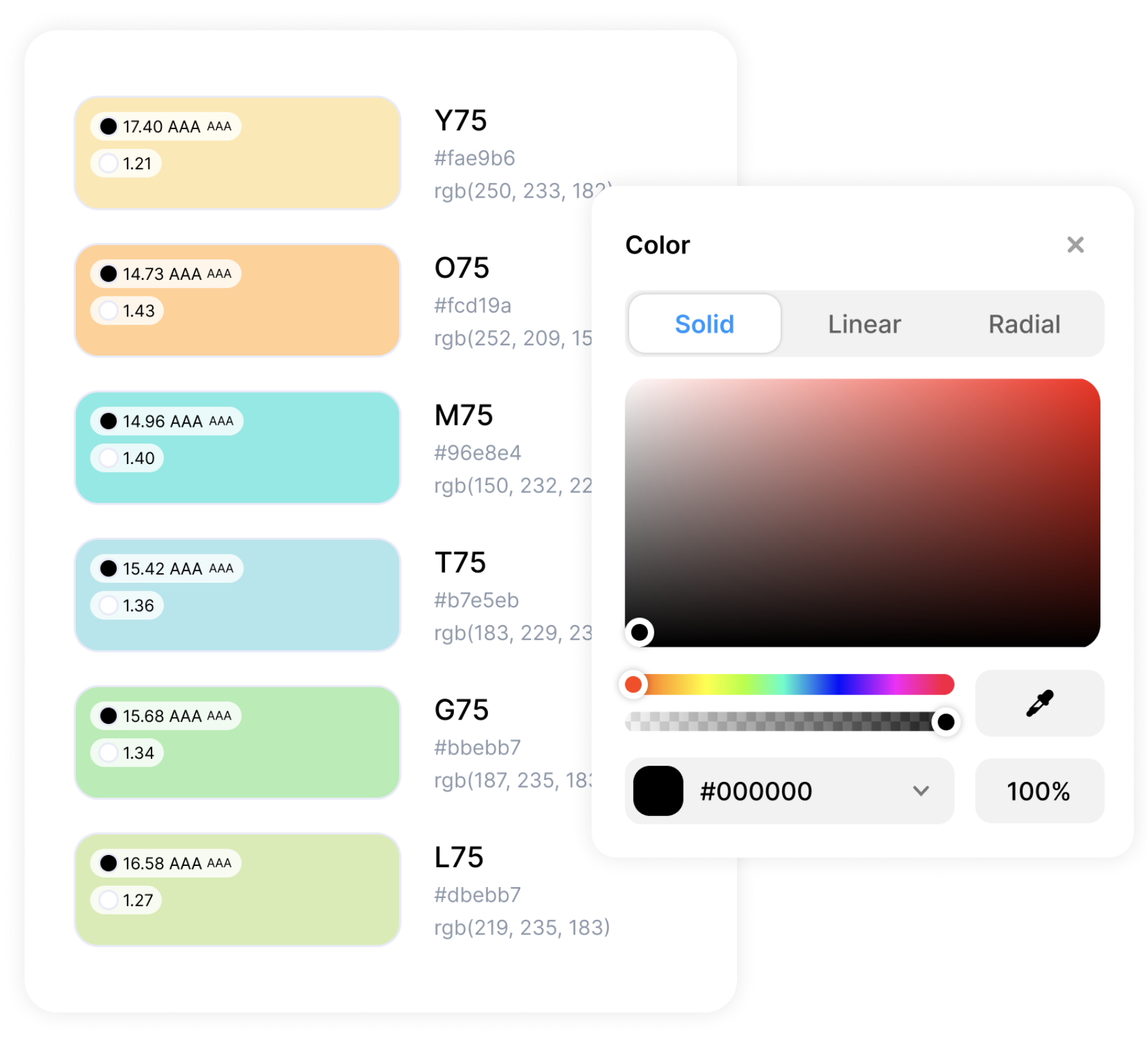
Your poll should look like part of your brand, not a generic add-on. With Opinion Stage, you can customize the design to match your style and branding.
- Create unique color themes and add your fonts.
- Advanced design customization available like custom CSS.
- White label polls and add your logo.
Share Polls Wherever Your Audience Is
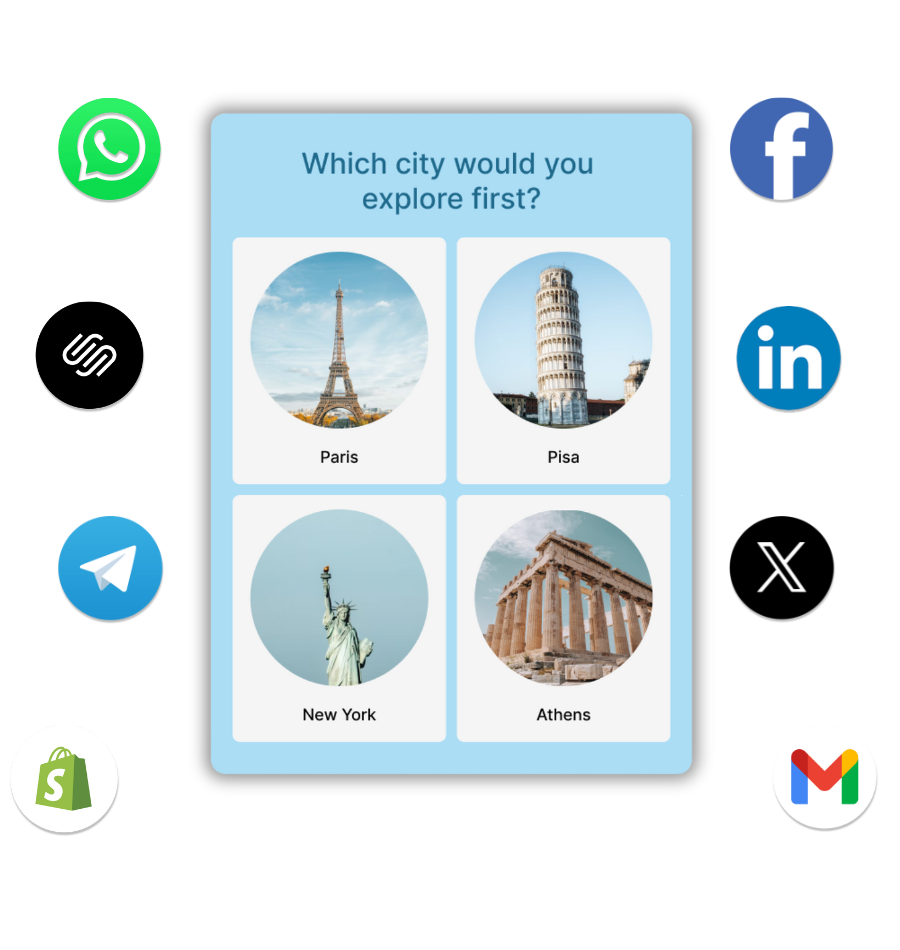
Once your poll is ready, you can publish it wherever your audience spends time.
Advanced Poll Features
Opinion Stage offers powerful tools to help you control how people vote and what happens after they submit their answers. Here are some of our clients’ favorite features:
- Allow single or multiple answer selections.
- Let voters suggest their own answer options.
- Control when poll results become visible.
- Prevent duplicate voting with browser and IP-based protections.
- Protect polls from bots with reCAPTCHA verification.
- Add lead forms to collect email addresses after voting.
- Redirect voters to a landing page or offer after they vote.
Track Poll Results in Real Time
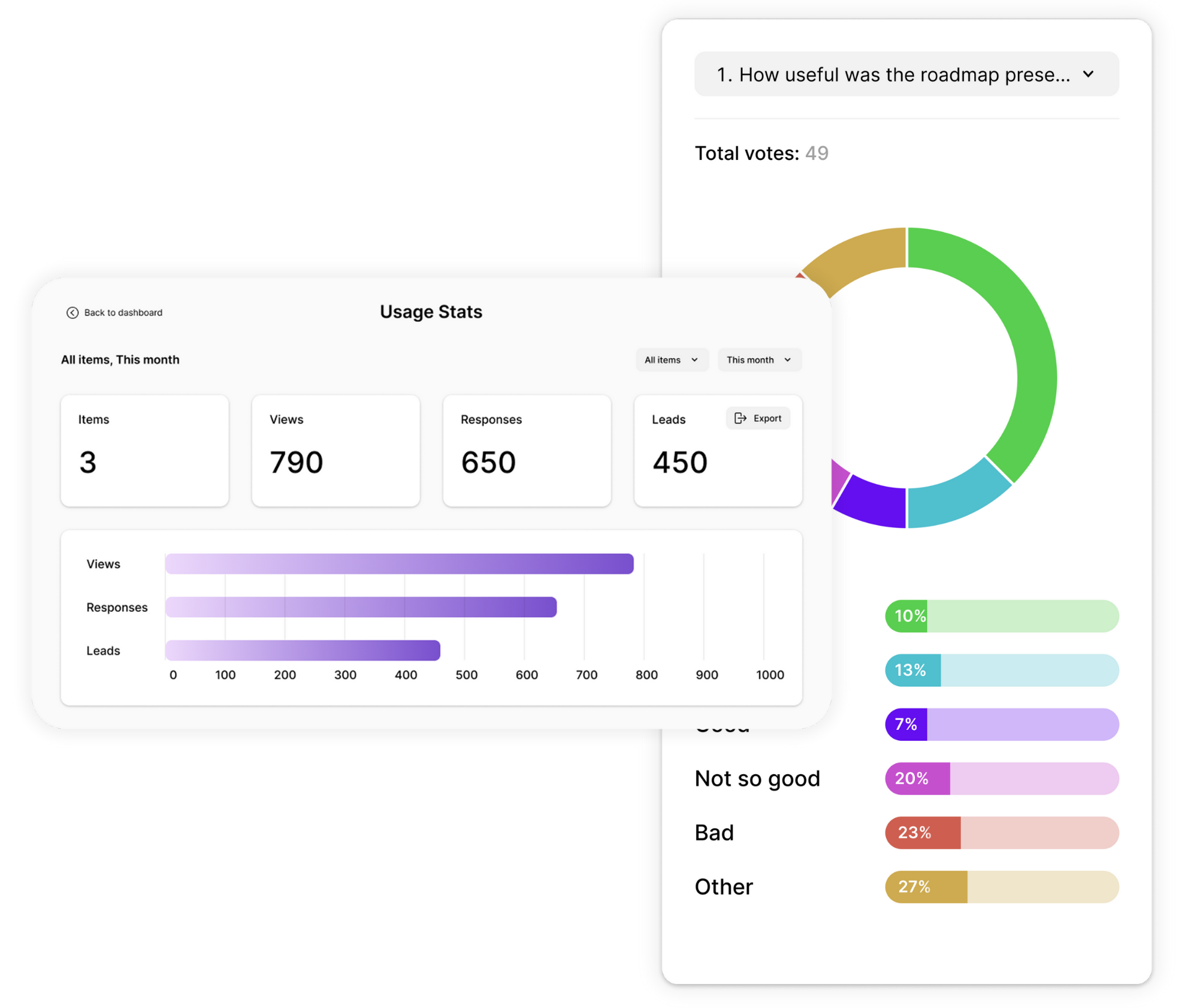
Track how people interact with your polls and learn from the results. Opinion Stage analytics show what’s happening at every step so you can understand participation and improve performance.
- View poll performance metrics such as views, votes, participation rate, and engagement.
- See detailed answer breakdowns with visual charts and reports.
- Use AI-powered analysis to quickly understand trends and insights in your poll results.
- Export poll results to CSV or Excel for deeper analysis.
Integrations With Your Favorite Tools
Opinion Stage offers tons of integrations, so you can connect your polls to the tools you already use and automatically send your poll data where it needs to go.
- Send poll responses and leads to tools like Mailchimp, Zapier, webhooks, or your API.
- Get email notifications whenever someone submits a vote.
- Add Facebook and Google pixels to track poll performance and support remarketing campaigns.

Secure, Accessible & GDPR Compliant
Your data and your audience’s information are protected with industry-standard security practices. Opinion Stage polls use encryption in transit and at rest, and support GDPR compliance.
All polls created with Opinion Stage follow WCAG 2.1 accessibility guidelines, ensuring they are usable by people with disabilities and compatible with screen readers, keyboard navigation, and assistive technologies.
Hundreds of Customers Gave Us 5-Star Reviews



Awesome software with amazing support. The variety of poll types is a HUGE gold star in my book.

Chel Becket
Opinion Stage is a great engagement tool with easy-to-use, great-looking polls.

David Coursey
You can create what you need in minutes and start collecting data right away. Highly recommended.

Fillipo Strano
- 1.3M+ Experiences created
- 3B+ Questions answered
- 20M+ Leads captured
- 10+ Years of results
Poll Maker FAQs
What is the best poll maker?
Opinion Stage’s poll maker is rated 4.8/5 on G2 and used by over 100,000 teams and brands including NBC, Uber, Harvard, and Amazon. It offers visual poll formats, real-time results, full customization, and integrations with WordPress, Wix, Shopify, and Squarespace – making it a strong fit for marketers, publishers, and creators.
How do I create an online poll?
To create an online poll with Opinion Stage, first sign up for a free account and then create the poll from scratch, from a template, or using the AI builder. Add your question and answer options and customize the design to match your brand. Once your poll is ready, you can share it through a link, embed it on your website, or post it on social media.
Can I create a poll for free?
Yes. Opinion Stage offers a free poll maker that allows you to create, customize, and publish polls. The free forever plan includes core poll creation features, and you can upgrade anytime if you need additional customization options, integrations, or advanced analytics.
Can I embed a poll on my website?
Yes. You can easily embed a poll on your website by copying and pasting a short embed code. Opinion Stage polls work with popular platforms such as WordPress, Wix, Squarespace, Shopify, and other website builders, allowing you to add polls directly to your pages.
Can I add images or videos to my poll?
Yes. Opinion Stage allows you to add images, GIFs, or videos to both poll questions and answer options. Visual polls help increase participation and are especially useful when comparing products, designs, or other ideas, where images help voters make a decision.
Can I share polls on social media?
Yes. Opinion Stage polls can be shared across social media platforms, messaging apps, and email campaigns.
Can polls collect email leads?
Yes. Opinion Stage allows you to add lead forms to your polls. This enables you to collect email addresses or other contact information from participants after they vote, helping you turn engagement into potential leads.