
How to Add a Mailchimp Survey or Poll to Your Email
Adding an engaging poll or survey to your email marketing campaigns is quick and easy with Opinion Stage and Mailchimp.
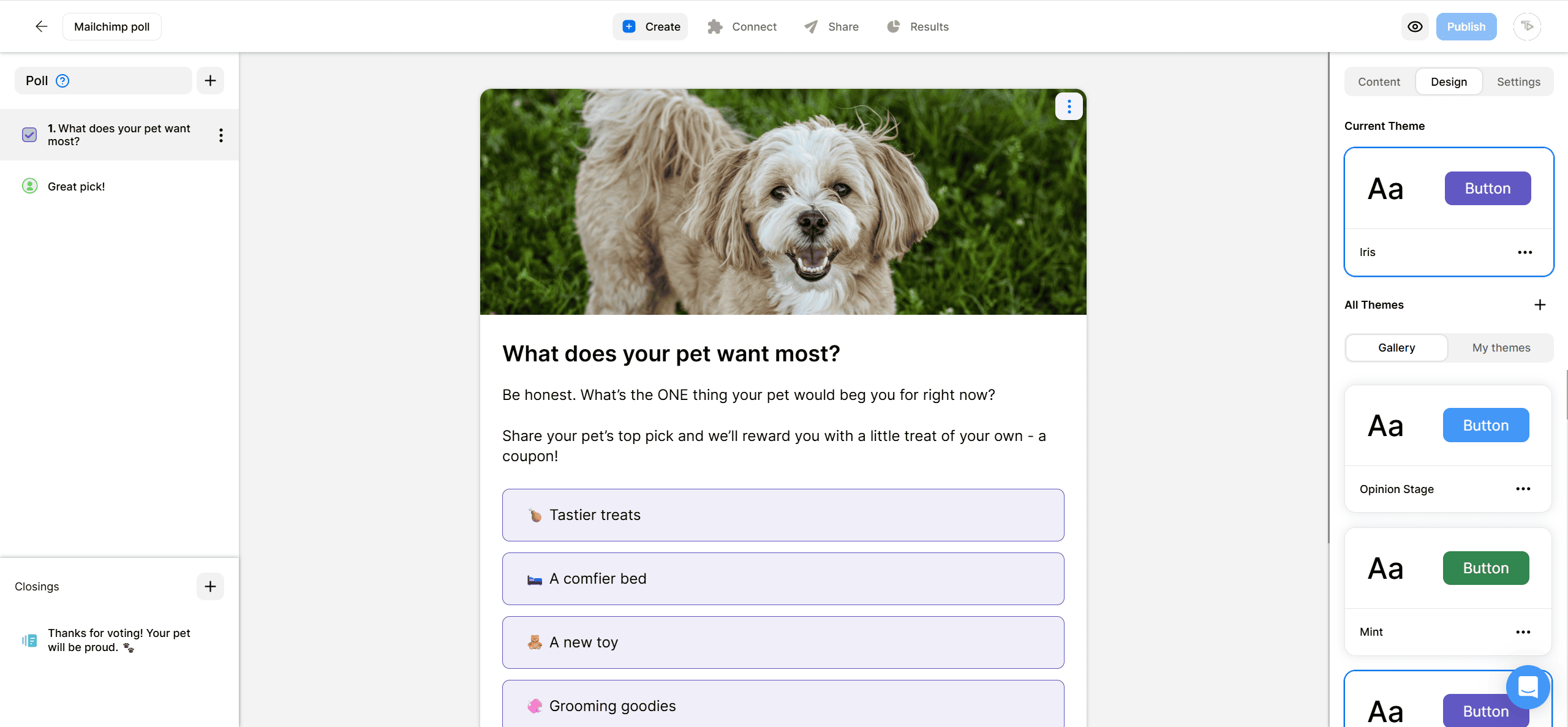
2. Add a lead form
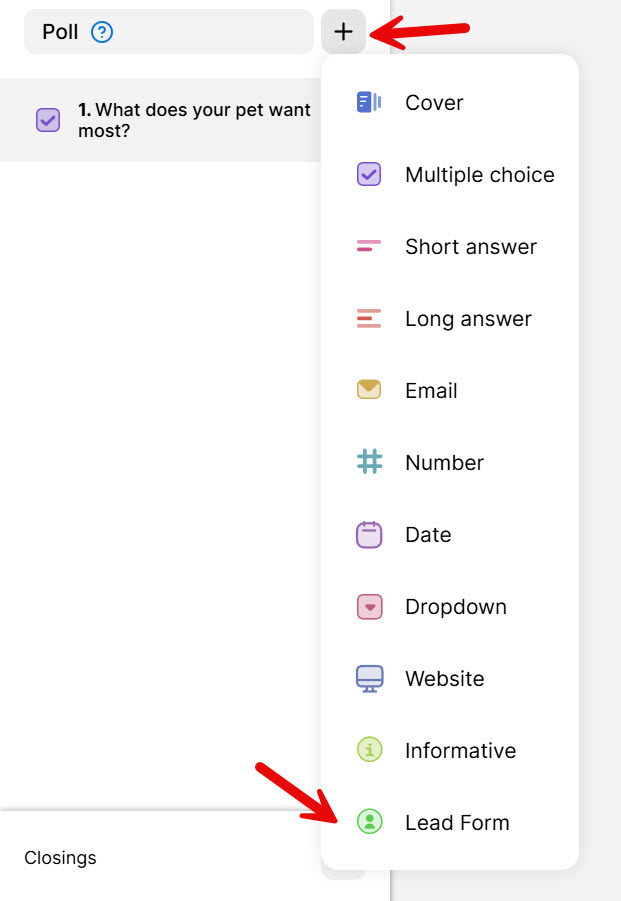
Click on the +, located on the left-hand side of your screen. Find the Lead Form in the list.
Fill out the lead form with the details you want to send to Mailchimp, such as email, first and last name, or website.
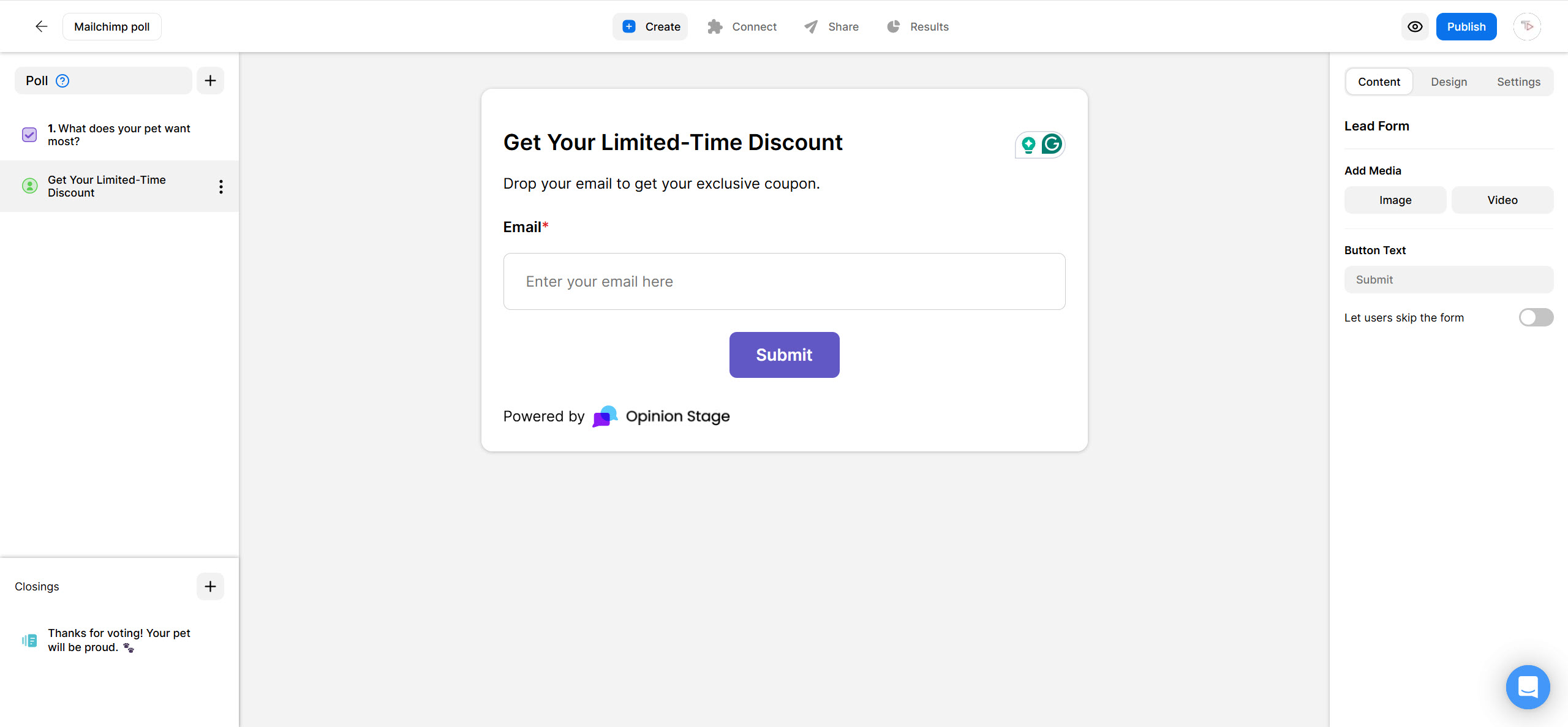
When you’re done editing your poll and lead form, click Publish at the top-right.
3. Copy the link
To find your item’s link, click on Share at the top of your screen. Then, click on the Share the link tab. Copy the link.

4. Go to Mailchimp
Paste the survey or poll link into your Mailchimp email editor and send it.
And now you’re done!
Tips for Creating a Mailchimp Poll or Survey:
Follow these steps to make your polls and surveys shine.
Plan First
Start by thinking about your audience, who they are, and what information you would like to get from them. If you are unsure you know who your audience is, start by asking that!
Make Your Mailchimp Poll or Mailchimp Survey Short
Remember that the fewer questions you ask, the more responses you’ll get. Keep both the questions and answer options short and simple so they’re easy to understand and answer quickly. This is especially important when creating an email poll, where the format is compact and users are likely to scan quickly before deciding to engage. With surveys, it’s also best to avoid making them too long. Shorter surveys tend to have higher completion rates, while longer ones risk drop-off. Whether you’re creating a poll or a survey, keeping it brief usually leads to better results.
Make It Easy to Participate
Verify that the answers to a question cover all the options and that they do not overlap. When needed, offer users to add their own answers.
Select Appealing Questions
Try to make your questions juicy, a boring question will get fewer responses than a “lively” one.
Make it Visual
Integrate inside the poll or survey images to boost engagement. As they say, a picture is worth a thousand words. Images can also add context to the questions and answers.
Customize The Look & Feel
Select a theme that fits your brand or site. You can customize the colors and select a font, or use CSS override to set all look & feel.
Gather Leads
Polls & surveys offer a great opportunity to gather leads since the contact information gathered is associated with the poll/survey answers.
Learn more about our poll maker & survey maker.
You can easily do it yourself, no need for a developer
Start Creating