Free Survey Maker That Gets More Responses
Create visual, conversational surveys that people love to complete. One question at a time, personalized to each respondent. More responses, better data, and insights you can actually trust.
- ✓ Free to use
- ✓ No credit card needed
Trusted by 100,000+ teams and brands, including








Why Use Surveys?
Opinion Stage’s survey maker helps marketers and business owners collect feedback and understand their audience through visual, conversational surveys that get more responses.
Collect Better Customer Feedback
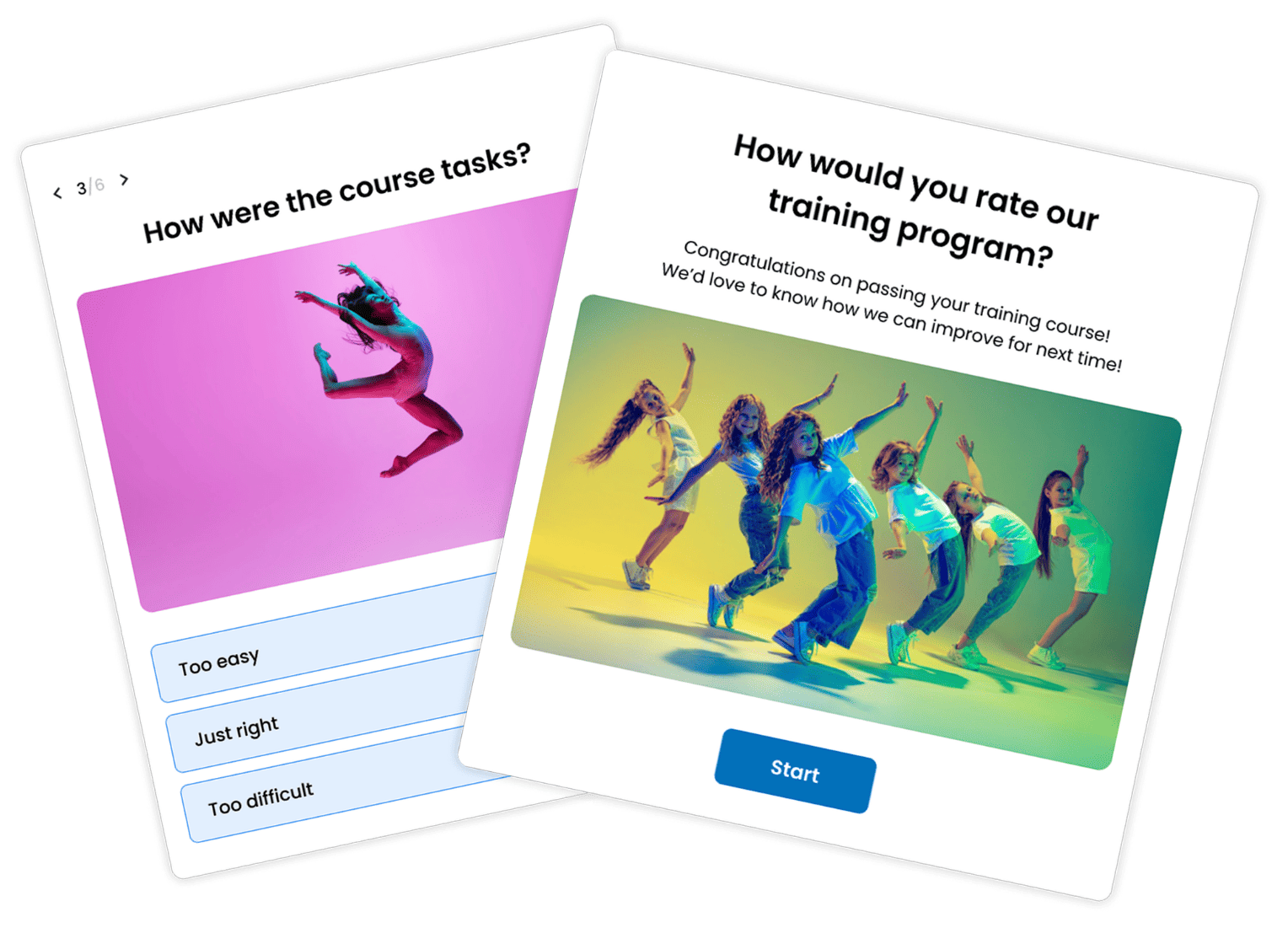
When surveys feel like conversations, people are happy to answer them. Opinion Stage surveys ask one question at a time and adapt to each respondent’s answers.
That means more responses, higher completion rates, and feedback you can turn into better products and sharper marketing.
Understand Your Audience
Got a new idea you want to validate? Trying to understand what your customers really think?
Surveys give you accurate answers straight from the people who matter most. Whether you’re testing a new product concept, exploring what topics your audience cares about, or figuring out why customers churn, you get real answers, not guesses.
Give Your Team a Voice
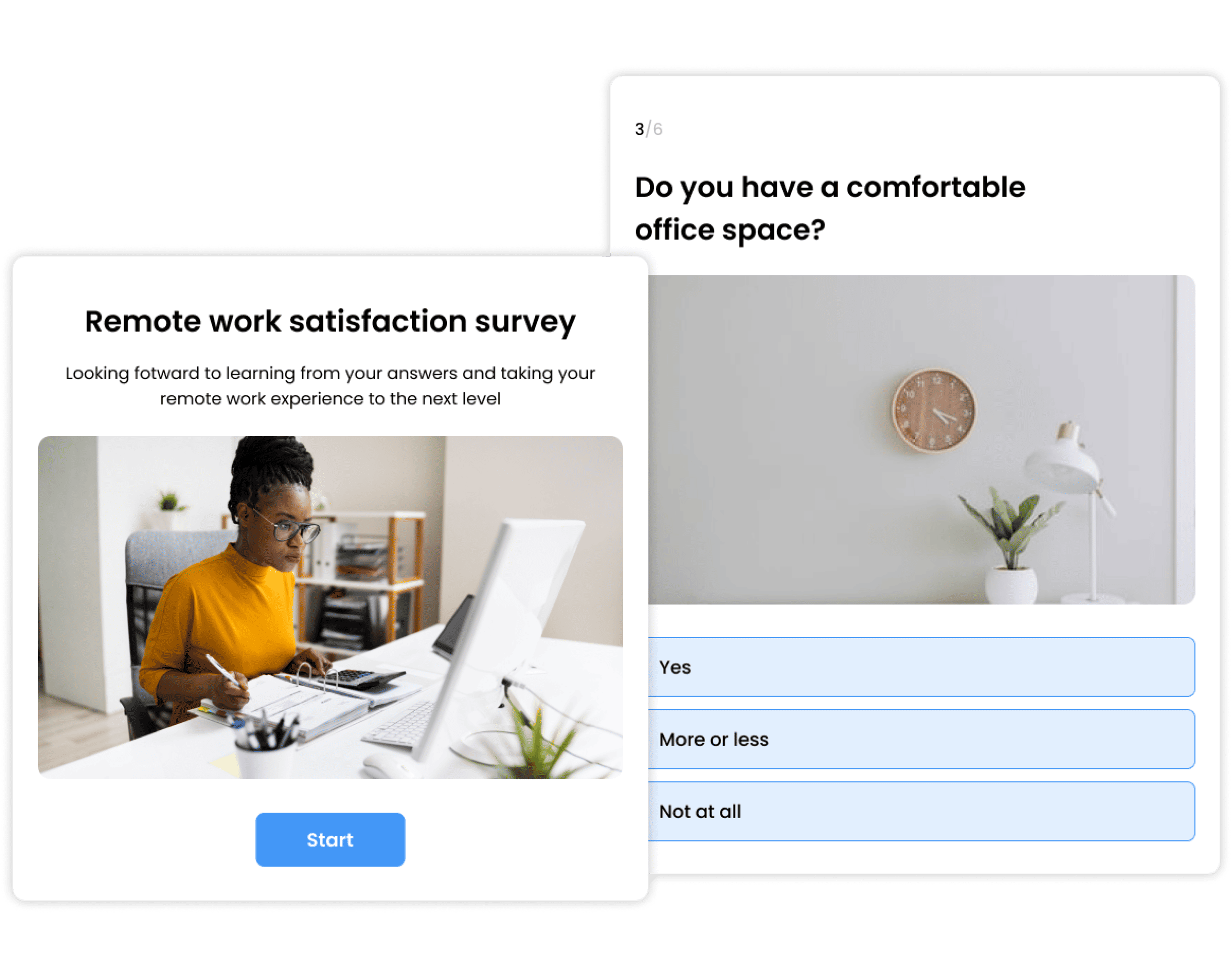
Want to know how your team is really doing? Run a pulse survey, an engagement survey, or a satisfaction survey and get honest answers you can actually act on. Anonymous response options mean people say what they really think, not just what they think you want to hear.
Types of Surveys You Can Create
With Opinion Stage, you can build surveys for any feedback or research need, from a quick NPS check to a detailed market research study.
Customer Feedback Surveys
Find out what your customers love, what frustrates them, and what keeps them coming back. Turn responses into improvements your whole team can act on.
NPS Surveys
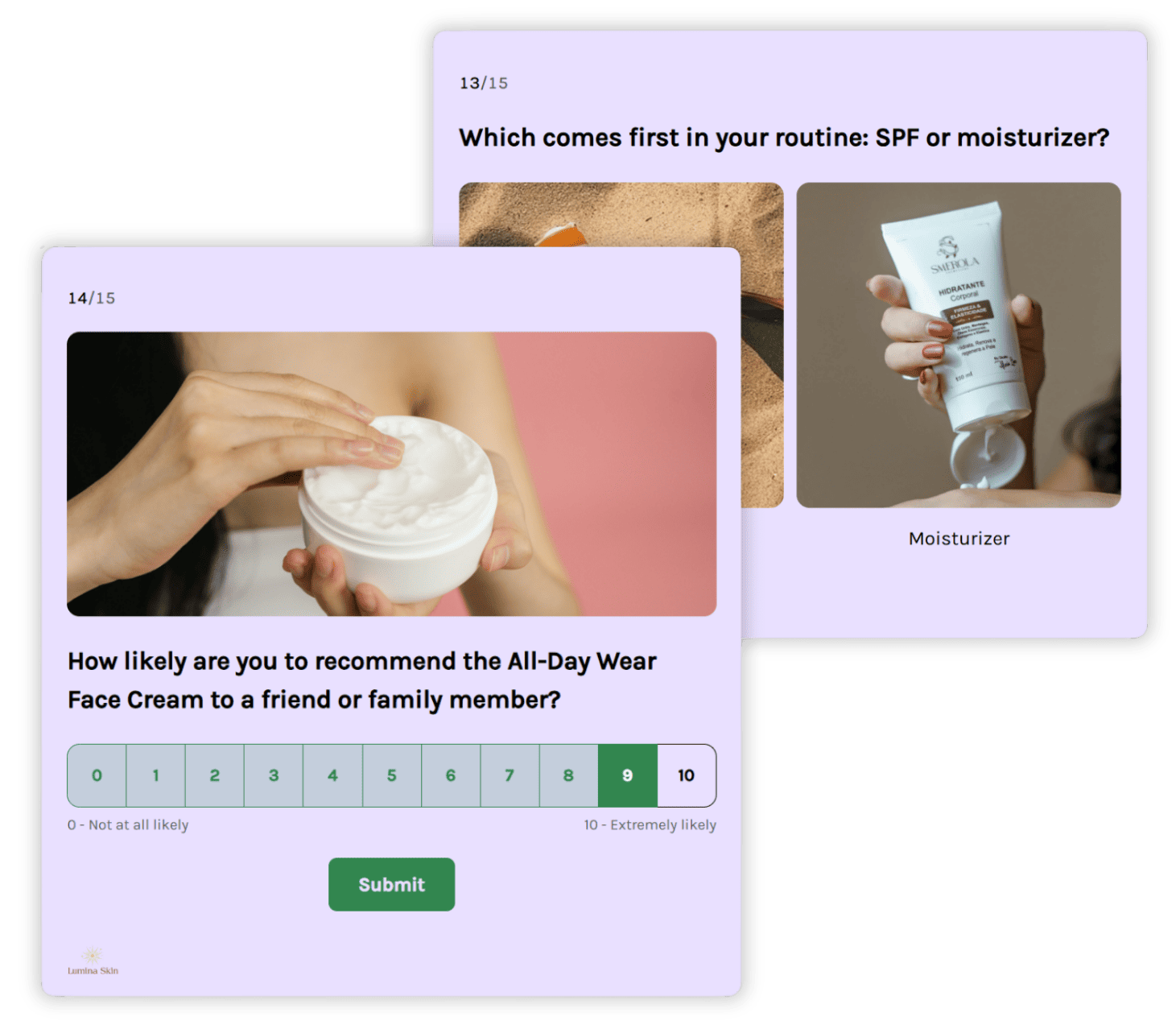
Measure customer loyalty with a simple net promoter score survey. Ask the right follow-up questions automatically based on how people score you — no manual configuration needed.
Market Research Surveys
Validate ideas, test messaging, and understand your target audience before making big decisions. Get clear, structured data from real people, fast.
Post-Purchase Surveys
Find out why people bought, what almost stopped them, and what they’d tell a friend. Catch respondents while the experience is still fresh and get feedback that’s actually useful.
Brand Awareness Surveys
Track how familiar your target audience is with your brand, what they associate it with, and how perceptions change over time.
Employee Surveys
Run pulse surveys, engagement surveys, or feedback surveys to understand how your team is really doing. Anonymous options and a conversational format make honest responses far more likely.
Opinion Stage Survey Maker Features
Everything you need to build surveys people want to complete and share results with confidence.
Surveys That Feel Like Conversations
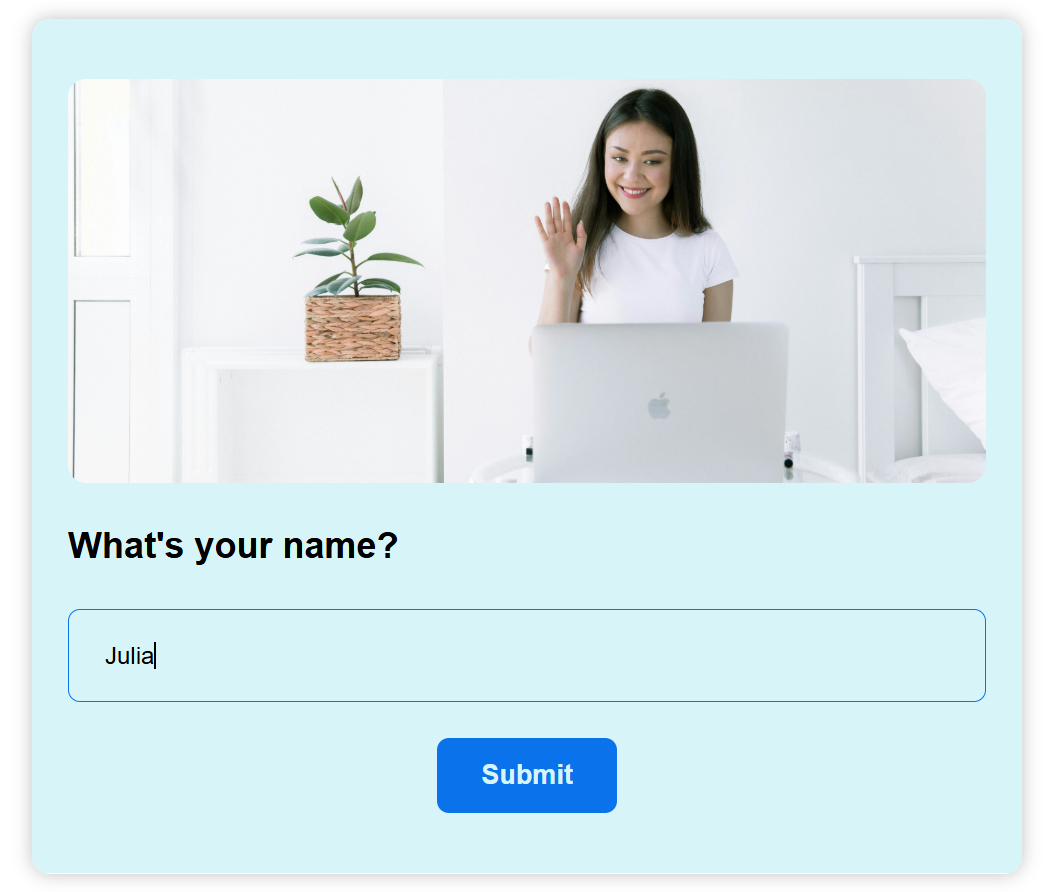
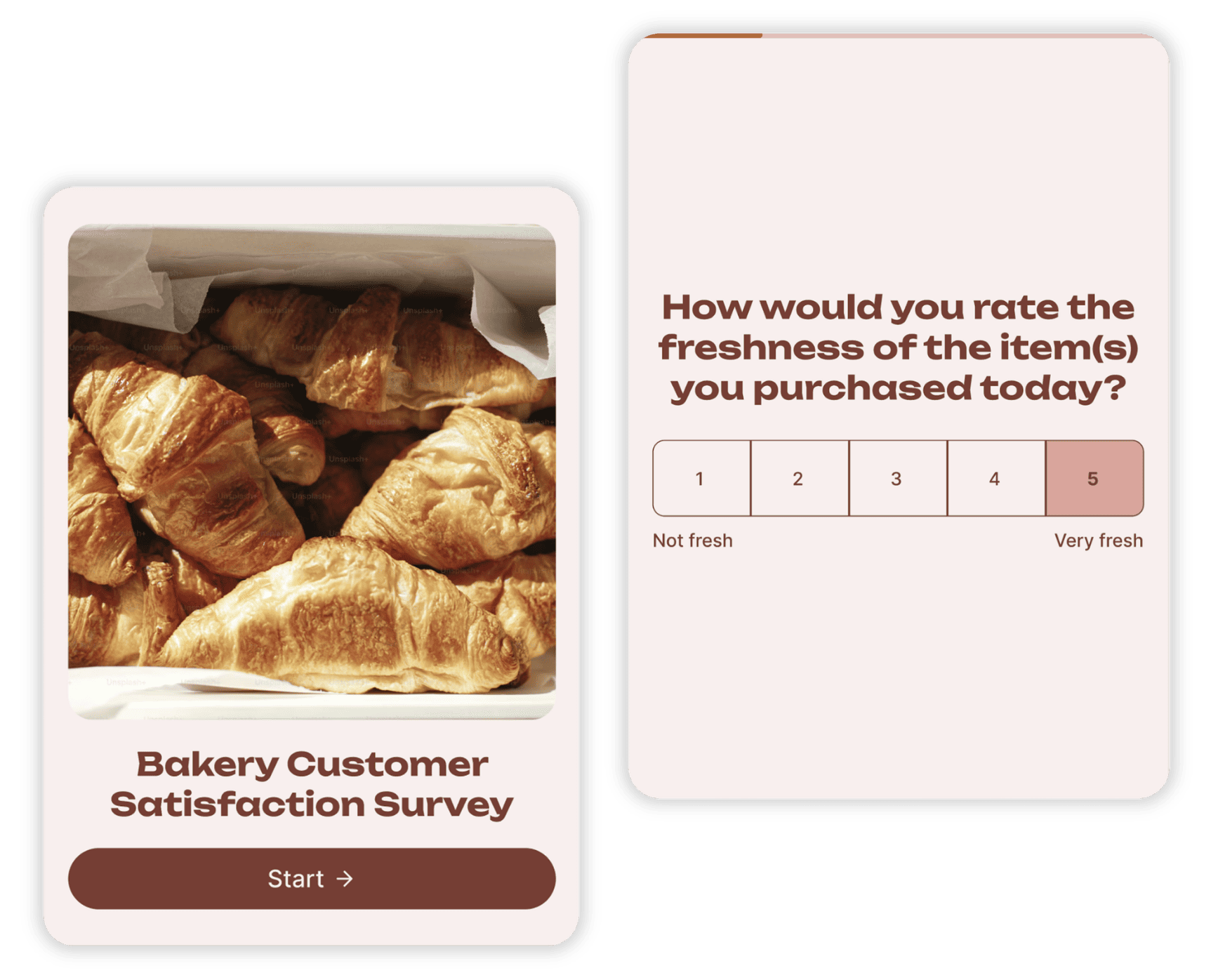
Instead of presenting respondents with a wall of questions, Opinion Stage surveys show one question at a time. It feels lighter, more personal, and keeps people moving forward rather than abandoning halfway through.
Add skip logic and answer piping, and each respondent gets a personalized path, only seeing questions that are relevant to them.
- Skip logic: Show or hide questions based on earlier answers, so no one gets stuck on something that doesn’t apply to them.
- Answer piping: Reference earlier responses in later questions (“You mentioned X, tell us more”) so the survey feels like a real conversation, not a form.
- Easy to set up: Configure logic in minutes, no technical experience needed.
Question Types for Every Kind of Feedback
Choose the right format for every question, from quick ratings to open-ended responses.
- Multiple choice, short answer, and long answer: From quick preference questions to open-ended responses in respondents’ own words.
- Star rating: Rate experiences, products, or ideas on a scale of up to 10 stars.
- Ranking: Drag and reorder options by preference to see what matters most.
- Opinion scale: Capture nuanced feedback on a flexible scale of up to 10 points.
- NPS: Measure customer loyalty with a built-in Net Promoter Score field, with detractors, passives, and promoters calculated automatically.
Visual Surveys That Stand Out
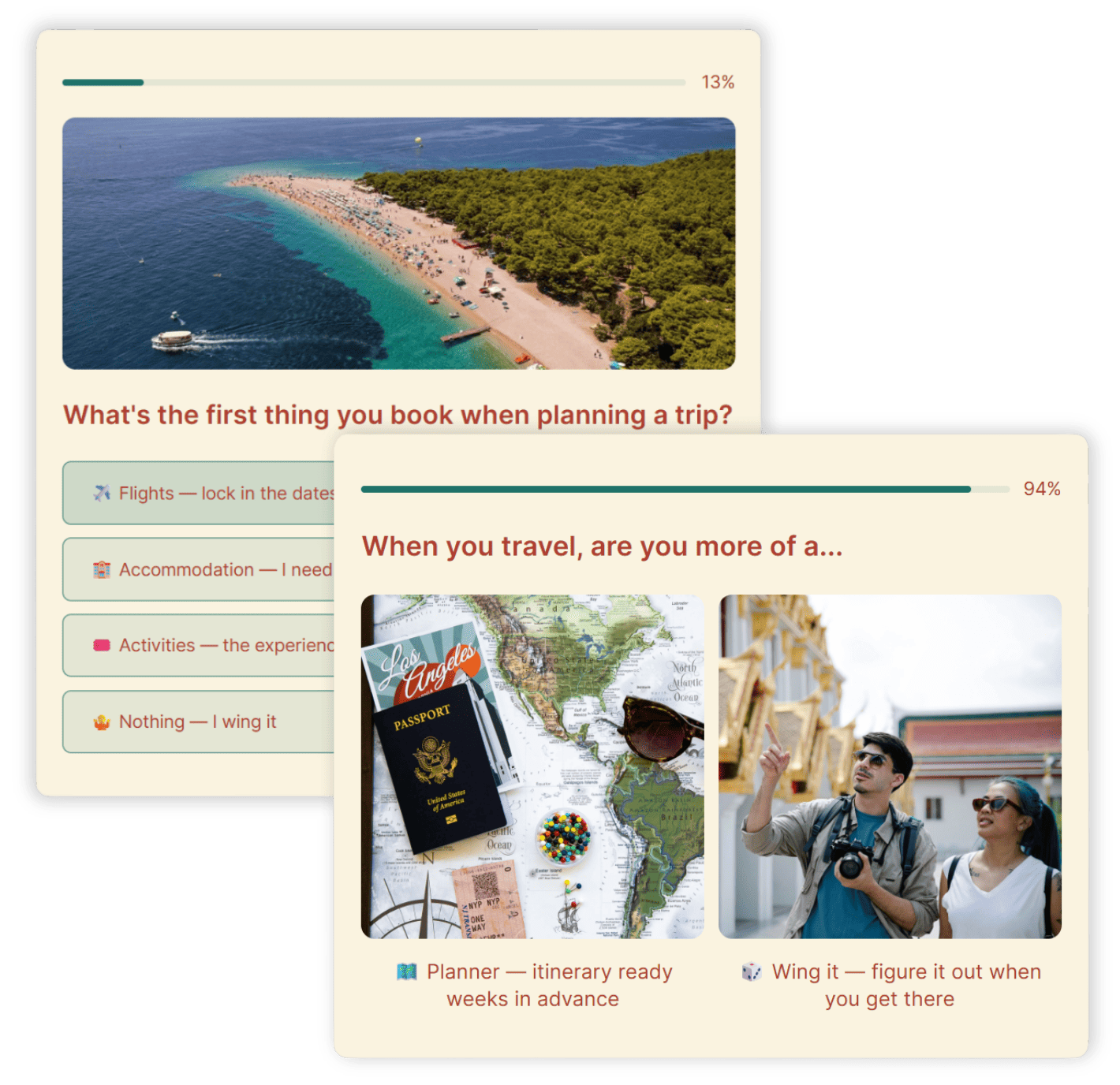
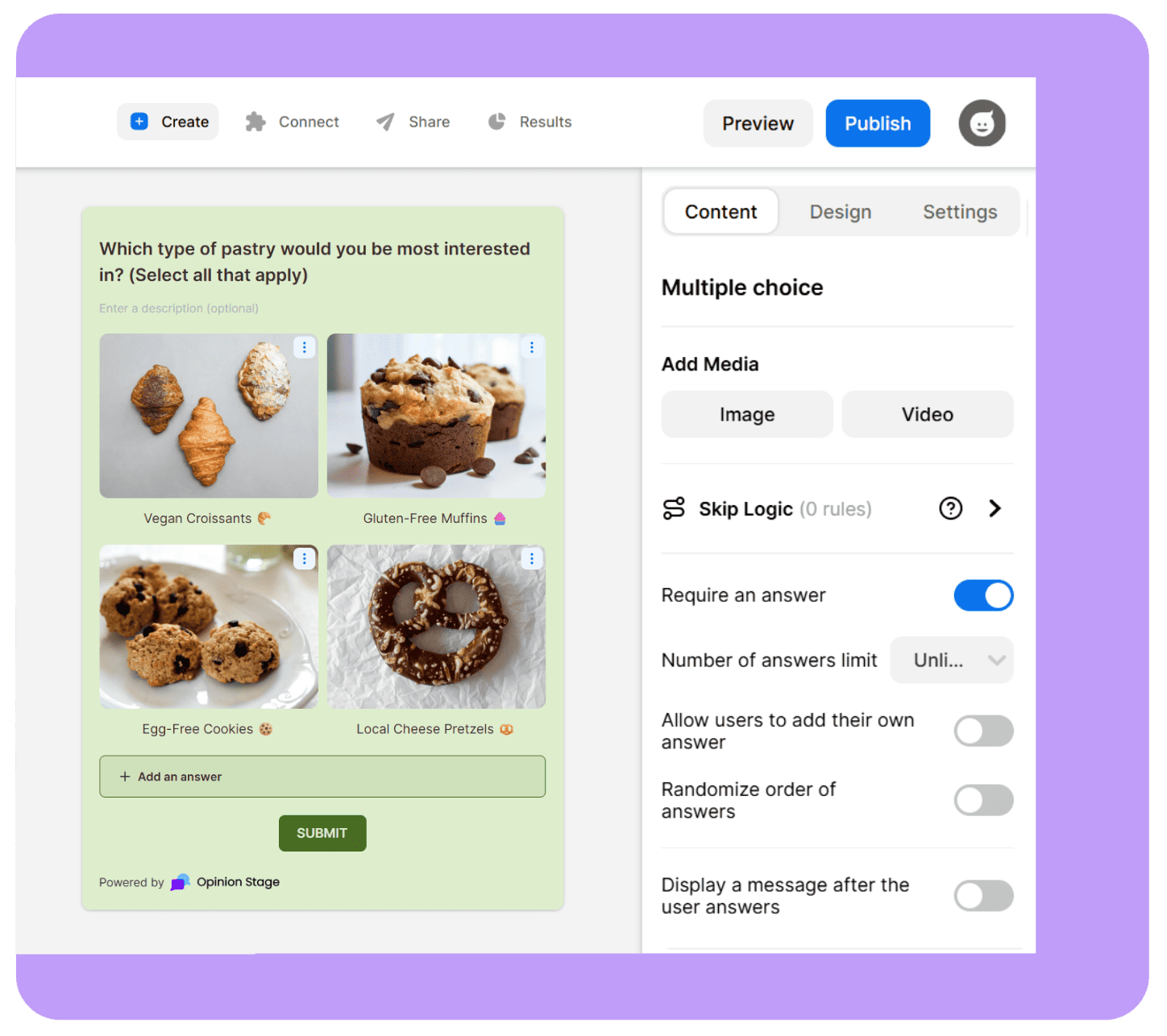
Visual surveys keep people engaged and more likely to complete them. Images and videos help explain concepts, make answer options clearer, and turn a plain list of questions into something people want to finish.
- Add images, videos, and GIFs to questions and answer options.
- Choose from visual answer layouts for image-based and interactive responses.
Create a Survey in Minutes
Getting a survey live should be fast. Whether you prefer to start with AI, from a template, or from scratch, you can have a survey ready to share in minutes.
- Free plan available: Start creating right away and upgrade when you need more.
- AI survey maker: Build a complete survey from a short prompt in under a minute. You can also upload an existing document – PDF, Word, spreadsheet, and more – and the AI will create a survey from it.
- 100+ templates: Ready-to-use templates for customer feedback, NPS, market research, employee surveys, and more.
- Beginner-friendly builder: Simple, visual, and easy to navigate from day one, no design or coding skills needed.
Fully Customizable & On-Brand
Your survey should look like it belongs to you, not to a third-party tool. With Opinion Stage, you control every design detail.
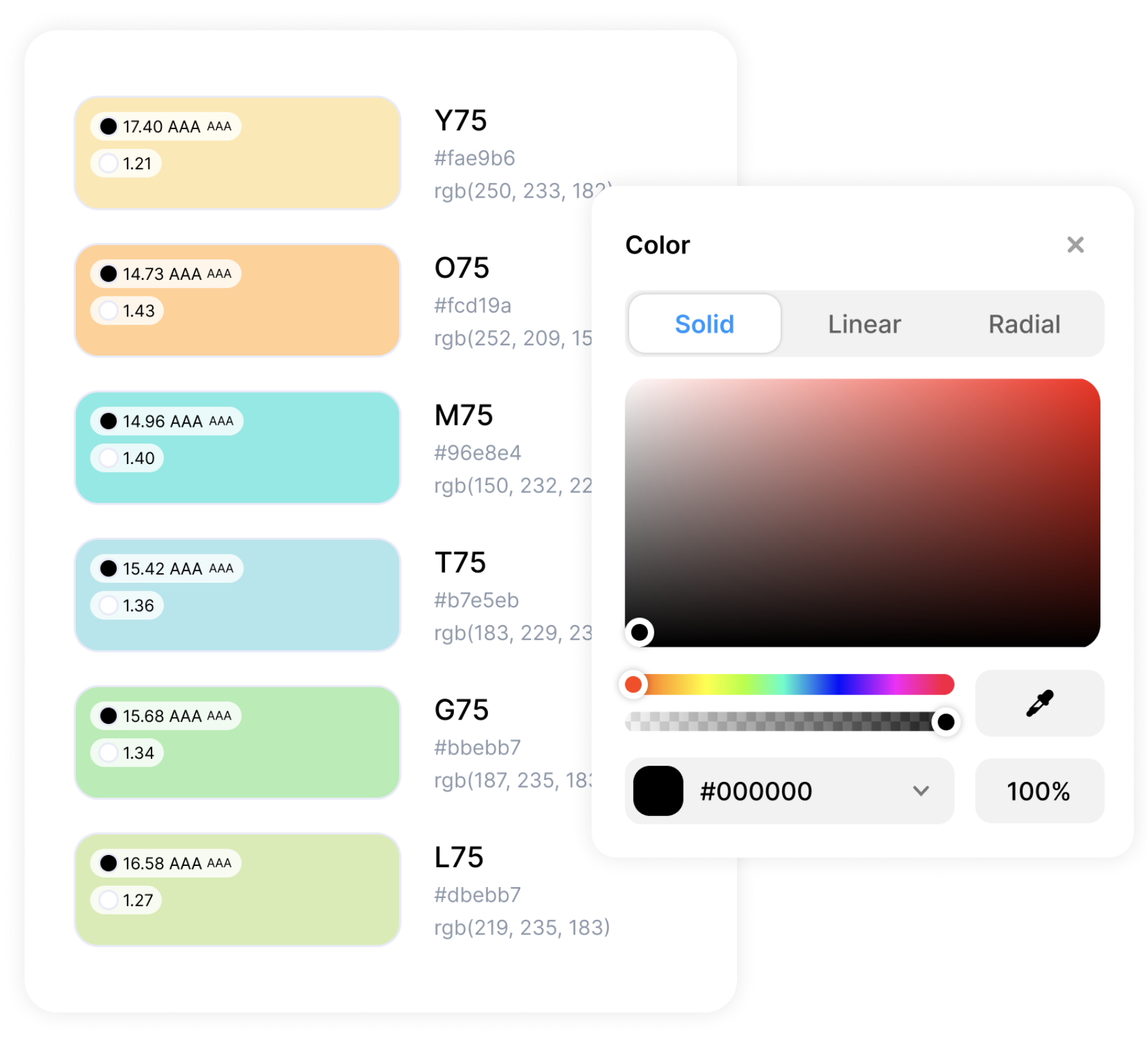
- Custom color themes and fonts: Match your brand palette and fonts across every element.
- White label and logo: Remove Opinion Stage branding so the spotlight stays on you.
- Custom CSS: Full design control for developers who need to match a specific site or campaign.
- Customizable CTAs and buttons: Style every call to action to fit your brand voice and goals.
Data That Helps You Improve
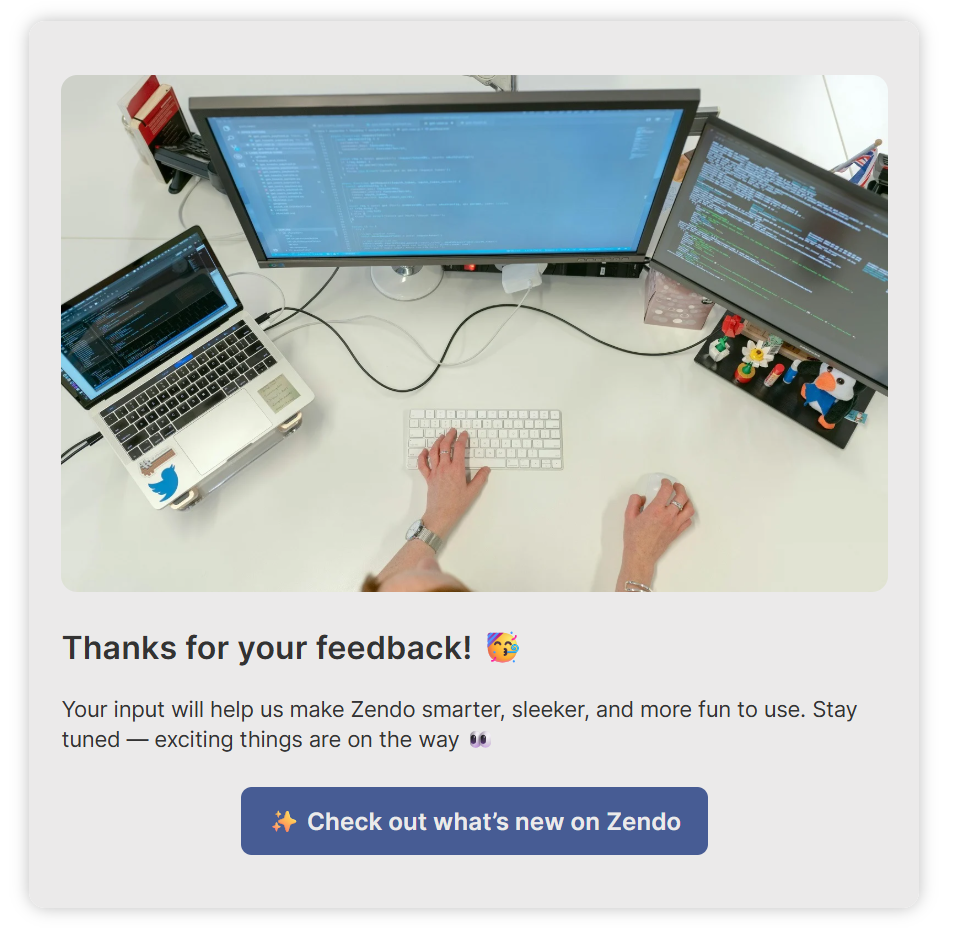
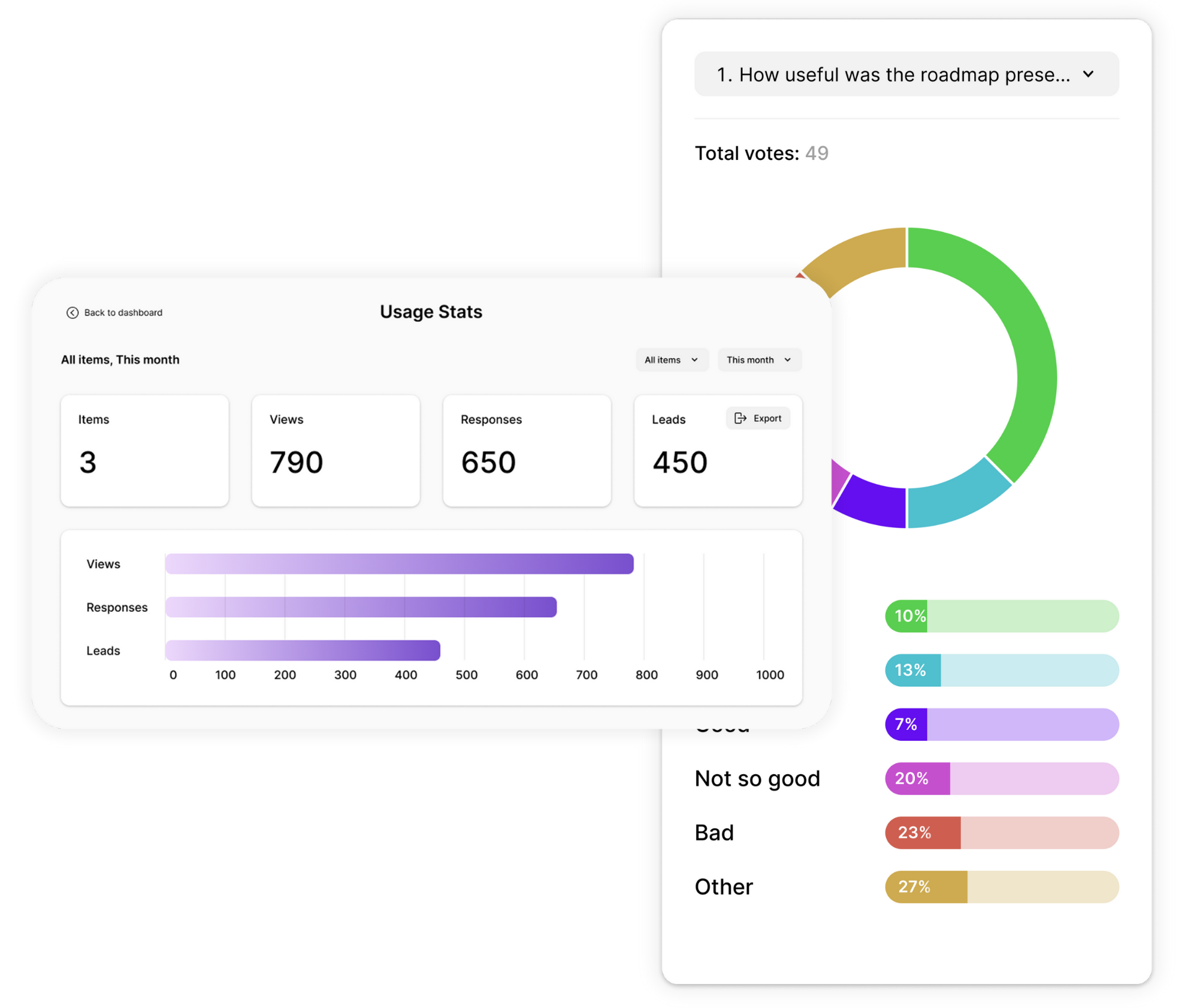
See what people answered, where they dropped off, and what you can do better next time. Opinion Stage gives you the full picture so you can keep improving.
- Real-time visual reports with answer breakdowns as responses come in.
- Performance data: views, starts, completions, drop-off points, and time spent per question.
- Individual response data with timestamps for detailed review.
- Export to Excel, Google Sheets, or CSV for deeper analysis.
Share & Embed Anywhere
A great survey only works if people see it. Opinion Stage makes it easy to get your survey in front of the right audience, wherever they are.
- Embed on your site: Add surveys to any website or blog by simply pasting a code. Works on WordPress, Squarespace, Wix, and more.
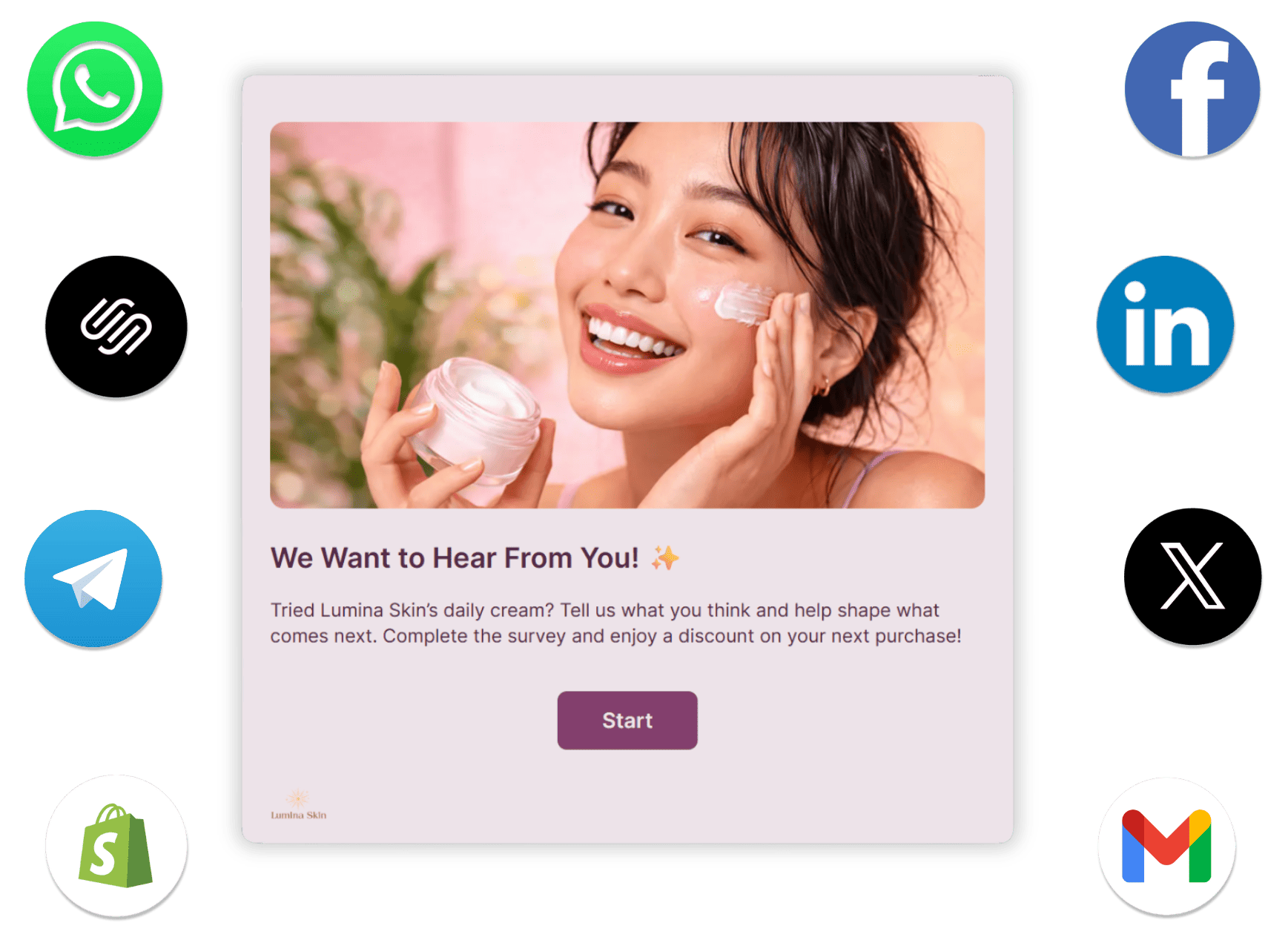
- Share via link: Send directly by email, messaging apps, or social media channels like Instagram, Discord, Facebook, or LinkedIn.
- Hosted landing page: Run your survey from an optimized Opinion Stage page, no website needed.
- Mobile-friendly: Surveys load fast and look great on any device, so respondents can complete them wherever they are.
Connect to the Tools You Already Use
Opinion Stage integrates with 100+ tools, so your survey responses go exactly where they’re needed – automatically.
- Send responses to Mailchimp, HubSpot, Zapier, and more.
- Use webhooks and API access for custom data routing.
- Get email notifications on every new submission so nothing slips through.
Secure, Accessible, & GDPR Compliant
Your data and your respondents’ information are protected with industry-standard security measures. Opinion Stage surveys use encryption both in transit and at rest, and support GDPR compliance.
Surveys also follow WCAG 2.1 accessibility guidelines, so they work for everyone – including people using screen readers or keyboard navigation.

Hundreds of Customers Gave Us 5-Star Reviews



We saw nearly a 50% increase in feedback submitted, a big help for my team!

Kari Gilbert
Flawless and user-friendly. Anyone can handle it without prior experience.

Stacey Nicholas
Easy to use yet powerful. Helps us gather the insights we need to grow our business.

Jacob Wedemeier
- 1.3M+ Experiences created
- 3B+ Questions answered
- 20M+ Leads captured
- 10+ Years of results
Survey Maker FAQs
What is a survey maker?
A survey maker is an online tool that lets you create, share, and analyze surveys without any technical setup, also sometimes called a questionnaire maker or survey creator. You build your questions, customize the design, share a link or embed it on your site, and collect responses all in one place. Opinion Stage’s survey maker also includes AI survey creation, skip logic, answer piping, and detailed analytics so you can do more than just collect data.
How do I make a survey for free?
Sign up for a free Opinion Stage account, choose a template or start from scratch, add your questions, and hit publish. The whole process takes a few minutes. The free plan lets you create surveys and collect responses right away without a credit card.
How do I make a good survey?
Keep it short and make every question count. Avoid vague or leading questions, and only include questions where the answer will actually change what you do. Skip logic helps here too. Instead of asking everyone the same questions, you can branch based on answers so each respondent only sees what’s relevant to them.
What's the difference between a survey and a poll?
Polls are short, usually one or two questions, and are great for quick opinions or audience engagement. Surveys cover more ground, with multiple questions designed to collect detailed feedback or research data. Opinion Stage offers both: a poll maker for quick votes and a survey maker for when you need to dig deeper.
How do I get more survey responses?
The biggest factor is the experience itself. Opinion Stage surveys show one question at a time, have engaging visuals, adapt to each respondent with skip logic and answer piping, and are fully optimized for mobile, all of which significantly increases the number of people who finish. Beyond that, sending surveys at the right moment (post-purchase, post-interaction) and keeping them short makes a big difference.