
Personality Quiz Maker - Easy & Free
Create engaging personality quizzes that reveal personalized results for every participant. Build from scratch, a template, or with AI – no coding required.
- ✓ Free to use
- ✓ No credit card needed
Trusted by 100,000+ teams and brands, including








What is a Personality Quiz?
A personality quiz groups people into types based on how they answer. There’s no right or wrong answer, just results that feel personal and relevant. Marketers and business owners use them to engage audiences, capture leads, and get real insight into what their audience cares about.
Why Make a Personality Quiz?
Turn traffic into leads with a personality quiz your audience will love. With Opinion Stage’s quiz maker, you can launch in minutes.
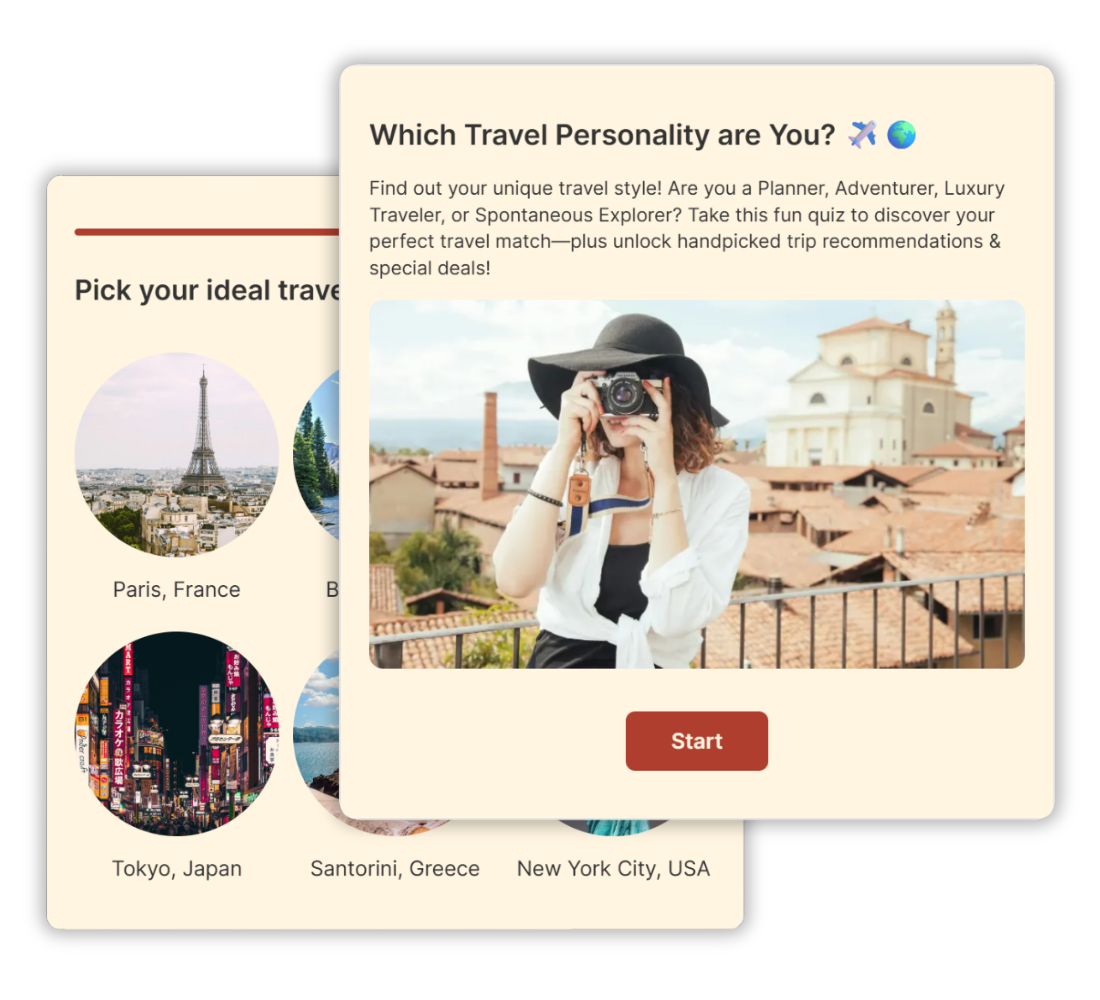
Boost Engagement & Brand Awareness
Make your brand stand out with fun, interactive, highly shareable personality quizzes.
A personality quiz can achieve up to 80% participation rates and 90% completion rates – outperforming most static content formats.
Generate More Traffic via Social Sharing
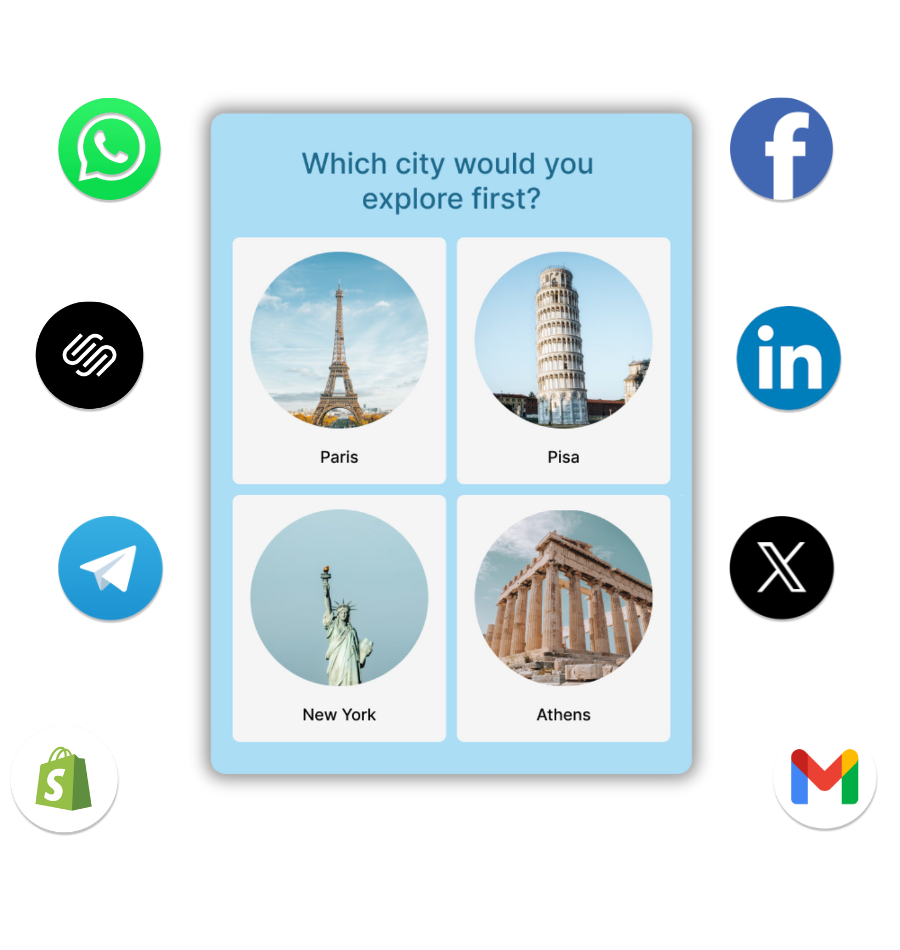
Capture your prospects’ attention with a personality quiz, drive them to your website, and keep them engaged longer.
Our quizzes are optimized for social sharing. Increase shares by adding compelling images and refining your questions.
Share your personality quiz across social platforms to extend your reach and boost engagement.
Acquire High-Quality Segmented Leads
Add a lead form to your personality quiz and get up to 500% more leads than you would with a static lead form.
- Classify your leads according to their quiz results and answers.
- Integrate with your marketing automation system to tailor welcome emails and follow-ups for every personality type.

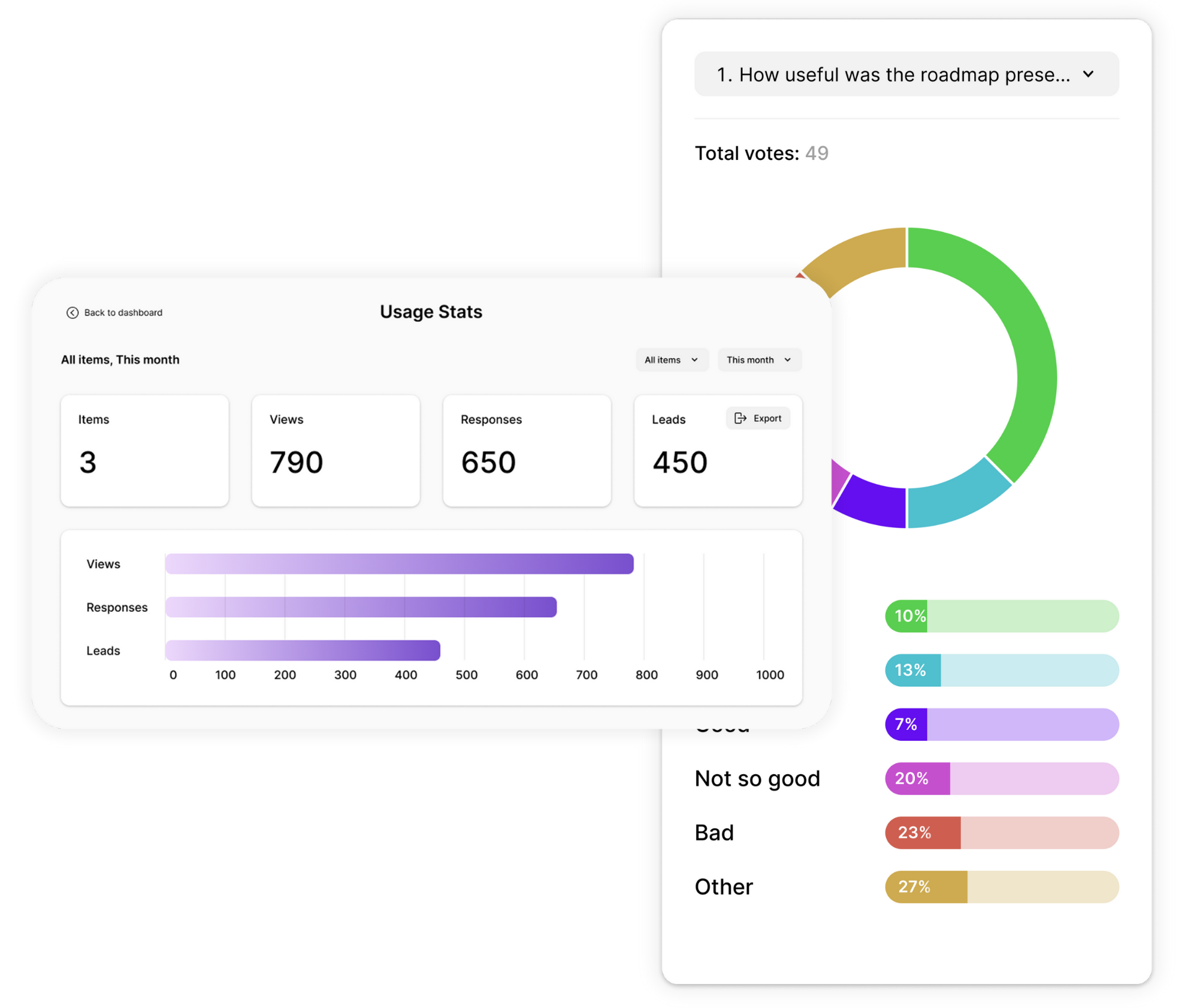
Gain Advanced Insights Into Your Audience
Get to know your audience through their answers.
Our built-in analytics dashboard offers a visual overview of responses, answer segmentations, result analysis, performance reports, and drop-off reports.
Store and view the data on our site or easily export it to an Excel or CSV file.
Generate Ad Revenue With Engaging Personality Quizzes
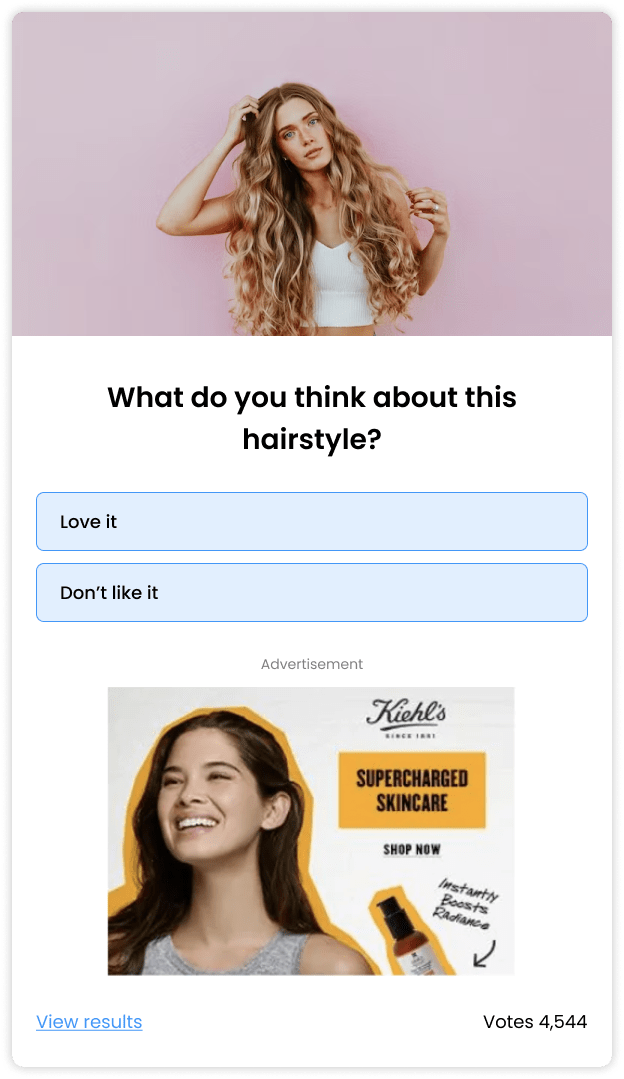
Triple your ad revenue by integrating ads in fun personality tests and quizzes.
The engaging nature of interactive content drives more attention to your quiz and ads. More attention means more clicks and higher revenue.
Integrate programmatic ads or custom banners at the top and/or bottom of your quiz. Refresh ads on every card transition.
How to Make a Personality Quiz
Creating a personality quiz is easy with our online personality quiz maker. The steps below focus specifically on personality quizzes – if you’d like a broader overview covering all quiz types and creation methods, see our step-by-step guide on how to make a quiz. Otherwise, keep reading to get your personality quiz up and running in no time.
Choose a Topic, Goal & Audience
Before you start building a quiz, take a moment to define your “why”.
- What is your goal?
- Who do you want to reach? (target audience)
- What type of experience or information do you want to offer them?
- What are you looking to receive in return?
The answers to these questions will guide you through the whole quiz creation process and help you choose the right questions, tone, images, and structure.
Define Quiz Results
When building a personality quiz it’s best to start from the end – the quiz results pages. This is where your quiz takers learn something about themselves based on their answers.
Define 3-5 results. Give each of them a catchy name, a short yet informative description, and an attractive visual. This is also a great place to link to your site and configure a call to action (see step 6).
Create Questions & Answer-Options
Most successful personality quizzes have around 5-10 questions. Less than 5 could seem superficial, and more than 10 could be tedious.
- Ask only the necessary questions and do so clearly and simply.
- Start with the easy questions and build up to the challenging ones.
- Add an image/video or multiple images to each question. Picture quizzes get more engagement.
- Make sure there’s an answer option for everyone and that the difference between the possible answers is clear so that no one gets confused or feels left out.
Associate Answers with Results
Correct answer association is crucial for the success of your personality quiz. It’s what makes your respondents feel that you really get them. That’s why we made it super easy to configure.
All you need to do is select the result that every answer option relates to and define the level of association on a scale of 0-4. Our algorithms will do the rest and send your users to the result that’s most relevant to them.
Answer association is often intuitive. So, if you’re not sure, go with your gut. Once you’re done, try your quiz a few times as different personality types to see if your answer associations make sense. Or give it to some colleagues for feedback.
Configure Skip Logic
As you develop your quiz you may find that not all questions are relevant to all users. Depending on their answer to a certain question, you may want to skip straight to the end or follow up with another question that digs a little deeper.
This is where skip logic comes into the picture. Skip logic is a simple and powerful tool that lets you give your users a streamlined and personalized experience. It allows you to devise different question paths within your quiz based on the answers participants choose.
All you need to do is go to the skip logic section, click on “configure skip logic” and decide which question or result each answer option should lead to.
Select the Right Settings
Now that your quiz is ready, questions, images, skip logic, and all, it’s time to give it the final touch that will take it to the next level.
- Look & feel: choose a color theme, font, and letter size that go with your brand or topic. You can also add your logo if you like. Use the CSS override option if you’d like to make bigger changes to the design.
- Conversion optimization: take some time to think about the calls to action in your quiz. Every word is important. Customize the copy of your buttons, error messages, and instructions to make them clear, friendly, and encouraging.
- Traffic & Engagement: add social sharing buttons, configure Facebook and Twitter share messages, or redirect users to a URL of your choice.
Add a Lead Form
If one of your goals is to gather emails or other contact details, add a lead form towards the end of your quiz. Lead quizzes are very effective for two main reasons:
- Quiz takers are fully invested in the process by the time they reach the lead form, and so they’re more likely to share their details.
- The quality of the leads is very high and you know quite a bit about them because every email is associated with several answers and a result.
Once leads start flowing in you can view them on the results screen or export them to an xls/csv file. You can also integrate your quiz with your marketing stack to automatically send them to your marketing automation or email service.
Publish & Embed
Now that your quiz is ready, all you need to do is put it out there. This would be a good time to return to your goals and target audience. You could share your quiz anywhere, it all depends on who you want to reach and what you wish to achieve.
- Embed your quiz on your website using HTML code, iframe, or placement.
- Run your quiz from an optimized page on our site and share a link on any social platform, messaging app, or email list.
Share on Social Media
No matter how great your quiz is, it needs the right exposure to succeed. Use your social channels to share it with your audience and encourage participation. You can also add share buttons and customized share messages directly to your quiz to increase the chances of it spreading organically. When people enjoy the experience and like their results, they’re much more likely to share it with others.
Review & Optimize Content
Once your quiz is out there results will start flowing in. Keep an eye on the results dashboard to understand what’s working and what you can improve on the go.
The dashboard will give you important insights on views and engagement, as well as a drop-off report, completion rate, and time-on quiz.
You’ll also be able to see response trends as they form. If you want to make sure you’re seeing every response in real-time, configure email notifications and we’ll let you know whenever someone submits a completed quiz.
Personality Quiz Templates
Get a head start with effective quiz templates you can customize and make your own.




Hundreds of Customers Gave Us 5-Star Reviews



Opinion Stage is the best quiz tool I’ve used. It’s feature-rich, easy to use, and the content looks great.

John Dykstra
Super easy to set up and use. I published a personality quiz in minutes.

Pascal Senicourt
Great features, helpful support, and an interactive experience that truly engages customers.

Iris Morales
- 1.3M+ Experiences created
- 3B+ Questions answered
- 20M+ Leads captured
- 10+ Years of results
Personality Quiz FAQs
Can I use AI to generate my personality quiz questions?
Yes. Opinion Stage has a built-in AI quiz generator – just enter your topic or goal, and it creates your questions, answer options, and result types automatically. Your quiz is ready to review and publish in minutes. You can also edit anything the AI generates. You can also start from a template or write everything yourself; the builder supports that, too — AI is an option, not a requirement.
Do I need a credit card to get started?
No. The free plan requires no credit card. You can sign up, build a personality quiz, and publish it without entering any payment details. The free plan includes unlimited quizzes, AI generation, templates, and lead capture. Paid plans are available if you need advanced features like white labelling, custom CSS, or higher response volumes — but there’s no obligation and no trial period to worry about.
Is Opinion Stage's personality quiz maker really free?
Opinion Stage is a free personality quiz maker that lets you build, customize, and embed personality quizzes without a credit card. The free plan includes unlimited quizzes, AI generation, templates, and lead capture.
How do I create a personality quiz for friends or for my audience?
Sign up for a free Opinion Stage account, then choose how you want to build: from scratch, from a ready-made template, or with AI. Define 3–5 result types first — these are the personality outcomes your quiz takers will receive. Then write 5–10 questions and connect each answer to a result. Once you’re done, share it via a direct link, embed it on your website, or post it across social platforms.
Can I embed a personality quiz on my website?
Yes. Opinion Stage personality quizzes can be embedded on any website using HTML or iframe, including WordPress, Wix, Squarespace, and Shopify.
How do personality quizzes help with lead generation?
Personality quizzes help with lead generation by making the process interactive and engaging. Participants are naturally curious about their results, so many are willing to share their email address to see the outcome. Businesses can also use quiz responses and results to understand user preferences and send more targeted follow-up emails.
Get Up and Running in Minutes
Create a Personality Quiz