Live Quiz Maker: Create & Run in Minutes
Use the Opinion Stage live quiz maker to turn any presentation, webinar, or event into an interactive experience. Easy to set up and share. No technical skills needed.
- ✓ Free to use
- ✓ No credit card needed
When to Use a Live Quiz?
A live quiz runs in real time with your audience during a presentation, webinar, or event. Use it to engage, get feedback, and make every session more memorable with Opinion Stage’s quiz maker.
Presentations & Webinars
The biggest challenge of any presentation is keeping eyes on the screen. A live quiz gives your audience an active role, not just a seat in the crowd. Drop a quiz into the middle of your presentation to check if the message is landing or to reset the room’s attention.
Sharing the results screen live creates an immediate talking point and transforms a one-way broadcast into a two-way conversation.
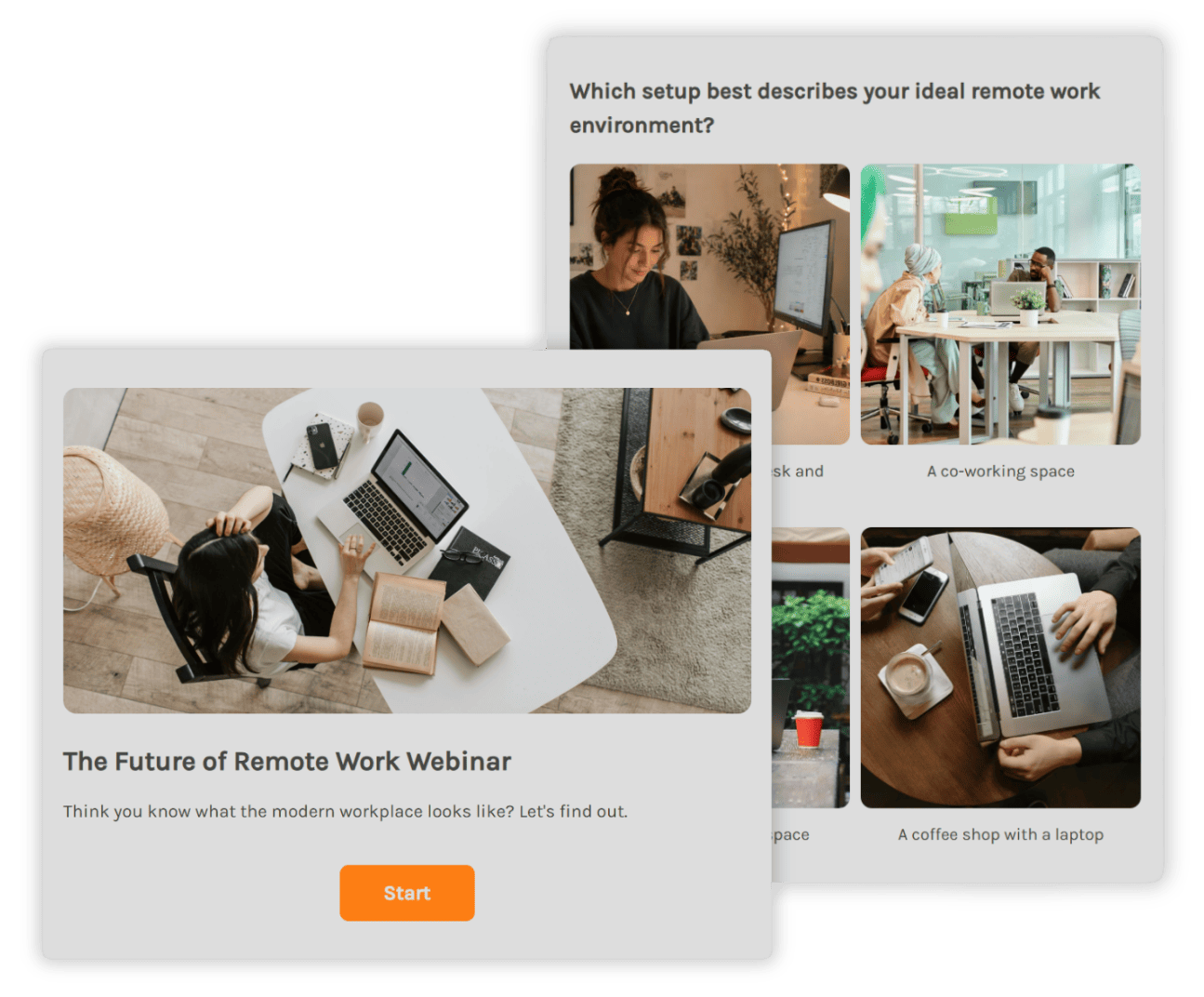

Virtual Events & Team Meetings
In remote settings, it is easy for people to tune out. You can use a live quiz as a quick icebreaker to start the meeting, a mid-session knowledge check to keep momentum high, or a trivia quiz with a competitive leaderboard to close out the event.
Because the quiz data updates in real time, you can react to what the audience is really thinking rather than guessing.
Training & Onboarding Sessions
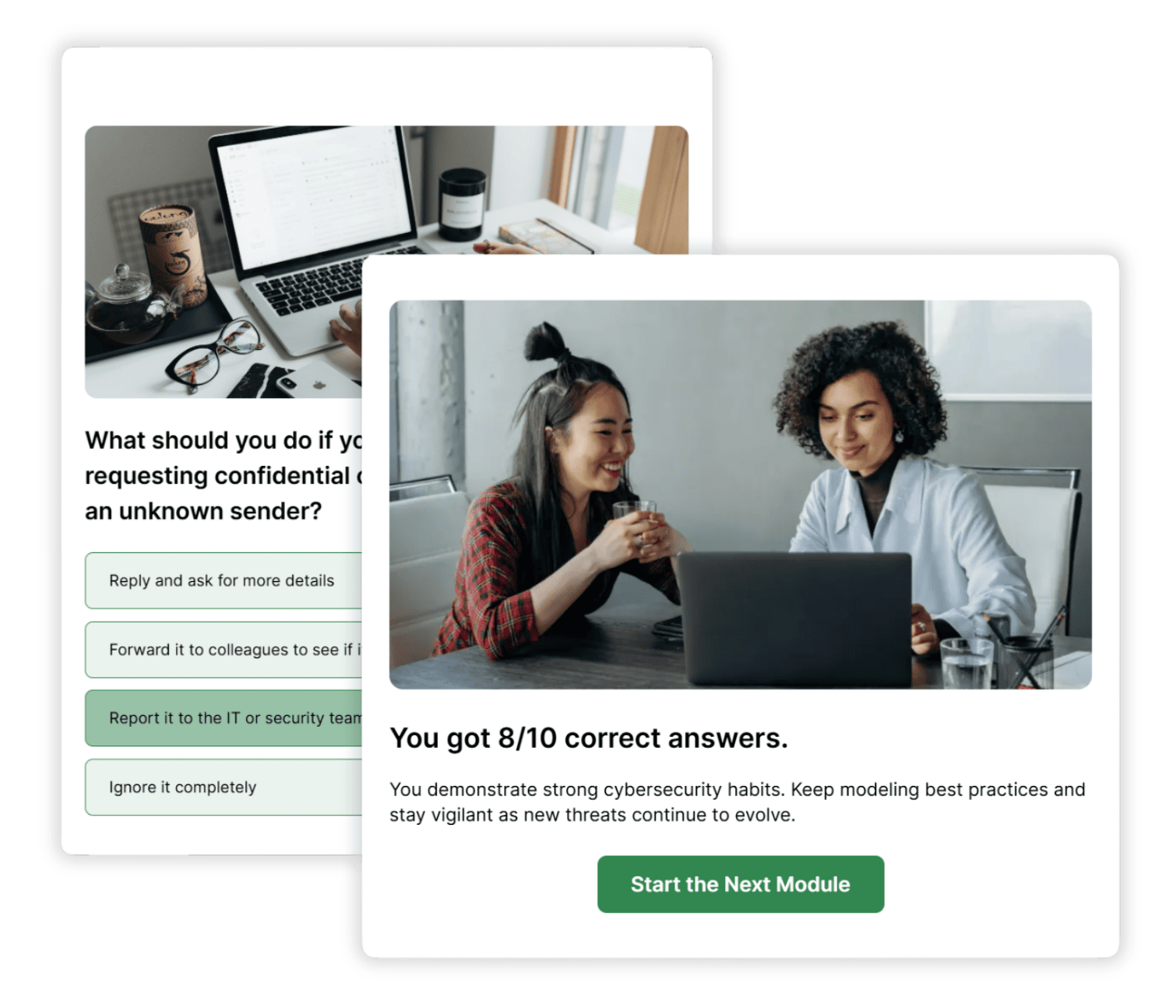
There is a massive gap between delivering information and ensuring people actually learn it. A live quiz at the end of a session tells you exactly what stuck and what needs more clarity.
Since results are ready the second the quiz ends, you can address gaps in knowledge before everyone signs off.
How to Run a Live Quiz
Whether you’re building a quick icebreaker or a full event quiz, here’s how to get started.
1. Create
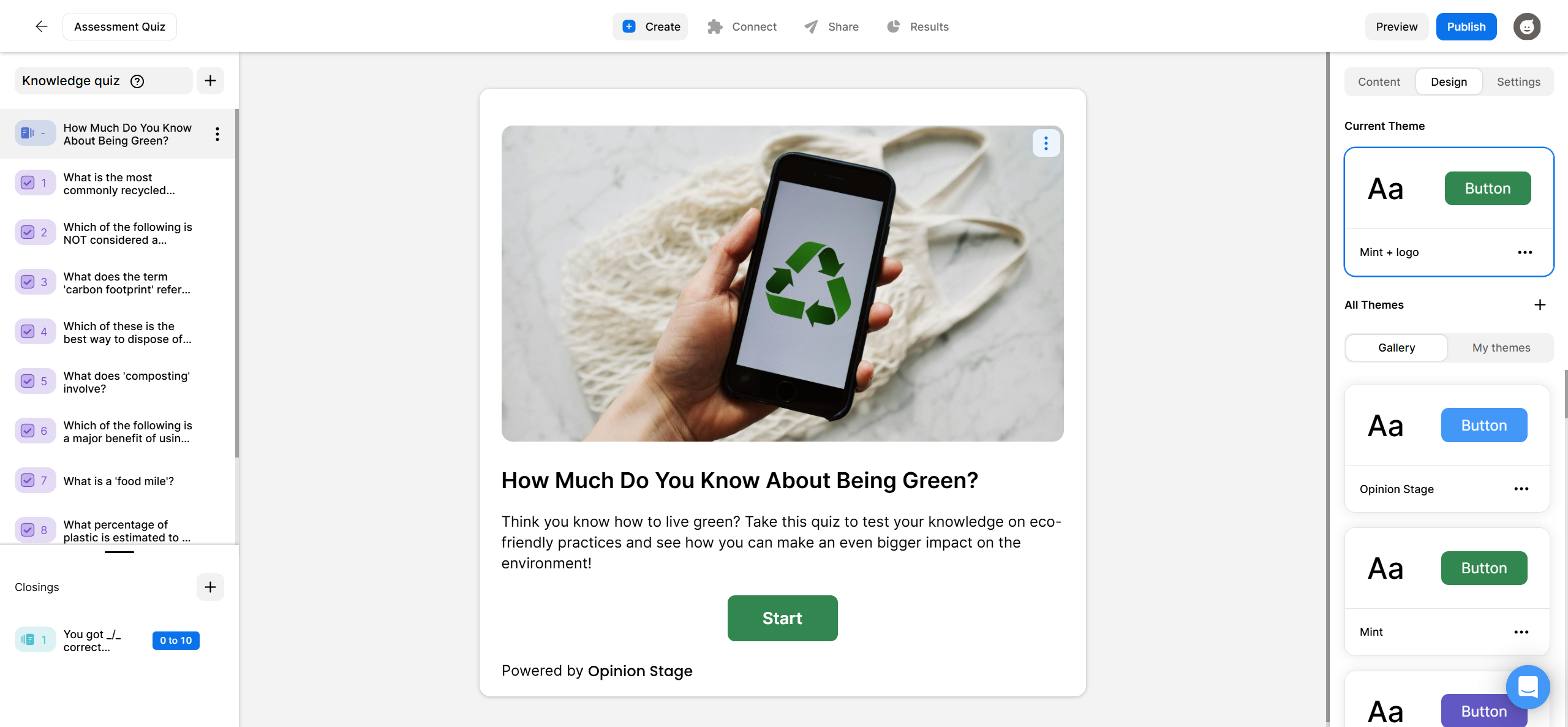
Click Create a new item in your dashboard and choose how you’d like to get started – from scratch, with AI, or from a template. Choose your question types, add in the answer options, and customize to match your brand or presentation style. When you’re done, click Publish.
2. Share
Copy the quiz link and share it in your meeting chat, or display the QR code on screen so your audience can join on their own device. You can also embed it on any website like Wix or Squarespace. Everything is optimized for mobile and desktop automatically.

3. Track
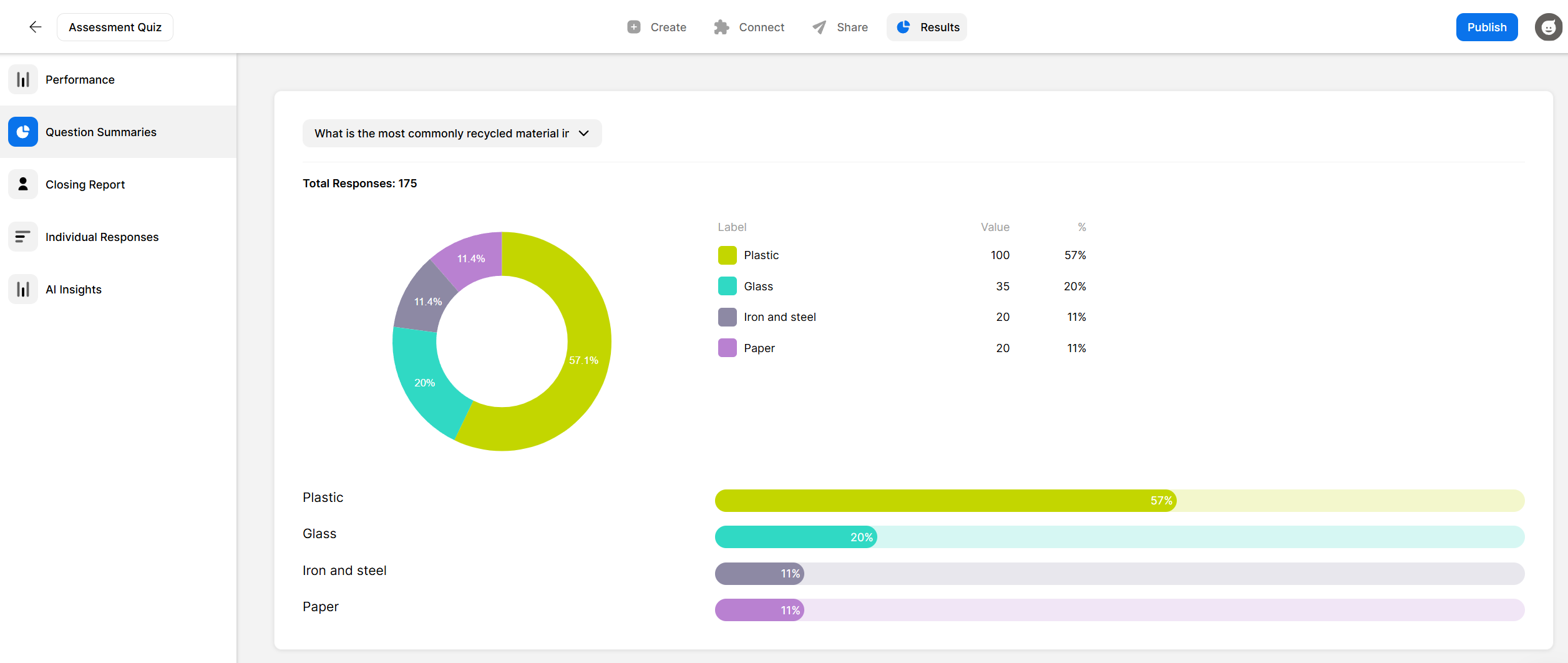
See results as they come in on your real-time analytics dashboard. Track how your audience answered each question, spot where people hesitated, and share your results screen live to drive discussion. You can also export the results to CSV or XLS after the session for deeper analysis.
Hundreds of Customers Gave Us 5-Star Reviews



With Opinion Stage we can create beautiful and on-brand content in an easy, collaborative fashion.

Stasia Kehoe
Great for engagement and lead capture. I highly recommend Opinion Stage!

Mickey Bates
Opinion Stage is the best quiz tool I’ve used. It’s feature-rich, easy to use, and the content looks great.

John Dykstra
- 1.3M+ Experiences created
- 3B+ Questions answered
- 20M+ Leads captured
- 10+ Years of results
Live Quiz FAQs
Can I run a live quiz on Zoom or Google Meet?
Yes. Share your quiz link in the meeting chat and participants can join on any device. You can also share your screen to display the quiz and results live during the call. Everything works on mobile and desktop automatically.
How do I share a live quiz with my audience?
You can share your quiz via a direct link in your meeting chat, by email, or by displaying a QR code on screen during your presentation. Participants join on their own device with no app download required.
Can I see results in real time during the quiz?
Yes. Your analytics dashboard updates in real time as participants submit their answers. You can share your results screen with your audience during the quiz to drive discussion.
Is there a free live quiz maker?
Yes. Opinion Stage has a free plan that lets you create and run live quizzes straight away with no credit card required. Paid plans unlock additional features like white labelling, advanced customization, and higher response volumes.