
A Product Recommendation Quiz That Converts
Sell more products and learn what your customers really want. Create your product recommendation quiz in minutes and share it anywhere.
Trusted by 100,000+ teams and brands, including








Why Use a Product Recommendation Quiz?
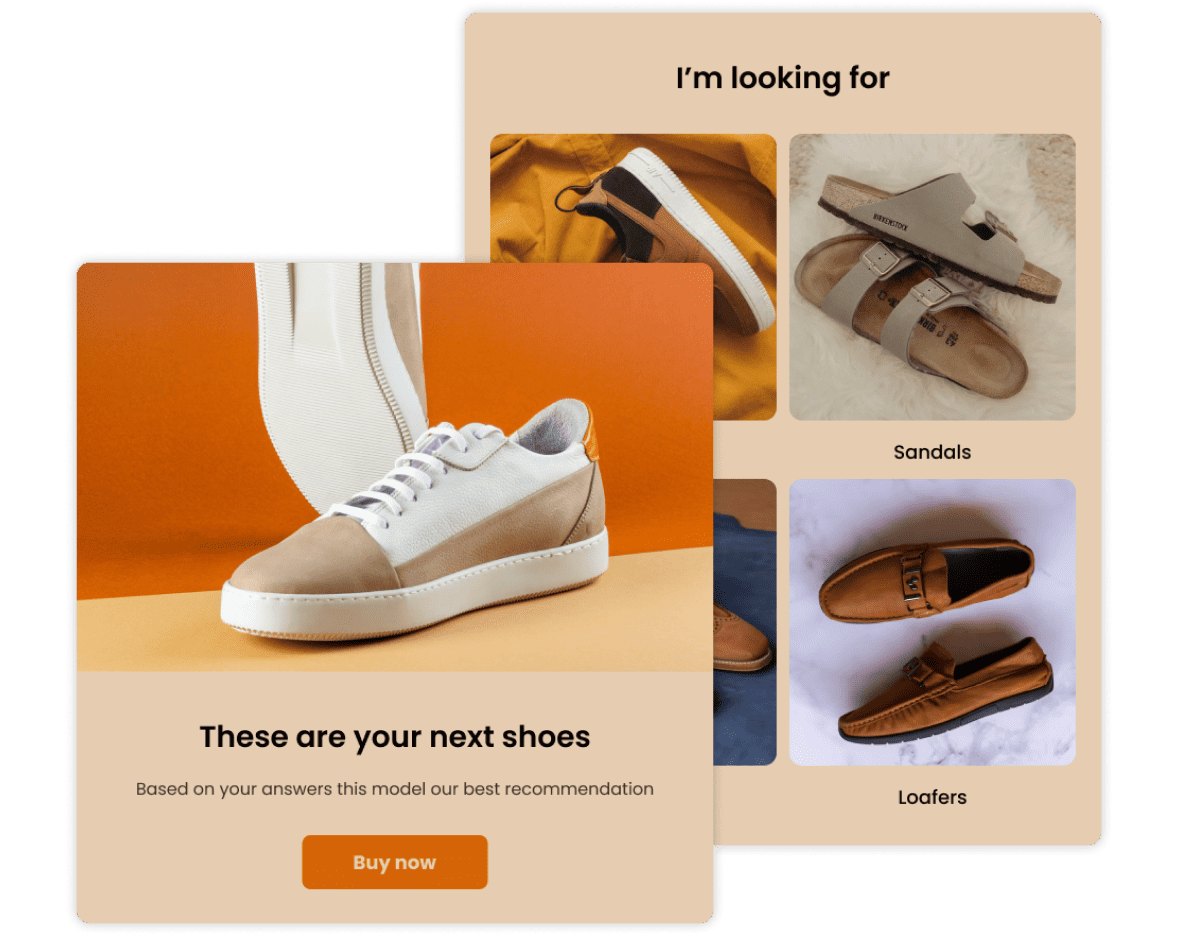
Product recommendation quizzes match shoppers to products based on their answers, making buying decisions easy. Use Opinion Stage’s quiz maker to create engaging quizzes in minutes.
Increase Sales with Personalized Product Quizzes
Drive more sales with personalized shopping experiences that help shoppers feel confident in their purchase.
Product recommendation quizzes collect shopper preferences through targeted questions and use those insights to deliver tailored product suggestions. The result: lower cart abandonment, higher conversions, and more repeat purchases.
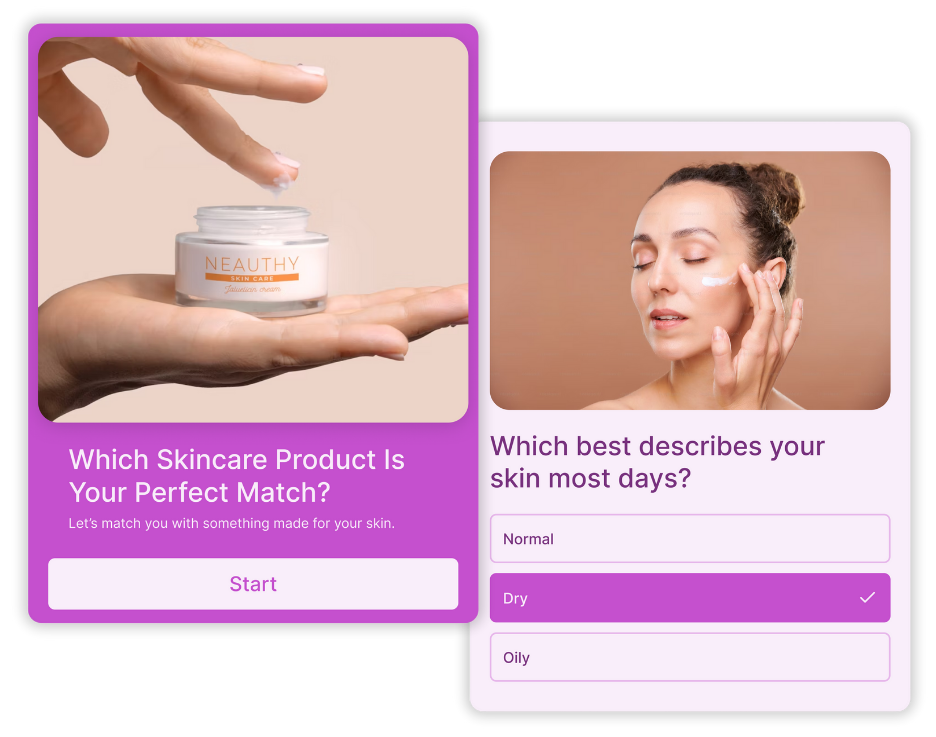
Get to Know Your Customers
Learning about your customers is harder than ever with increasing data privacy regulations.
Product recommendation quizzes give you a simple, transparent way to collect first-party data by asking people directly.
As customers answer questions in your online quiz, you learn what they want, need, and prefer while delivering personalized product recommendations.
The result? Better insights, more relevant follow-ups, and stronger long-term customer relationships.
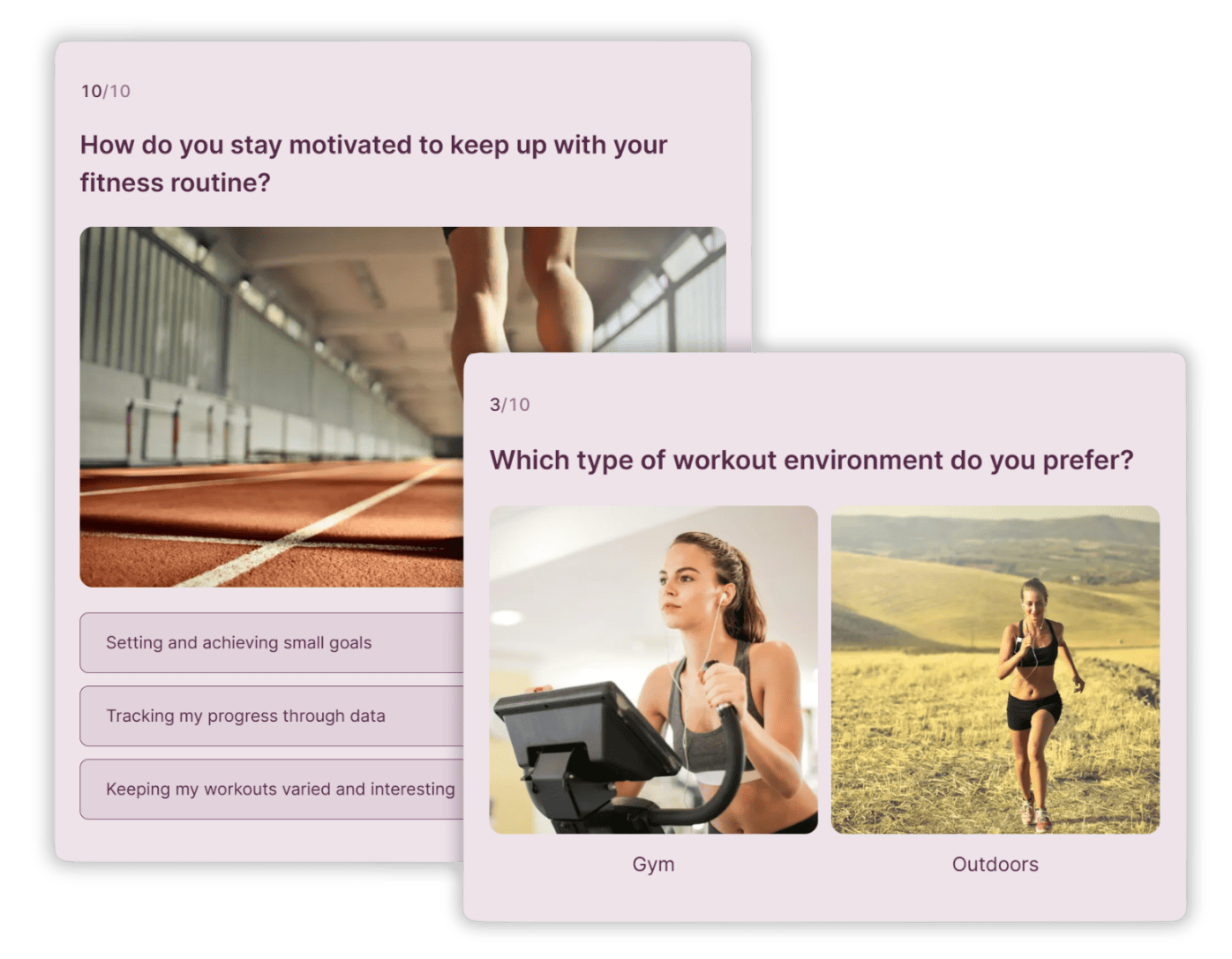
Grow Your Audience
More than 80% of people who come across a quiz in their newsfeed click on it.
Marketers use the Opinion Stage quiz maker to turn that attention into action:
- Give people a fun and entertaining way to discover your products and services.
- Post shoppable quizzes on your social channels to raise brand awareness.
- Create memorable interactive experiences that your customers will enjoy, remember, and share.
- Boost social engagement, site traffic, and time spent on your unique content.
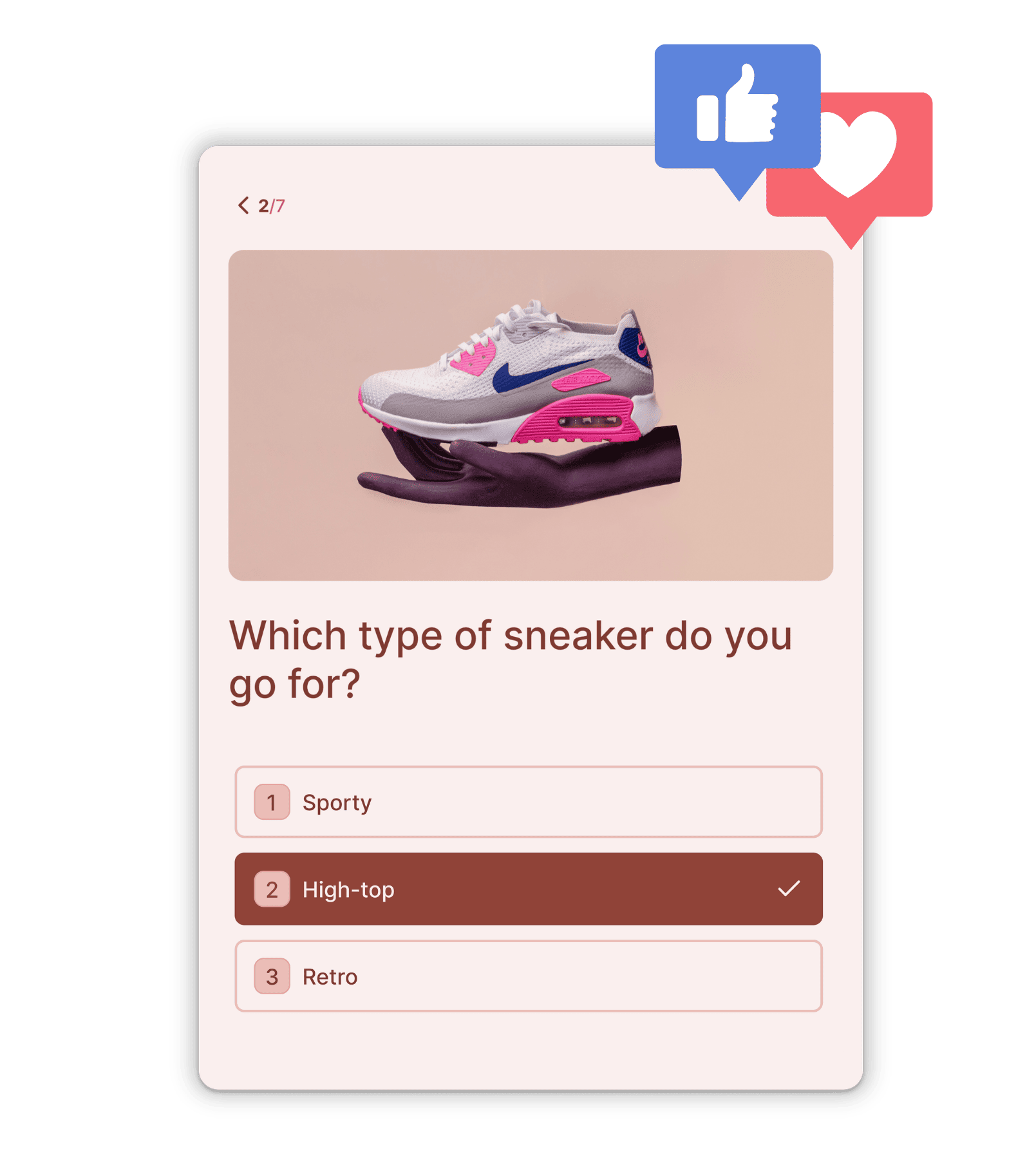
Recover Lost Sales
Losing some deals can’t be avoided, but a quiz can help you minimize lost sales and bring customers back.
- Use your quiz to collect email addresses from potential buyers and send them personalized discounts that encourage future purchases.
- Invite quiz takers to join your social channels, or add them to your email list and send them targeted content based on their quiz answers.
- Win customers back by addressing needs and product gaps that came up in their quizzes
For a step-by-step approach to turning product quizzes into a complete conversion engine, see our quiz funnel guide.
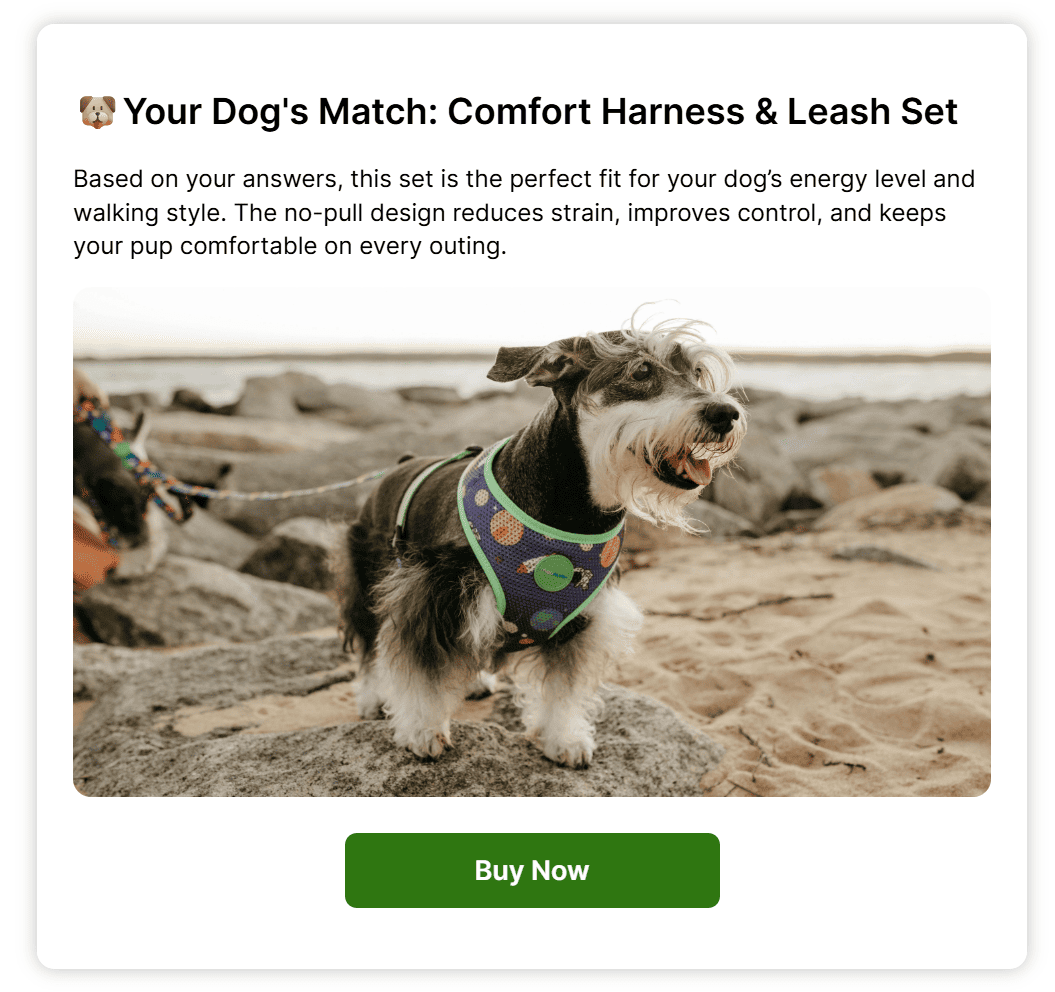
Reduce Customer Support Costs
Save money on customer service while improving your customers’ experiences.
Give your target audience an online shopping experience that’s fully automated but still feels personal.
Instead of waiting for them to ask you for directions, use a quiz to ask them everything you need to send them to the perfect product.
It’s a quick, easy, friendly, and effective way to communicate with the people who matter most to your brand.
Ready to Get Started for Free?
Create Your Product Quiz NowHow to Make a Product Recommendation Quiz With Opinion Stage
Make a super-engaging, high-converting product quiz in minutes. If you’re new to quiz creation and want a broader overview first – covering quiz types, AI generation, and templates – see our step-by-step guide on how to make a quiz.
1. Identify customer personas & create outcomes
Start by identifying the different types of customers you want to target. Create outcomes that align with these personas, ensuring that each result offers a personalized product recommendation that addresses their specific needs or problems.
2. Write the questions
Focus on asking questions that will reveal important details about your customers’ preferences, skin type, or specific needs, depending on your products. Make sure that your questions are clear, relevant, and relate to your chosen outcomes. For example, if you’re selling skincare, ask about their skin type and main concerns.
3. Create a product recommendation quiz
Now it’s time to create your quiz. You can choose one of our predesigned product quiz templates, start from scratch, or take a shortcut with our AI quiz maker.
Customize your quiz by choosing from different color themes and fonts, or change everything by using custom CSS. Make your quiz more engaging by adding images, videos, or GIFs. Don’t forget to match up the quiz answers with your outcomes with our skip logic feature, and add a personal touch with answer piping.
4. Test & optimize
Before you publish your quiz, test it out to make sure everything is running smoothly. If necessary, fine-tune the questions, images, and outcomes.
5. Publish & share
When you’re done tweaking your quiz, click ‘Publish’. Now, all that’s left to do is to make your product quiz part of your sales funnel. You can then easily embed it on your site with our Elementor quiz plugin, or add it to Squarespace, Weebly, or Wix sites. If you don’t have your own site, you can run the quiz from an optimized landing page on our site. You can also share the quiz by sending the link to your email subscribers, including it in abandoned cart emails, or adding it to your email campaigns. Combine it with your social media marketing strategy by sharing the quiz on any social channel or messaging app.
6. Use the results to improve
Now it’s time to analyze the results. Look for trends and patterns that reveal your customers’ preferences, needs, and pain points. These insights can help you improve your offerings and create more effective marketing and sales campaigns.
Product Recommendation Quiz Templates
Get a head start with effective quiz templates you can customize and make your own.


Hundreds of Customers Gave Us 5-Star Reviews



We’ve found Opinion Stage really easy to use, and it’s been a great way to engage our customers and promote subscriptions.

Harmony Wheeler
Super easy to set up and use. I published a personality quiz in minutes.

Pascal Senicourt
Opinion Stage is the best quiz tool I’ve used. It’s feature-rich, easy to use, and the content looks great.

John Dykstra
- 1.3M+ Experiences created
- 3B+ Questions answered
- 20M+ Leads captured
- 10+ Years of results
FAQs About Product Quizzes
What is a product recommendation quiz?
A product recommendation quiz (also called a product quiz) is an interactive quiz that guides people to the right product or service based on their answers.
It asks a series of questions to understand preferences or needs, then shows a result with a recommended product or set of products that best fit.
For example, a skincare company could ask about skin type and concerns, then recommend a routine with the most suitable products.
How do I make a product recommendation quiz?
Making a product recommendation quiz with Opinion Stage is simple. You can start with a product recommendation template and customize it to match your brand, products, and goals.
Begin by defining the products or product categories you want to recommend. Then create targeted questions and connect each answer to the relevant product outcome. Add visuals and personalization to make the experience engaging.
Once published, review your analytics to see how shoppers interact with your quiz and optimize it to increase conversions and sales.
When is a product recommendation quiz useful?
A product recommendation quiz can be useful in several scenarios:
- As part of your online sales funnel. Product recommendation quizzes work especially well for e-commerce brands, helping guide shoppers toward the right products and increase conversions.
- For brand discovery. Even businesses that don’t sell directly online can use a shoppable quiz to showcase products, highlight expertise, and generate interest.
- For customer insights. Because they’re highly engaging, product finder quizzes generate valuable data about customer preferences and buying behavior.
- For new product planning. The responses can reveal trends, demand patterns, and gaps in your current offerings.
Can you make a quiz on Shopify?
You can definitely create a quiz on Shopify. It’s quick, easy, and super effective. Here’s how you can do it in four simple steps: Shopify quiz.
How do you add a product recommendation quiz to a WordPress e-commerce site?
Adding a product recommendation quiz to WordPress is very straightforward with the Opinion Stage WordPress quiz plugin. All you need to do is install the plugin, connect it to your Opinion Stage account, make a Quiz, and add it to your post/page using the classic editor or Gutenberg editor.
You can also add a quiz to Elementor in seconds. Here’s how: Elementor quiz.
What is a shoppable quiz?
A shoppable quiz, also known as a shop quiz, offers a unique and personalized shopping experience by combining the engaging elements of social quizzes with personalized marketing. This innovative approach asks users questions about their likes and dislikes, generating a personalized set of products that cater to their preferences. By streamlining the shopping process in this way, shoppable quizzes enhance the overall shopping experience and boost customer confidence in their final purchase, reducing the likelihood of buyer’s remorse.
Can I use a product recommendation quiz with WooCommerce?
Yes — Opinion Stage integrates directly with WooCommerce stores. You can map quiz results to products in your catalog, add-to-cart buttons on the results page, and personalized product feeds based on quiz answers. Learn more about our WooCommerce product recommendation quiz.
Get Up and Running in Minutes
Create a Quiz