
Live Polling: Collect Votes With a Free Real-Time Poll Maker
Run live polls during events, meetings, classes, or livestreams. Let people vote from any device using a link or QR code, and watch the results update in real time as responses come in.
- ✓ Free to use
- ✓ No credit card needed
What Is Live Polling?
Live polling means asking an audience a question during a live presentation, meeting, class, event, or livestream and showing the results as people respond. Unlike a regular online poll that people can answer whenever they see it, a live poll is designed to be taken in the moment, with the audience participating together.
Opinion Stage’s poll maker is one of the most widely used ways to run live polls online, trusted by event organizers, educators, and marketers to collect real-time feedback. Create your poll, share it with a link or QR code, and watch the results as votes come in.
How Teams Use Live Polling
Live polling works anywhere you want people to participate, share an opinion, or react to something as it happens.
Live Events & Conferences
Get the room involved instead of relying on a show of hands. Use a poll to see which topics attendees want to hear more about, gauge their experience level, or collect questions for a panel or speaker.

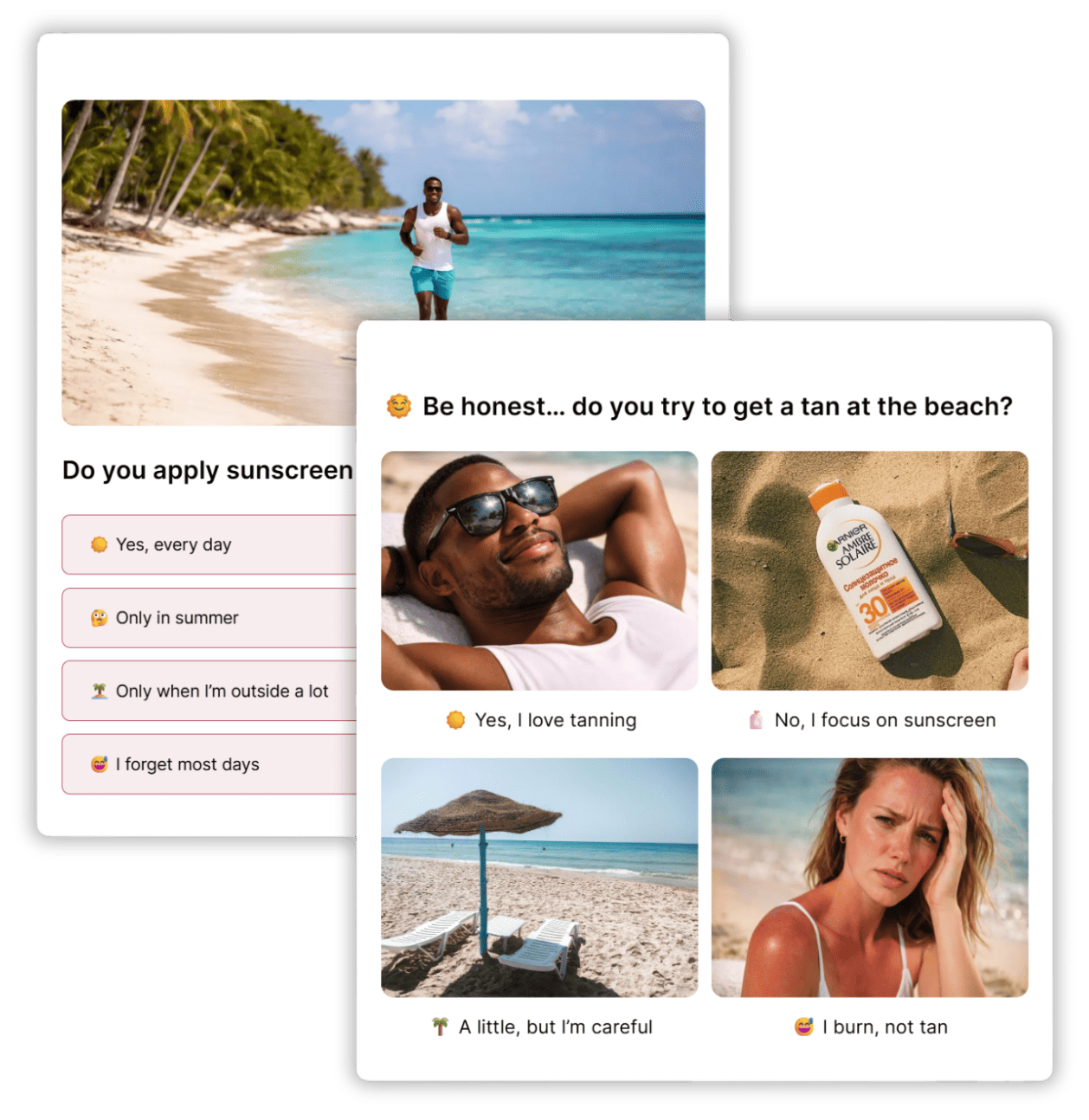
Livestreams & Social Media
Keep viewers involved while they watch. Use a poll to get reactions to the stream, find out which topics interest them, or let viewers weigh in on future content and events.
Meetings & Webinars
Keep meetings and events interactive by letting everyone weigh in without interrupting the discussion. Use a poll to quickly choose between ideas, check which topic to tackle next, or make group decisions on the spot.


Classrooms & Training Sessions
See how students are responding while the lesson is still happening. Use a poll to test their knowledge, find out which topics need more explanation, or let the class vote on a discussion question.
Marketing Presentations & Sales Pitches
Make presentations more interactive by learning what matters to your audience. Ask prospects about their biggest challenges, find out which features or topics interest them most, or use a quick poll to compare priorities across the room.
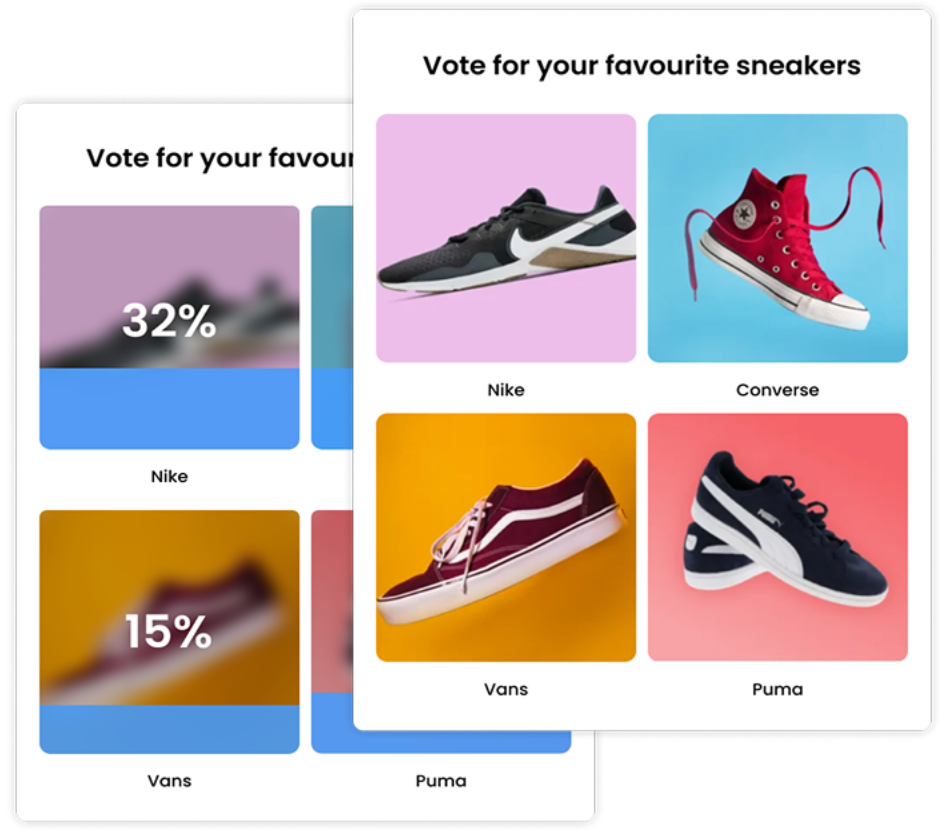

Publishers & Media
Let readers have a say while they’re already on your site. Run live votes around awards, “best of” lists, predictions, or current stories, and reveal the results after readers cast their votes.
How to Run a Live Poll
1. Create
Start by clicking Create a new item in your dashboard and choosing how you’d like to get started. You can create your poll from scratch, use AI, or pick a template.
In the editor, add your question and answer options, a few images, then customize the layout, colors, and fonts.

2. Share
Once your live poll is ready, share it with your audience by clicking on Share at the top of your screen then on Share the link. Here you can share it with a direct link or QR code. Participants can join from their phones, tablets, or computers without downloading anything, so everyone can participate from the device they already have.

3. Track
As responses come in, watch the results update in real time from your dashboard. See which answers are getting the most responses, how many people have participated, and use the results to keep the conversation going. You can also export the results afterward for a closer look.

What Marketers and Publishers Say About Opinion Stage



Opinion Stage is a great engagement tool with easy-to-use, great-looking polls.

David Coursey
Our go-to service for Bullion Dealer of the Year Vote. Ease of use and excellent capabilities. Handles huge traffic volume and I love that we can hide the vote results until the end of voting. We can also track votes and customize the voting forms so it looks like an integral part of our website.

Mac Saxe
We’ve found Opinion Stage really easy to use, and it’s been a great way to engage our customers and promote subscriptions.

Harmony Wheeler
Live Polling FAQ
How do I run a live poll during a presentation or event?
Create your poll in Opinion Stage, then share the link with your audience in the event app, over chat, or through a QR code. As people respond, votes appear in real time, and you can display the results dashboard on screen as they come in.
Is live polling free?
Yes. Opinion Stage’s poll maker has a free plan you can use to create and run live polls. There is no credit card required to get started.
Do participants need to download an app to vote?
No. Anyone can vote from their phone’s browser after clicking the poll link. There’s nothing to install.
How is a live poll different from a regular online poll?
The poll itself works the same way. The difference is when and how it’s used. A live poll is run in real time in front of an audience (at an event, in a meeting, during a class) with results shown as votes come in, while a standard online poll is typically shared and left open for people to answer whenever they come across it.
Can I embed a live poll on my website or in a webinar?
Yes. You can embed the poll directly on a webpage, or share the link in a webinar chat, Zoom, or Teams session for attendees to vote from their own devices.
How do I display live poll results on-screen during an event?
You can display your live poll results by sharing the analytics dashboard on screen during the event. If you want participants to see the results themselves, you can also set the poll to show results automatically after they vote.
Can publishers use live polling for reader voting or competitions?
Yes. Publishers can embed live polls directly into articles or live coverage pages, allowing readers to see results update as they vote. They can also use polls for recurring features such as an annual “Reader’s Choice” or “Best of the Year” vote.