
BuzzFeed Quiz Maker: Make Quizzes Free
Create fun, shareable BuzzFeed-style quizzes that entertain your audience and turn engagement into leads. Build from scratch, a template, or with AI – no coding required.
- ✓ Free to use
- ✓ No credit card needed
Trusted by 100,000+ teams and brands, including








Why Make a BuzzFeed Quiz?
A BuzzFeed-style quiz is a visual, shareable personality or trivia quiz designed to entertain audiences and encourage sharing. With Opinion Stage’s quiz maker, you can create one in minutes.
Maximize Engagement & Shares
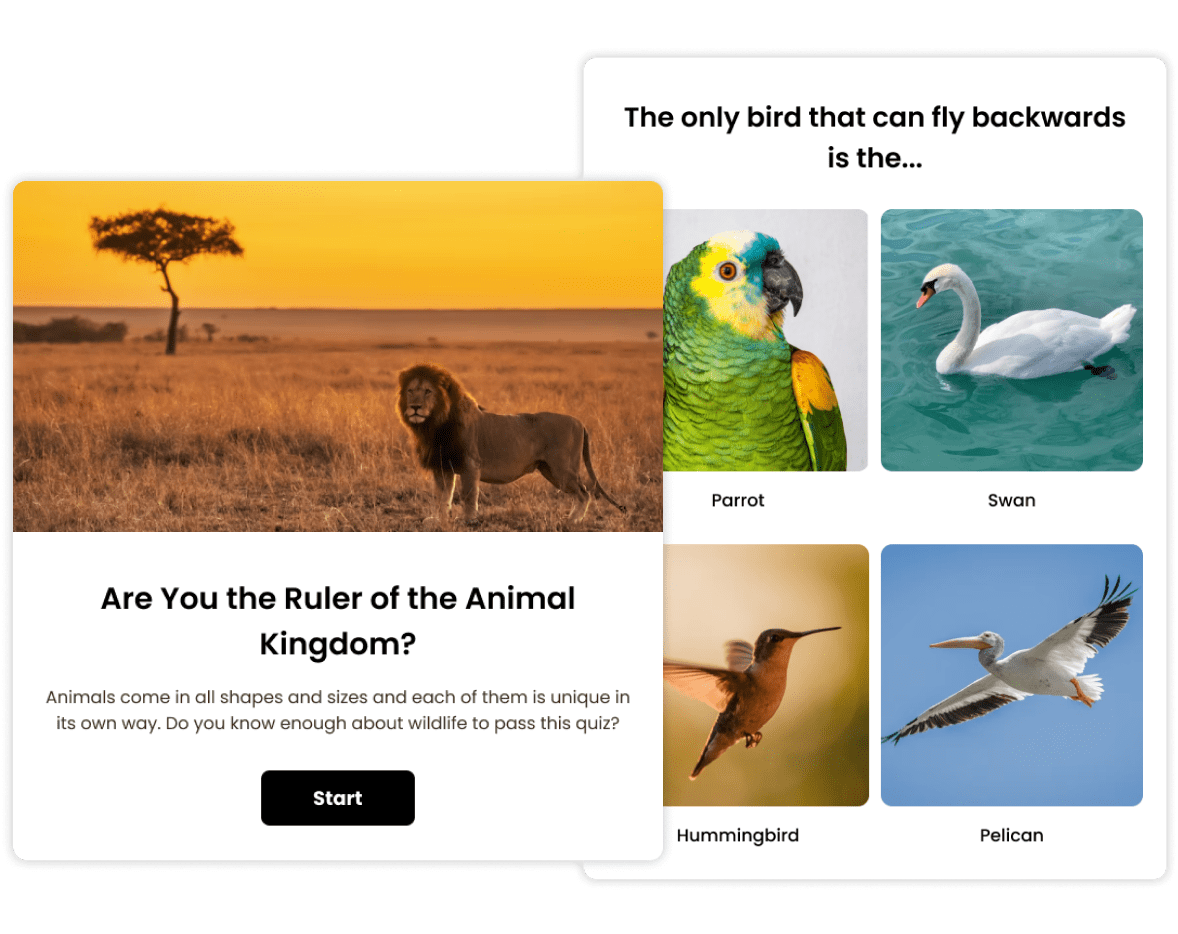
People love quizzes. In fact, around 80% of people who come across a quiz in their news feed click on it.
Why do they work so well? Because quizzes focus on the audience and their experience.
A quiz, especially a BuzzFeed-style quiz, offers your audience a fun, interactive experience. When people enjoy something, they’re more inclined to share it — which is exactly what turns a great quiz into a viral quiz.
Collect Qualified Leads
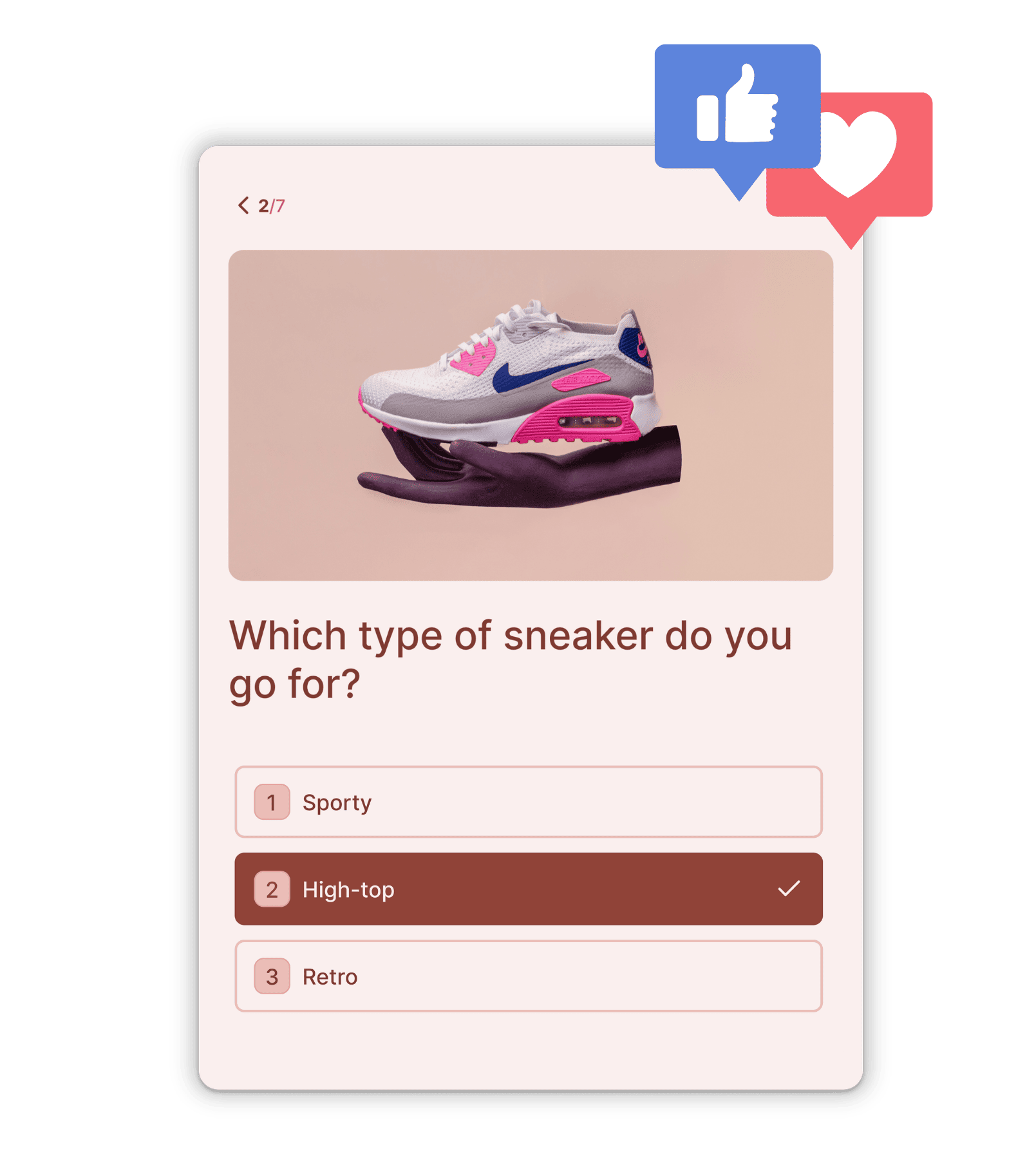
BuzzFeed-style quizzes turn engagement into lead generation by giving people something fun and valuable in return.
Instead of asking for an email up front, you invite people into an interactive experience first. When curiosity is high and results are just one step away, opting in feels natural rather than forced.
And because responses are tied to their answers, the leads you collect come with context — making follow-ups more relevant and more effective.

Strengthen Brand Awareness
Show people who you are, share your expertise, or introduce them to your products and services in an engaging way.
- Create a personality quiz that helps people discover something about themselves.
- Build a trivia quiz that highlights your knowledge and industry expertise.
- Design your quiz to reflect your brand’s look, tone, and messaging.
When people share your quiz, they’re also sharing your brand, helping you reach new audiences and build authority organically.

Increase Traffic to Your Website
Grab your audience’s attention, drive them to your website, and keep them there longer.
- Fill your quiz with images and fun content to get lots of shares.
- Add the quiz to your website or run it on a dedicated page and share it across your social channels.
- Optimize your quiz even after it’s live to further increase engagement and traffic.
Learn About Your Audience
Your quiz responses reveal what your audience is really into, from their preferences and interests to what gets their attention.
See how people answer, spot patterns, and use those insights to sharpen your messaging and fine-tune your offers.
Generate Ad Revenue
BuzzFeed-style quizzes get a lot of traffic, engagement, and shares. With a couple of clicks, you can capitalize on these advantages.
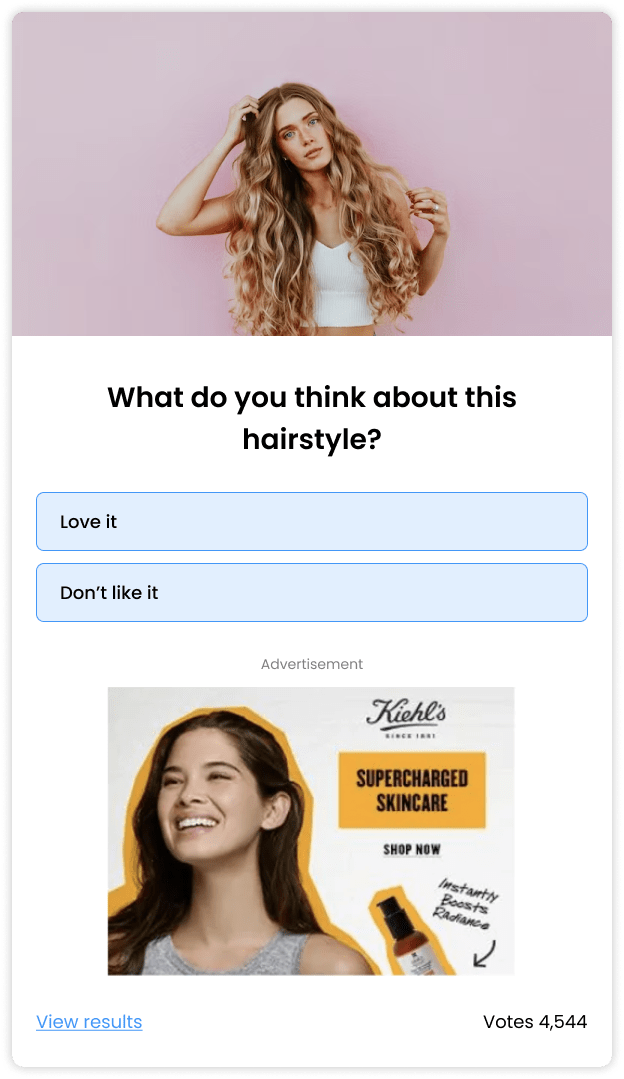
Place ads in your quiz to get more views, clicks, and up to 300% more ad revenue.
Ads that are embedded in quizzes get more attention due to their interactive nature. Since people are already involved and clicking they are much more likely to interact with the ad.
How to Make a Buzzfeed Quiz?
Follow these steps to create a BuzzFeed quiz.
Define your audience & objective
Before you start building your quiz with an online quiz builder, take a moment to clearly define your goal. Ask yourself who you are aiming to engage and to what end.
Once you have the answer, deciding on the quiz topic and quiz questions, as well as measuring your quiz’s success will be much easier.
Name your quiz
Every successful quiz begins with a great title. Writing a good title is an art as much as it is a skill, but there are a few rules you can follow.
- Make your title short and clear so users can instantly understand what the quiz is about.
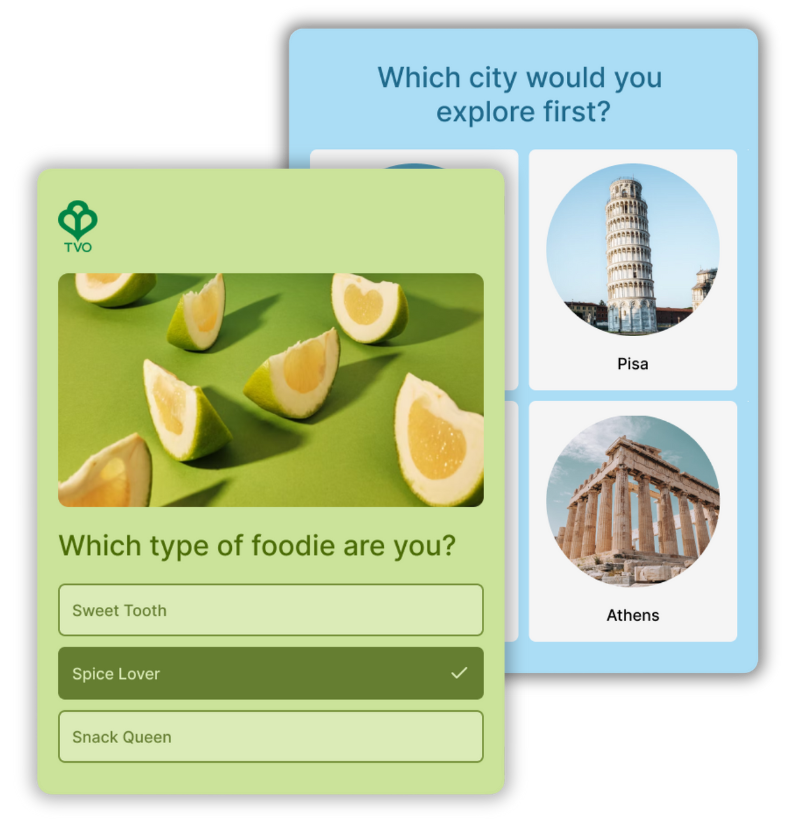
- Appeal to your specific target audience. For example, if you’re reaching out to a cooking community, asking “What type of foodie are you?” in your quiz title should work nicely.
- Get your audience curious about their ability to succeed. If you’re targeting college football fans, something like “How well do you know the Michigan Wolverines?” could be a good title.
Create result cards
When you make a BuzzFeed quiz, especially a personality quiz, it’s best to start from the end — defining your quiz results (or outcomes) and building your result cards from there.
- Create 3-5 different result cards, depending on your goal and on the number of questions you plan to ask.
- Make them as friendly, positive, and encouraging as possible. If you can make them funny – even better.
- Keep result titles and descriptions short and sweet.
- Include an eye-catching image that illustrates the content.
- Don’t forget to add social sharing buttons to maximize sharing potential.
- Result cards are also a great place to link to your site and configure a call to action.
Write questions & answer options
Now that your results are ready, it’s time to build the questions that bring your interactive quiz to life.
- There are different types of questions you can ask and combine to keep things interesting. For example, you could have a classic multiple-choice question with 3-5 answer options, followed by a true/false question, or a yes/no question.
- When writing your questions and answer options, ask yourself what would interest and challenge you? What would keep you engaged and make you smile?
- Make sure your answer options are clear and different from each other (overlapping answers can cause confusion and frustration).
- If you’re building a personality quiz make sure the answer options cover all possibilities so that none of your participants feel left out.
- If you’re making a trivia quiz, you can add short pop-up explanations after an answer is selected. Whether your user gives a wrong answer or a correct answer, these little pop-ups are a chance to enrich their knowledge and have some more fun with them.
Add bright & beautiful images
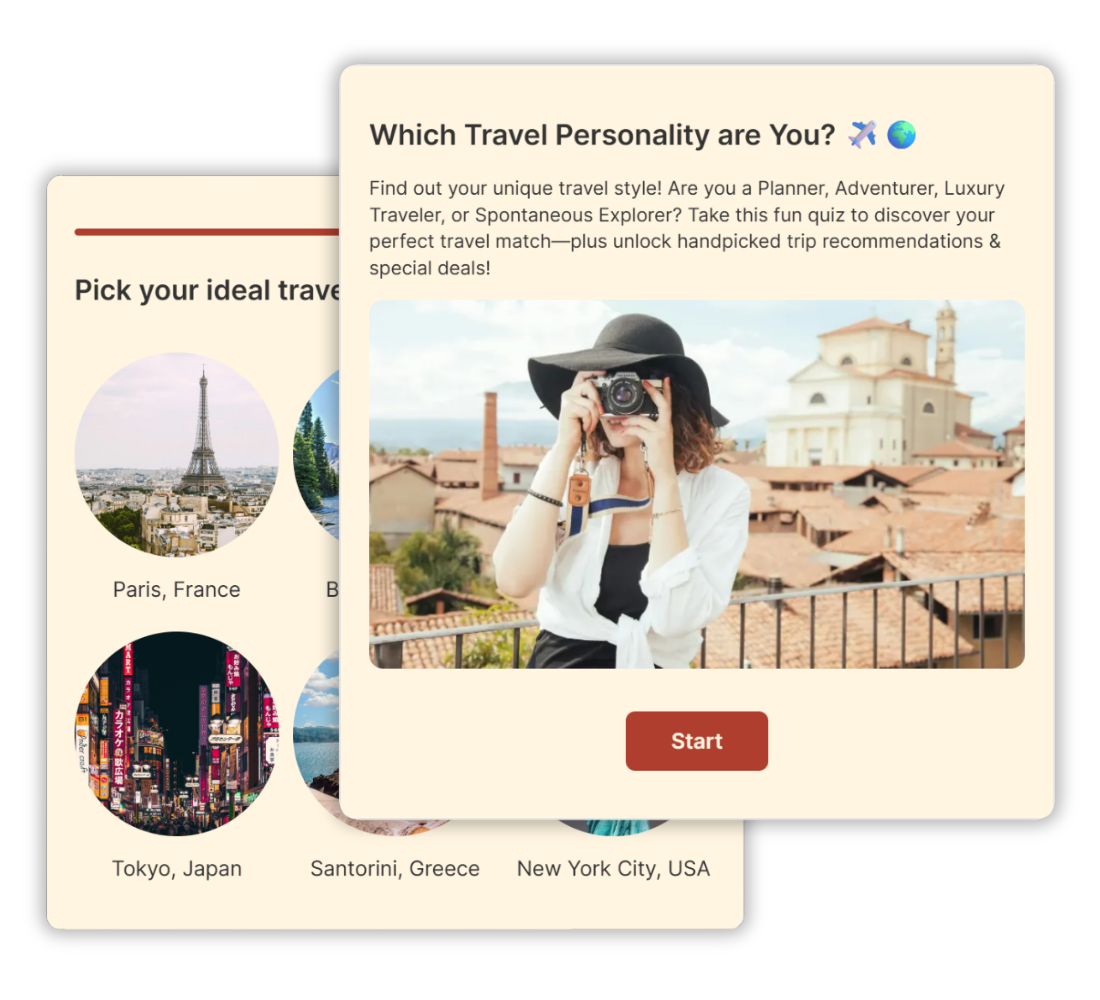
Buzzfeed quizzes are super visual. Choose a layout that highlights visuals and makes the quiz easy to interact with.
- Pick a list layout and add one main image to the question.
- Go for the image layout and add an image to every answer option.
- In both cases you can also add GIFs or videos instead of images if you like.
Use at least one visual in every question to make your quiz bright, colorful, and fun. It’s a great way to put a smile on your quiz-takers’ faces and to keep them with you till the end.
Choose a color theme
Once you’ve built your quiz, choose colors, fonts, and visual elements that match your brand and make the quiz stand out.
Try it out
Before promoting your quiz widely, go through it from start to finish to make sure everything flows smoothly. Check that the questions are clear, the answers make sense, and the results feel accurate and engaging.
You can also ask a few people from your target audience to take it and share honest feedback. Small adjustments can make a big difference in completion rates and overall experience.
Publish it on your website or run it on a dedicated page
Once your quiz is ready, add it to your website in a visible location to maximize participation. If you don’t have a website, you can run it from a dedicated page and share the link directly.
Share your quiz & drive traffic to it
Now that you know how to make a BuzzFeed quiz and your quiz has a home, it’s time to start sharing it and inviting your audience to play.
Post it on your social media channels. A Facebook quiz can get great response rates, as can a WhatsApp quiz, a LinkedIn quiz, or a quiz on Twitter/X.
Consider growing the reach of your quiz with social ads, they work really well with quizzes and get great response rates.
With a click of a button, you can also send the quiz to your mailing list to increase its reach.
Optimize based on user behavior
Once you start getting quiz responses you can review how people are responding to your quiz once it’s live. Look at completion rates and where people drop off, and adjust your questions if needed. You can use this data to improve your quiz even after it’s live. Sometimes it’s just a matter of changing the order of your questions or adding a word or two to make things clearer.
BuzzFeed-Style Quiz Templates
Get a head start with quiz templates you can customize and make your own.
Hundreds of Customers Gave Us 5-Star Reviews



Opinion Stage is the best quiz tool I’ve used. It’s feature-rich, easy to use, and the content looks great.

John Dykstra
Great for engagement and lead capture. I highly recommend Opinion Stage!

Mickey Bates
Great features, helpful support, and an interactive experience that truly engages customers.

Iris Morales
- 1.3M+ Experiences created
- 3B+ Questions answered
- 20M+ Leads captured
- 10+ Years of results
BuzzFeed Quiz Maker FAQs
What is a BuzzFeed style quiz?
A BuzzFeed-style quiz is a visual, shareable personality or trivia quiz designed to entertain and engage audiences. These quizzes are typically light, image-rich, and interactive, making them easy and fun to complete. Because they focus on curiosity and self-expression, they encourage people to finish the quiz and share their results with others.
Can I create my own quiz on BuzzFeed?
Yes, BuzzFeed allows users to create quizzes through its community platform. However, their quiz tool is primarily designed for entertainment and is not intended for business use, such as lead generation or product promotion.
If you’re creating a quiz for marketing, audience engagement, or sales, it’s better to use a dedicated quiz maker built for business goals, such as Opinion Stage’s quiz maker.
Why do people love BuzzFeed quizzes?
People love BuzzFeed quizzes because they’re fun, interactive, and easy to share. Trivia quizzes appeal to our competitive side by letting us test what we know, while personality quizzes tap into curiosity and self-discovery. They often focus on relatable topics, pop culture, and everyday interests, making them feel timely and relevant. Combined with bright visuals and a playful tone, these elements encourage people to finish the quiz and share their results with others.
How can a BuzzFeed style quiz help your business?
A BuzzFeed-style quiz can help your business attract attention, engage new audiences, and bring more traffic to your website. By creating interactive content around your expertise, products, or industry, you can strengthen brand awareness and position yourself as a trusted voice. These quizzes also support lead generation by offering something valuable in exchange for contact details, such as personalized results or recommendations. At the same time, the way people respond can reveal useful insights about their interests and preferences, helping you refine your messaging and offers.
How many questions should I add to my quiz?
There’s no single perfect number, as it depends on your topic, audience, and where the quiz will be shared. In general, it should be long enough to feel engaging and worthwhile, but short enough to keep people’s attention. For trivia quizzes, 7–15 questions often works well, while personality quizzes tend to perform best with 5–10 questions. You can always test different lengths to see what keeps your audience most engaged.
How can I collect leads with quizzes?
You can collect leads by adding a sign-up form before participants see their results. Because quizzes are interactive and entertaining, people are more willing to share their contact details in exchange for personalized feedback, results, or recommendations. This value exchange makes quiz-based lead generation more effective than asking for an email upfront.
How do I share my BuzzFeed style quiz?
You can share your BuzzFeed-style quiz just like any other piece of online content. Add it to your website or run it from a dedicated page, then share the link across social media, email, or messaging apps.
Can I edit my BuzzFeed quiz after publishing & sharing it?
Yes. You can update your quiz at any time, even after it has been published and shared. Any changes you make will automatically appear wherever the quiz is embedded or shared.
Get Up and Running in Minutes
Create a Quiz