
Image Poll Maker: Create Polls for Free
Get more votes with engaging image polls that work better than text alone. Create yours in seconds. No design skills needed.
- ✓ Free to use
- ✓ No credit card needed
Trusted by 100,000+ teams and brands, including








What is an Image Poll?
An image poll is an online poll where each answer option shows a photo or graphic rather than text. You can build one with Opinion Stage’s poll maker as part of poll formats designed to help marketers and publishers collect opinions and encourage participation.
When to Use an Image Poll
Not sure if an image poll is right for your situation? Here are the use cases where they consistently drive the most engagement.
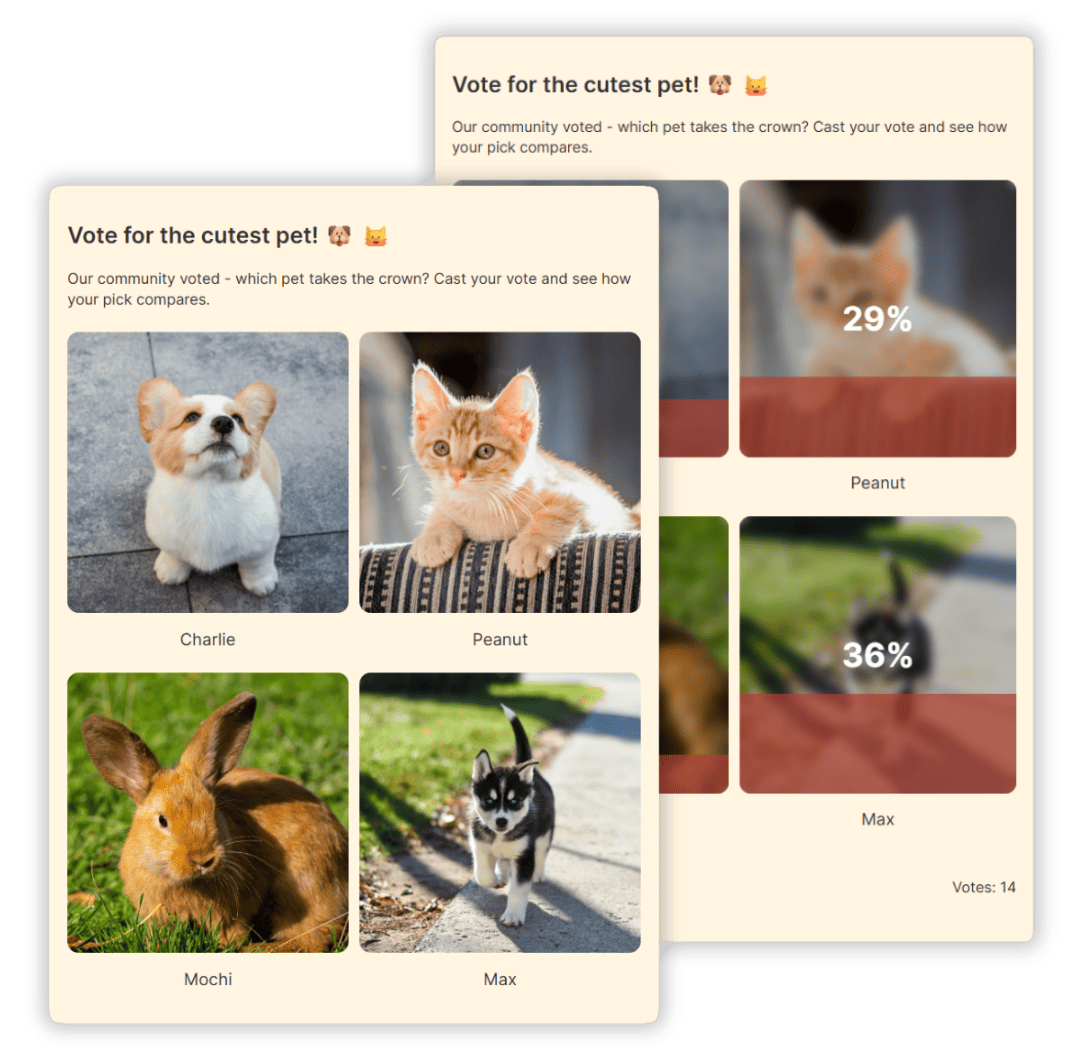
Contest & Competition Voting
Running a photo contest, design challenge, or user-generated campaign? Opinion Stage’s online voting tool gives every entry equal visibility, so no submission gets lost in the feed or overlooked.
Unlike comment threads or video replies, image polls give every entry its own dedicated spot with the same chance to win.
The result: a fair voting experience for every participant and more trust built for your brand.
Social Media Engagement
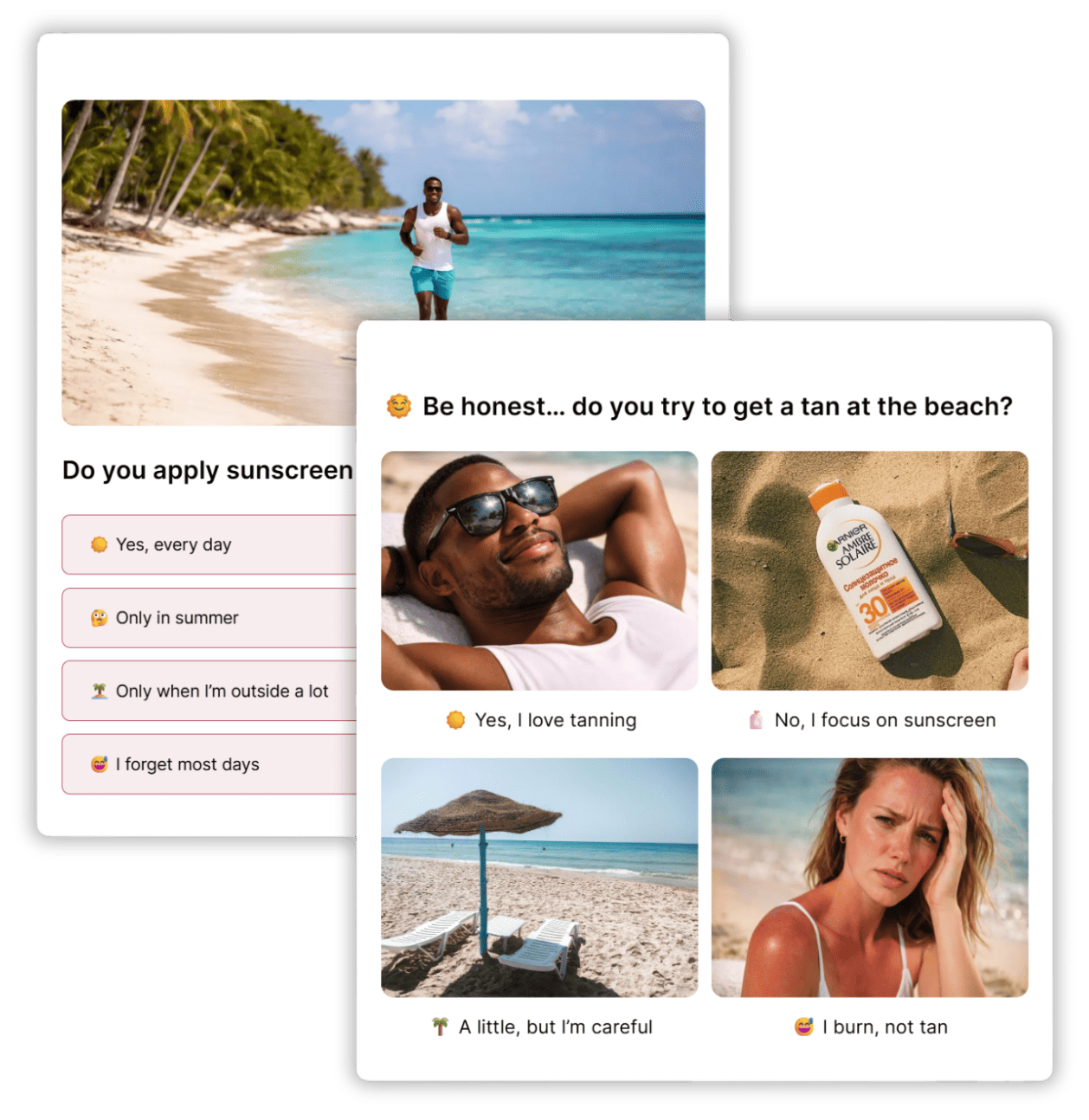
On social, attention is everything, and image polls give people something to do, not just something to read.
Visual answer options like “Which outfit should I wear?” or “Pick our next menu item” give people something to react to, share, and send to a friend.
E-Commerce & Product Testing
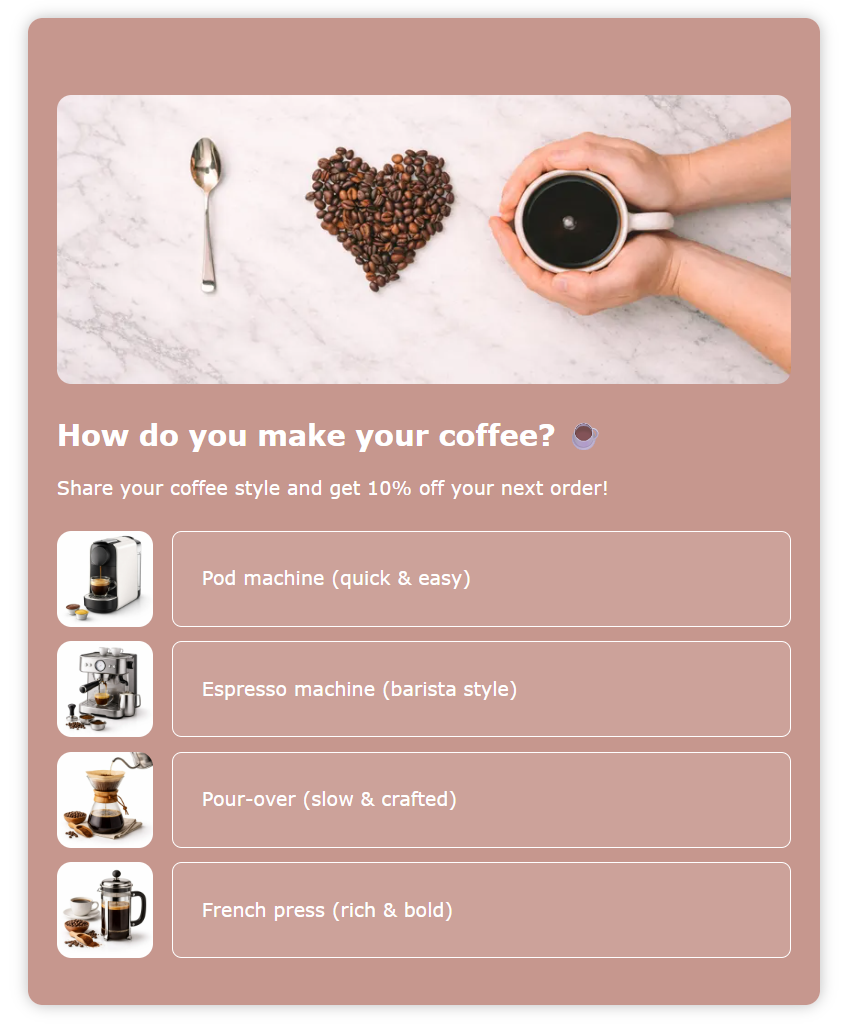
Find out what your customers actually want before you launch. Test product variations, colorways, or packaging designs with a quick image poll – and get real audience preferences before committing to production. Faster than a focus group, and you can run it directly from your site or social channels.
How to Create an Image Poll
1. Create
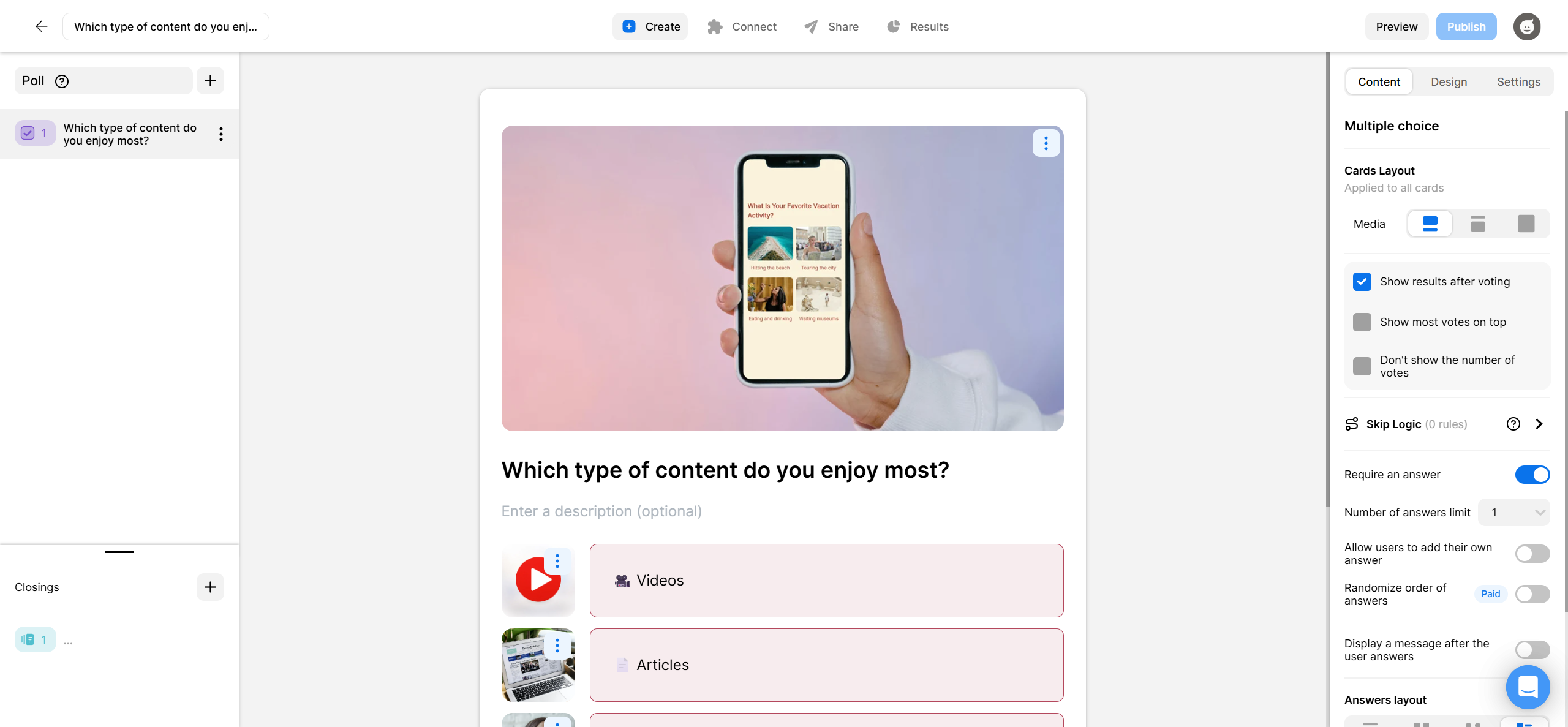
Start by clicking Create a new item in your dashboard and choosing how you’d like to get started. You can start from scratch, with AI, or from a template.
Once you’re in the editor, add your question and add images to both the question and answer options. You can do this by either by uploading your own photos or searching for free stock images directly inside the builder. From there you can customise colours, fonts, and styling to match your brand.
2. Share
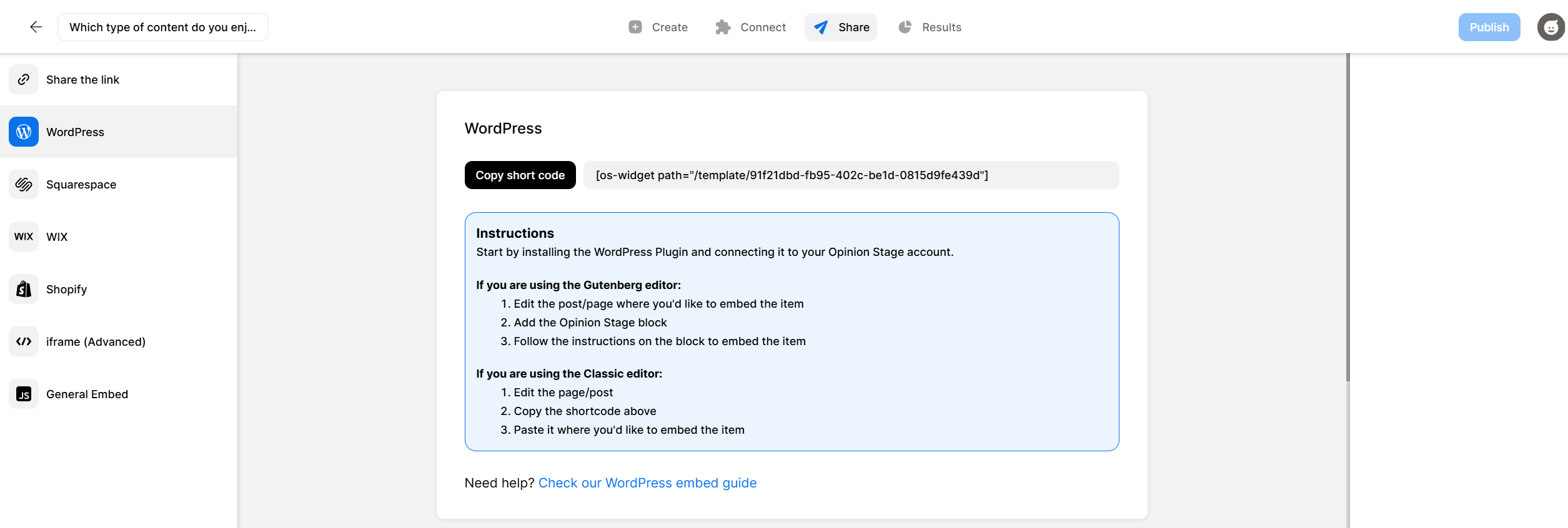
When your poll is ready, you can share it via a direct link on social media, messaging apps, email, or embed it on your website. Everything is optimised for mobile and desktop automatically, so your images will always look sharp regardless of what device your audience is using.
3. Track
As soon as votes start coming in, your dashboard updates in real time so you can see which option is leading and how many people have voted. You can also export the results for deeper analysis later.
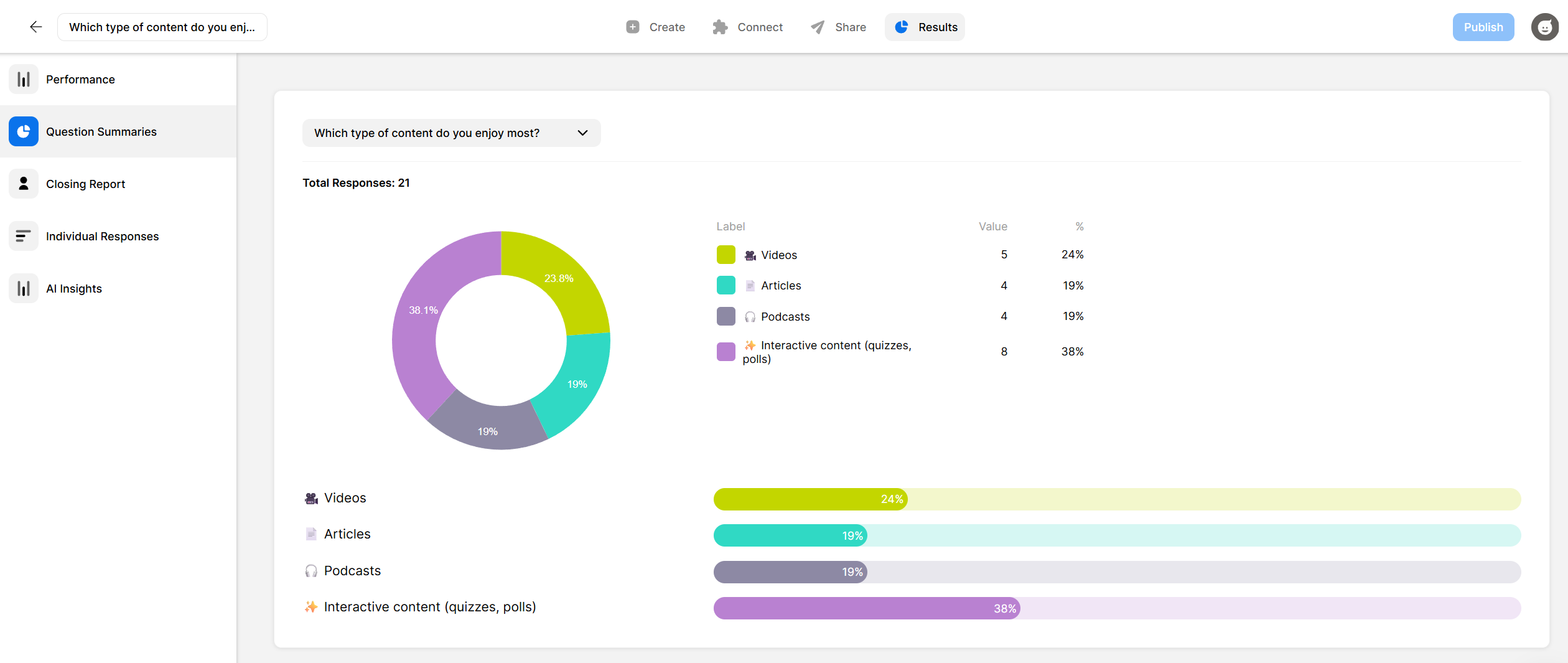
Image Poll Templates
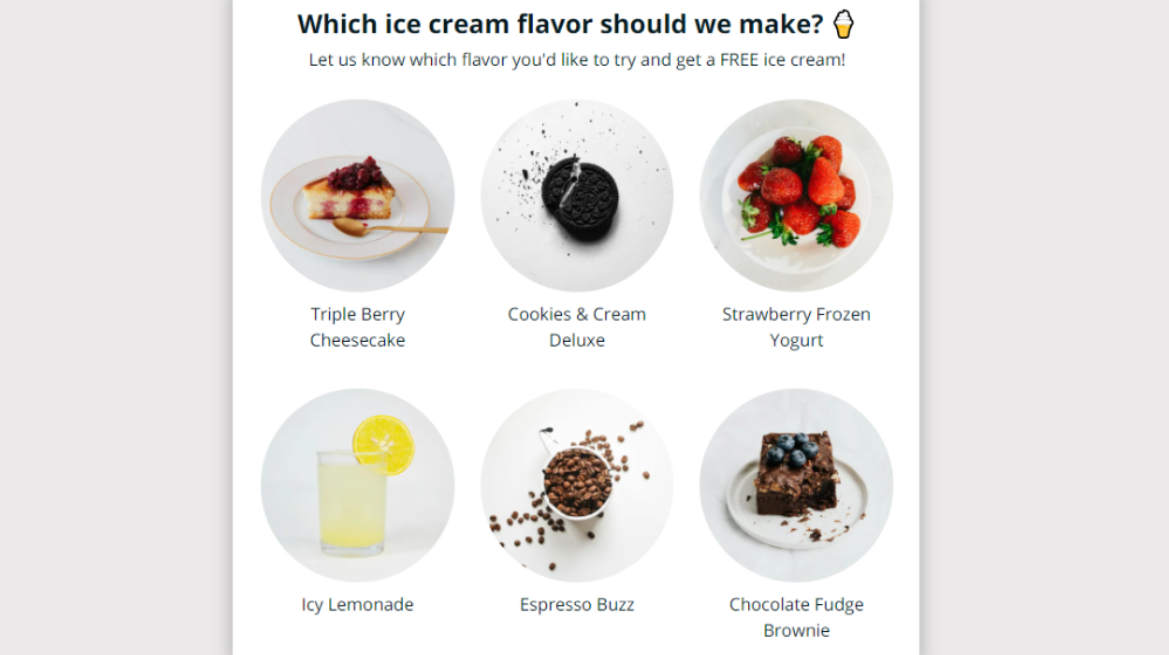
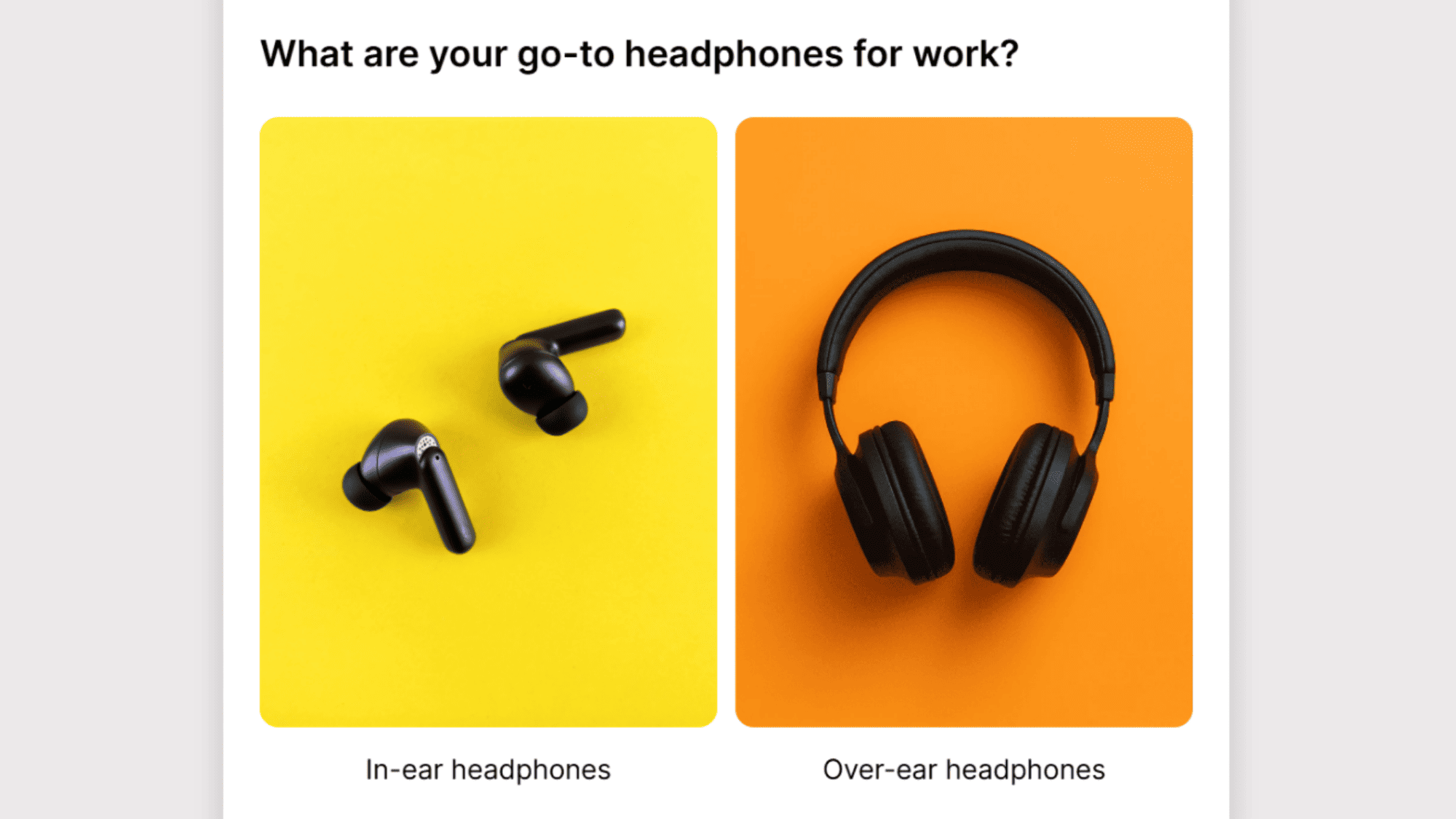
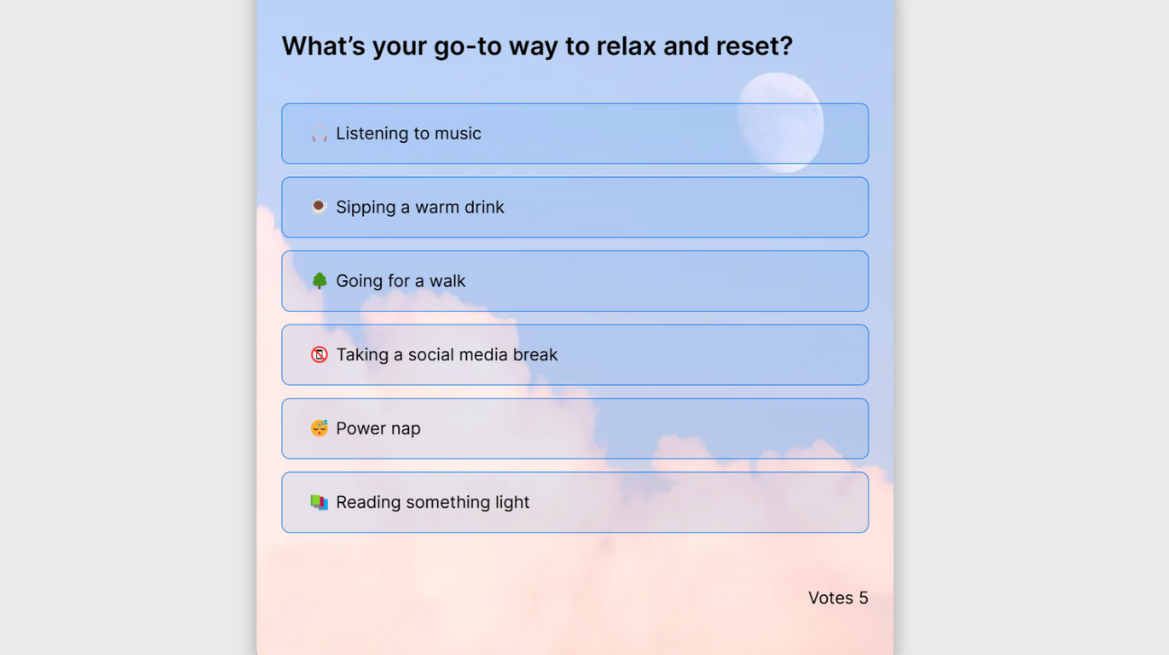
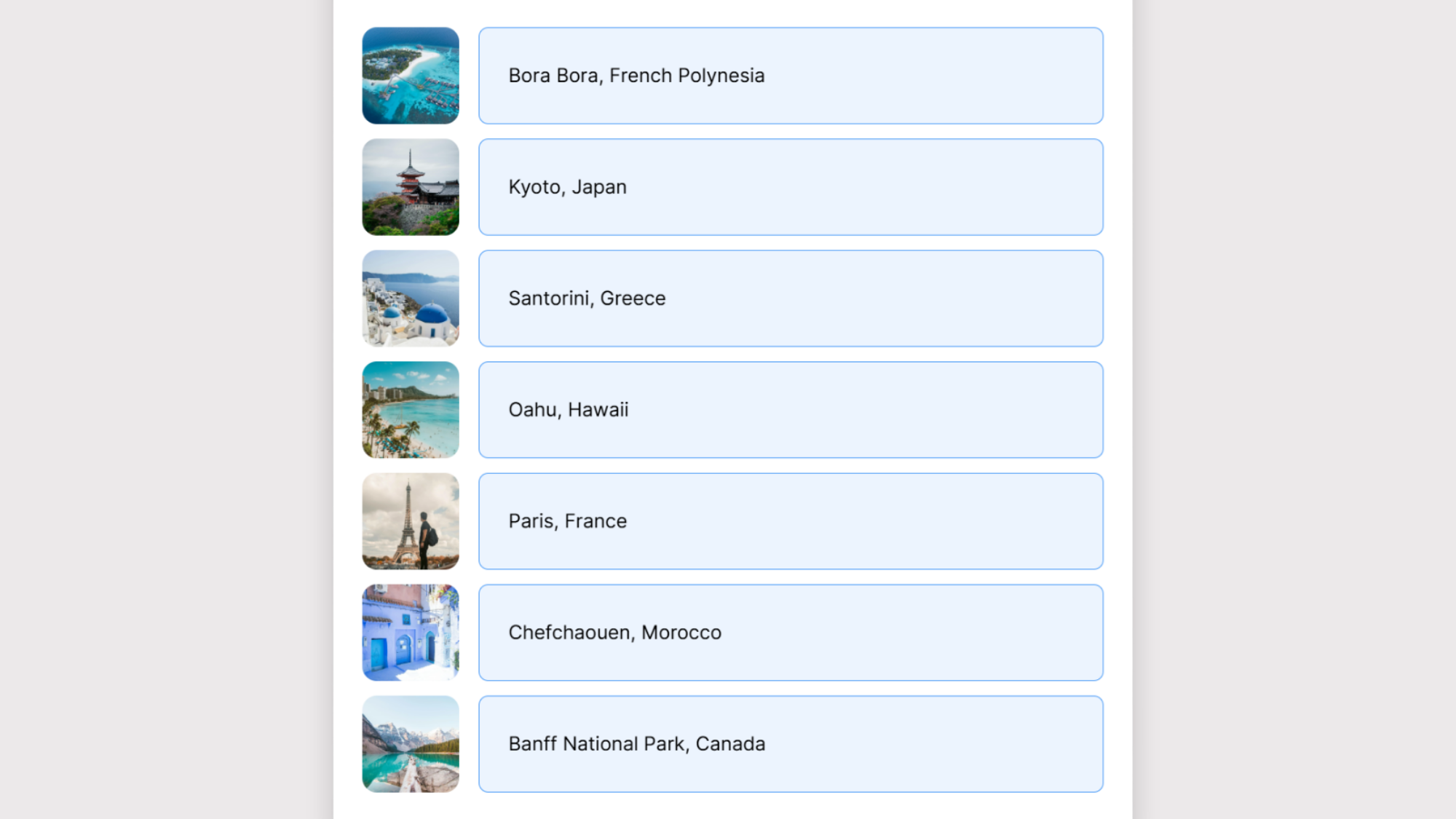
Get a head start with effective poll templates you can customize and make your own.

Hundreds of Customers Gave Us 5-Star Reviews



Awesome software with amazing support. The variety of poll types is a HUGE gold star in my book.

Chel Becket
Love Opinion Stage. Great polls and customer service. I use them all the time!

Stephanie Pellny
Opinion Stage is a great engagement tool with easy-to-use, great-looking polls.

David Coursey
Image Poll FAQs
When should I use an image poll instead of a regular poll?
Use an image poll when the thing being voted on is inherently visual — product designs, contest entries, event photos, menu items. If voters need to see the options to form an opinion, images reduce ambiguity and increase engagement. Text-only polls work better for abstract questions or opinion-based topics where no visual reference exists.
Can I use my own photos in an image poll?
Yes. You can upload your own images directly, use the built-in image search to find free or premium stock photos, or combine both in the same poll.
Are image polls mobile-friendly?
Opinion Stage image polls are automatically optimized for mobile — images scale to screen size and load fast without any manual configuration.
Is there a free image poll maker?
Yes. You can create and publish image polls with Opinion Stage free plan. Advanced features like custom branding are available on paid plans.
How do I get people to vote on images?
The easiest way is to keep your image poll focused on a single, clear question with visually distinct answer options. The more different the images look from each other, the easier the choice feels, and the more likely people are to vote. A short, direct prompt like “Which one would you choose?” is often all you need to get people voting.
What makes a good image poll question?
A good image poll question is specific, visual by nature, and easy to answer at a glance. Since the images should do the talking, avoid questions where the answer depends on reading a description. Questions like “Which packaging design do you prefer?” work well. And questions like “Which option aligns best with our Q3 brand strategy?” do not. Keep the number of answer options between two and four. Enough variety to spark interest, not so many that people can’t decide and move on.
How do I create a photo voting contest?
Start by creating an image poll with one question like “Vote for your favourite” or “Which one wins?” and add each contest entry as an answer option with its own photo. Keep it between two and four entries per poll so voters don’t feel overwhelmed. Once it’s ready, share it via link, embed it on your site, or post it on social media with a short prompt to get people voting. Results update in real time so you can share the winner the moment voting closes.
Poll Types & Tools
Get Up and Running in Minutes
Create a Poll