
7 Best Kahoot Alternatives for Quiz Makers in 2026
If Kahoot’s time limits, limited question types, and casual interface aren’t cutting it anymore, you’re not alone. Whether you’re running corporate training, an online course, or a classroom lesson, there are better quiz tools built for the job.
Opinion Stage is the leading Kahoot alternative — a no-code quiz maker trusted by thousands of educators and businesses to create engaging quizzes, assessments, and trivia games without writing a line of code. And it’s free to get started.
We tested dozens of tools so you don’t have to. Here are the 7 best Kahoot alternatives for quiz makers in 2026.
- No credit card required
- No time limit on free plan
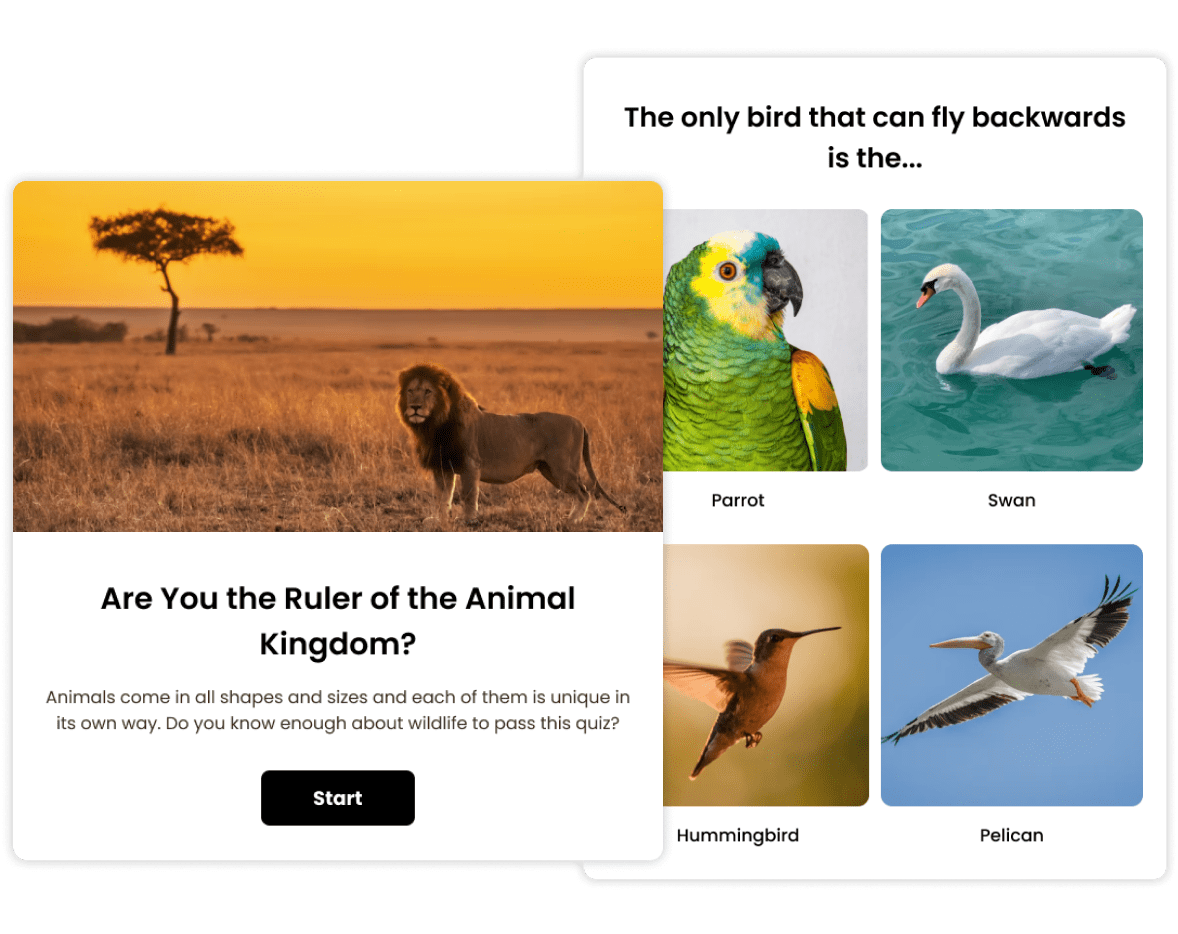
What do a school classroom, a business meeting, and a conference have in common? It’s Kahoot!
Kahoot is a gamified learning and engagement tool featuring interactive quizzes, slides, word clouds, and various question types. It allows users to join as a group to play together or individually, answering at their own pace. Originally designed to enhance student engagement and knowledge retention, Kahoot is also popular in workplaces for ice-breaking activities, employee training, and presentations.
Despite these advantages, Kahoot’s interface often feels too casual and doesn’t truly fit a professional setting. And because of Kahoot’s time limits, you can’t create complex questions that require more time to answer. You’re limited to short, quick questions, which might not accurately assess your student’s knowledge.
That’s why we’ve done the hard work for you by researching and compiling this list of the best Kahoot alternatives that offer more features and flexibility at an affordable price.
Top 9 Kahoot Alternatives to Choose From
We tried dozens of free quiz games like Kahoot before shortlisting these tools. Let’s break down our best picks:
| Tool | Ideal For | Comparison with Kahoot! |
|---|---|---|
| Opinion Stage | Marketing & Businesses |
|
| Quizzizz | Schools & Businesses |
|
| OnlineExamMaker | Schools & Businesses |
|
| iSpring QuizMaker | Schools & Businesses |
|
| Quizlet | Schools |
|
| AhaSlides | Businesses |
|
| Gimkit | Schools |
|
1. Opinion Stage: The Most Versatile Kahoot Alternative
Opinion Stage is the most versatile Kahoot alternative available today — a free, no-code quiz maker that lets you build trivia quizzes, knowledge tests, assessments, personality quizzes, and more in minutes.
Unlike Kahoot, Opinion Stage removes time pressure from the equation. You can create complex, thoughtful questions that participants answer at their own pace — making it far better suited for real learning outcomes, lead generation, and professional use cases.
Start from one of 100+ customizable templates or let the AI quiz maker generate a complete quiz from a single topic. Add images and videos directly to answer options, apply skip logic to personalize the experience, and track results with visual analytics dashboards. Every submission triggers an email notification so you’re never out of the loop.
Pros
✅ AI quiz maker — generate a full quiz from a topic in seconds
✅ Free plan with unlimited quizzes, no credit card required
✅ All quiz types: trivia, knowledge tests, assessments, personality quizzes
✅ Add images & videos to questions and answer options
✅ Skip logic and answer piping for personalized experiences
✅ Visual analytics and per-submission email notifications
✅ Embed anywhere — websites, WordPress, email, social
Cons
❌ Free plan has response limits
❌ Registration required before use
Ready to build your first quiz?
Create a free quiz with Opinion Stage2. Quizizz: Best for Subject-Specific Interactive Learning Resources
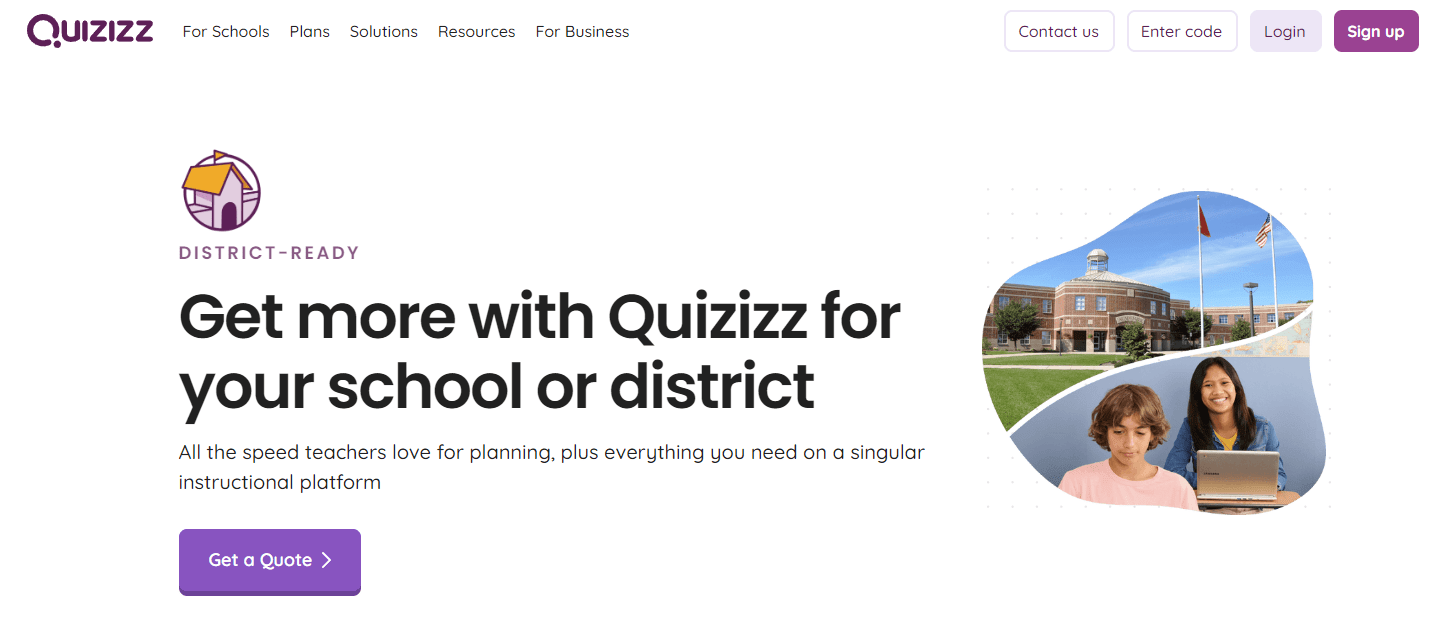
Quizizz is an interactive learning platform similar to Kahoot with a library of ready-made study sets. You can choose and customize templates—like quizzes, polls, slides, and other questions—to create relevant activities.
The tool also offers inclusive learning capabilities like the Read Aloud feature to maximize accessibility among non-English speakers.
Once you’ve created and rolled out your quizzes, you can track how people interact with your questions. You get insights into the entire group’s performance and individual results.
Pros
✅ Add micro-motivators to maximize completion rates
✅ Create a whiteboard with questions or embed directly within presentations
✅ Choose from several customizable lesson templates
Cons
❌ Lack of transparent pricing for schools
❌ Limited integrations, doesn’t support Slack and Google Workspace
3. OnlineExamMaker: Best AI-Powered Quiz Solution for Teachers
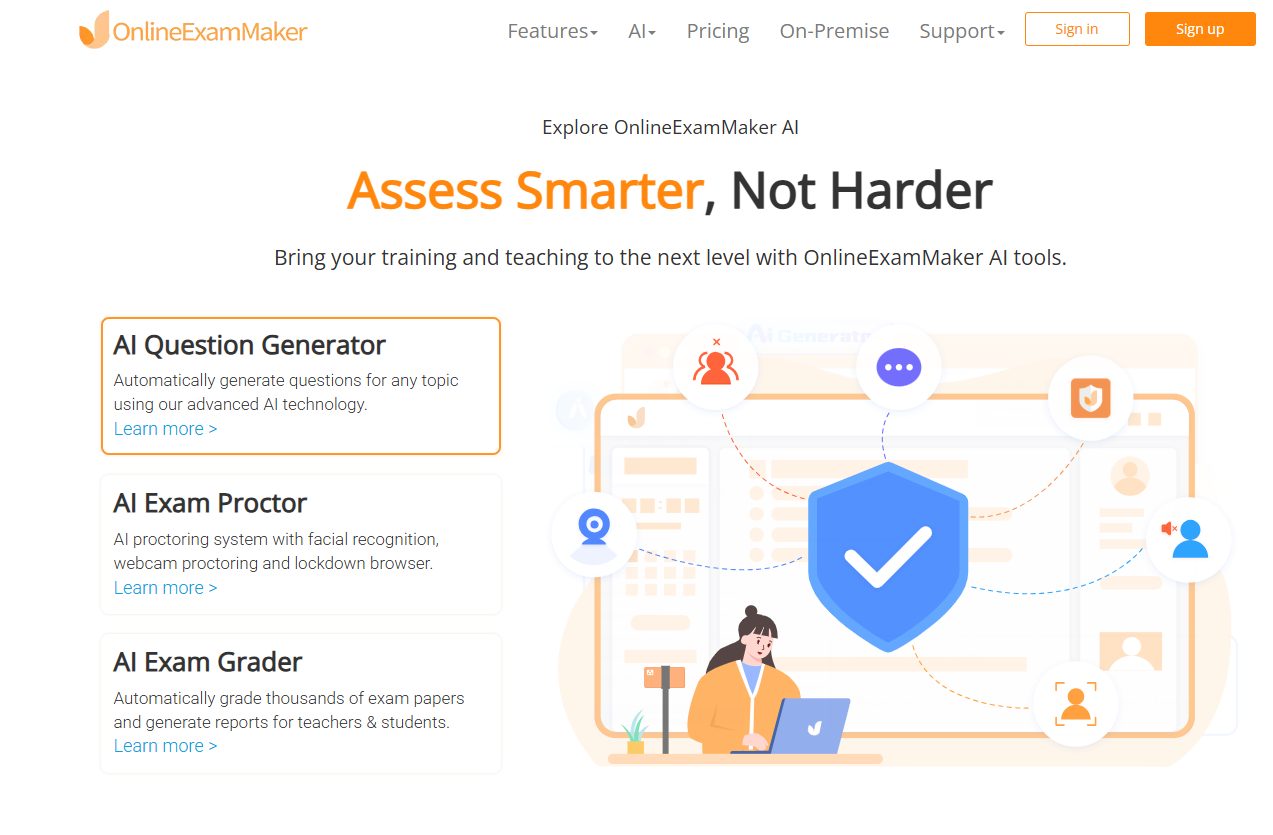
OnlineExamMaker helps teachers create interactive and auto-grading quizzes online with AI. Besides teachers, it’s also designed for educators, businesses, and anyone looking to generate engaging quizzes without spending hours crafting questions manually. The AI Question Generator feature allows you to input a topic or specific details, and it generates a variety of question types automatically.
Pros
✅ AI Question Generator helps you save time
✅ Add engaging video and audio into quiz questions
✅ Share your online exam with audiences on social platforms
Cons
❌ Free version has limited features
❌ AI proctoring features require a subscription
4. iSpring QuizMaker: Best for Professional-Grade, In-Depth Assessments
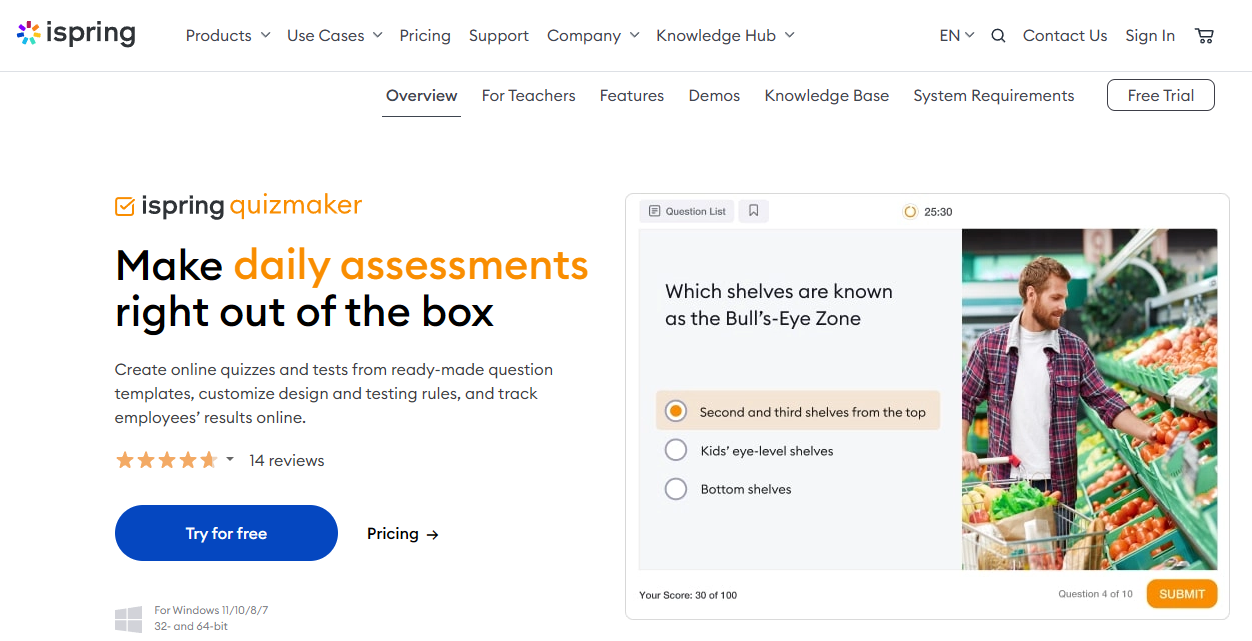
iSpring QuizMaker is a tool designed for creating professional, graded quizzes and surveys that go beyond the quick-fire format that Kahoot is known for. Being ideal for educators and corporate trainers alike, iSpring QuizMaker allows you to craft assessments with a wide variety of question types, including multiple-choice, drag-and-drop, and hotspot.
One of the things that sets iSpring QuizMaker apart is its strong focus on preventing cheating. You can randomize questions and answers and set scoring rules and timers for each question. Plus, you have full control over the quiz design by being able to add videos, images, and audio and customize layouts and navigation for a more personalized learner experience.
Pros
✅ 14 question types, including drag-and-drop, hotspot, and Likert scale
✅ Branching scenarios and feedback for each answer choice
✅ Easy export to SCORM, xAPI, AICC, and cmi5
Cons
❌ No free pricing plan
❌ No Mac OS support
5. Quizlet: Best for an End-to-end Study Solution

Quizlet is a learning platform designed to help students learn better with flashcards and revise through practice tests. The platform puts students in the driver’s seat to take notes, practice lessons, create tests, and a lot more with the power of AI.
A feature that’s unique to Quizlet is its chatbot app, Q-Chat. It works as a self-paced study partner who can explain concepts, ask questions, or conduct tests.
Pros
✅ Convert notes into learning and test resources
✅ Chatbot helps increase the pace of learning
✅ Enhance learning with an intuitive interface
Cons
❌ Only geared towards teachers and students, doesn’t support business use cases
❌ Limited-time free plan and the user experience is disrupted with ads
6. Google Slides: Best for Integrating Interactivity in Presentations
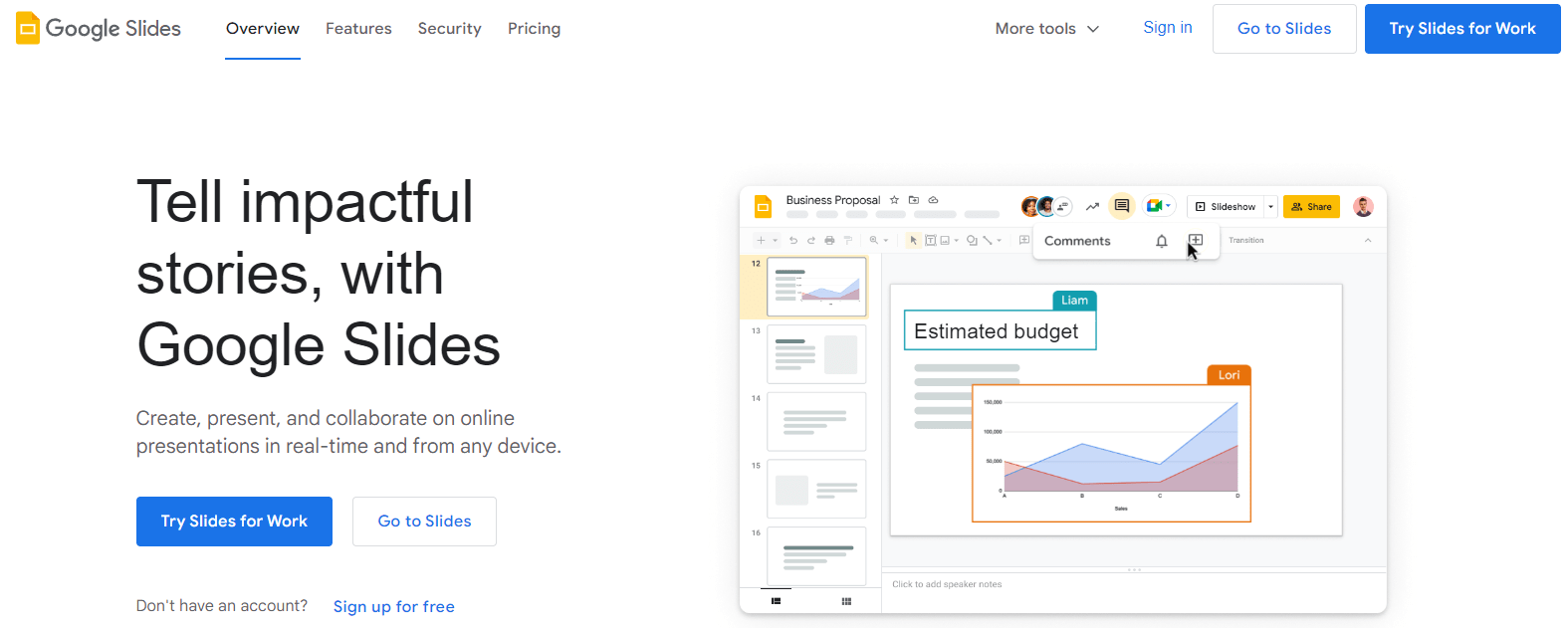
Google Slides is another potential Kahoot alternative for creating interactive presentations. It offers a user-friendly platform for making slide decks for various business or educational use cases.
You can also add different types of objects, emojis, and stickers, along with animation effects. It’s easy to create dynamic quizzes using linked objects.
Pros
✅ Offers a familiar interface, saves time in learning a new tool
✅ Versatile and adaptable for various use cases
✅ Better suited for business presentations and ice-breaker sessions
Cons
❌ Doesn’t support multiple questions formats like other tools
❌ Isn’t purpose-built for interactive learning or educational use cases
7. Slido: Best for Interactive Activities in a Business Setting

Slido is a good Kahoot alternative for business users. It integrates with several workplace communication apps, like Teams, Slack, and others. Slido enables you to create polls, quizzes, or Q&As within your preferred third-party app in seconds.
Slido’s free plan allows up to 100 participants and unlimited questions in a session. You can also interact with a bigger group and crowdsource questions too.
It’s a good way to make virtual events more exciting and keep the conversation flowing on odd workdays, too!
Pros
✅ Choose from various styles of questions
✅ Integrate questions into multiple apps or embed them on your website
✅ Get detailed insights into participants’ responses
Cons
❌ Limited service offering only live polls and no customization options for on-brand content.
❌ Higher pricing for larger events with 200+ participants
8. AhaSlides: Best for Creating Live Event Engagement Activities
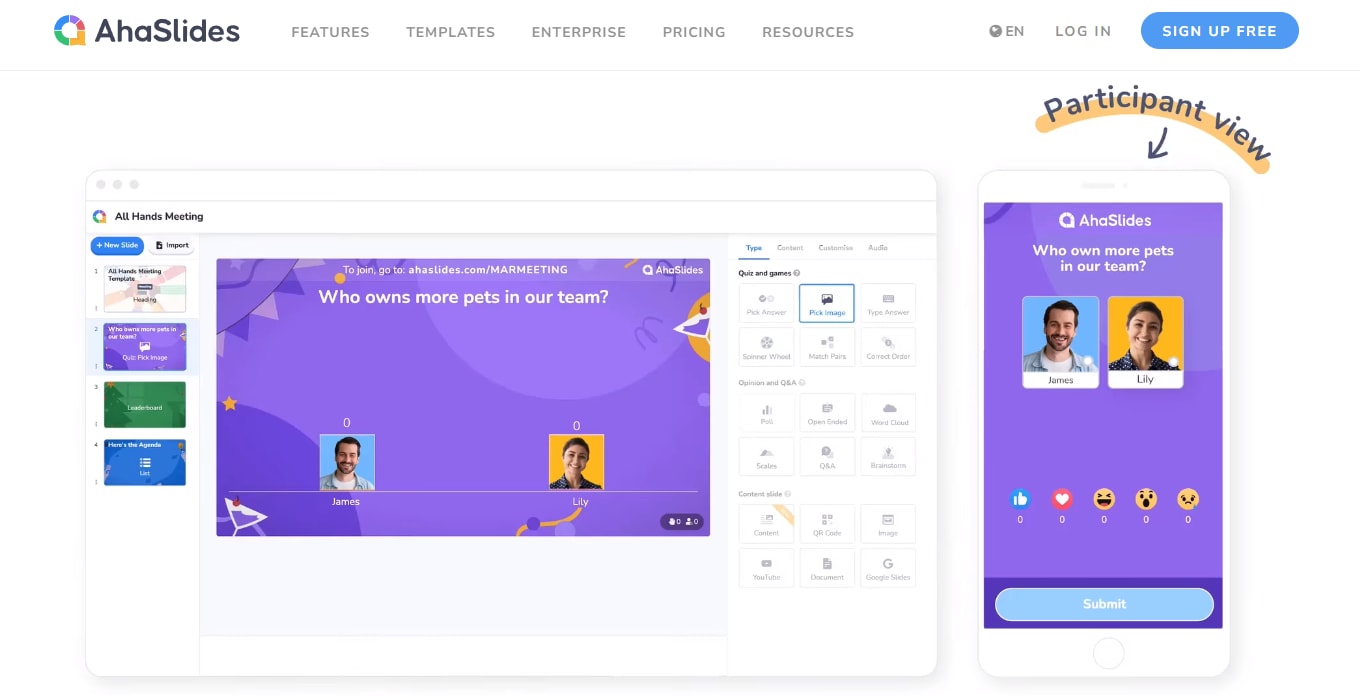
AhaSlides is a live quizzing platform for educators, businesses, and communities. You can use this tool to maximize participation and engagement during any event—whether it’s a live class or a business event.
With its core focus on live event engagement, the tool offers real-time collaboration capabilities and team permissions to create a seamless experience.
Its free plan also lets you create and customize unlimited quizzes, polls, and slides, making it a good fit for those working on a tight budget. However, you can only present to seven people at a time.
Pros
✅ Create exciting presentations and embed interactive questions
✅ Free templates for different types of presentations
✅ Custom Enterprise plan purpose-built for bigger organizations
Cons
❌ Only integrates with PowerPoint, Google Slides, YouTube, and RingCentral
❌ Free plan only allows you to present to seven people at a time
9. Gimkit: Best for Involving Students in the Creation Process
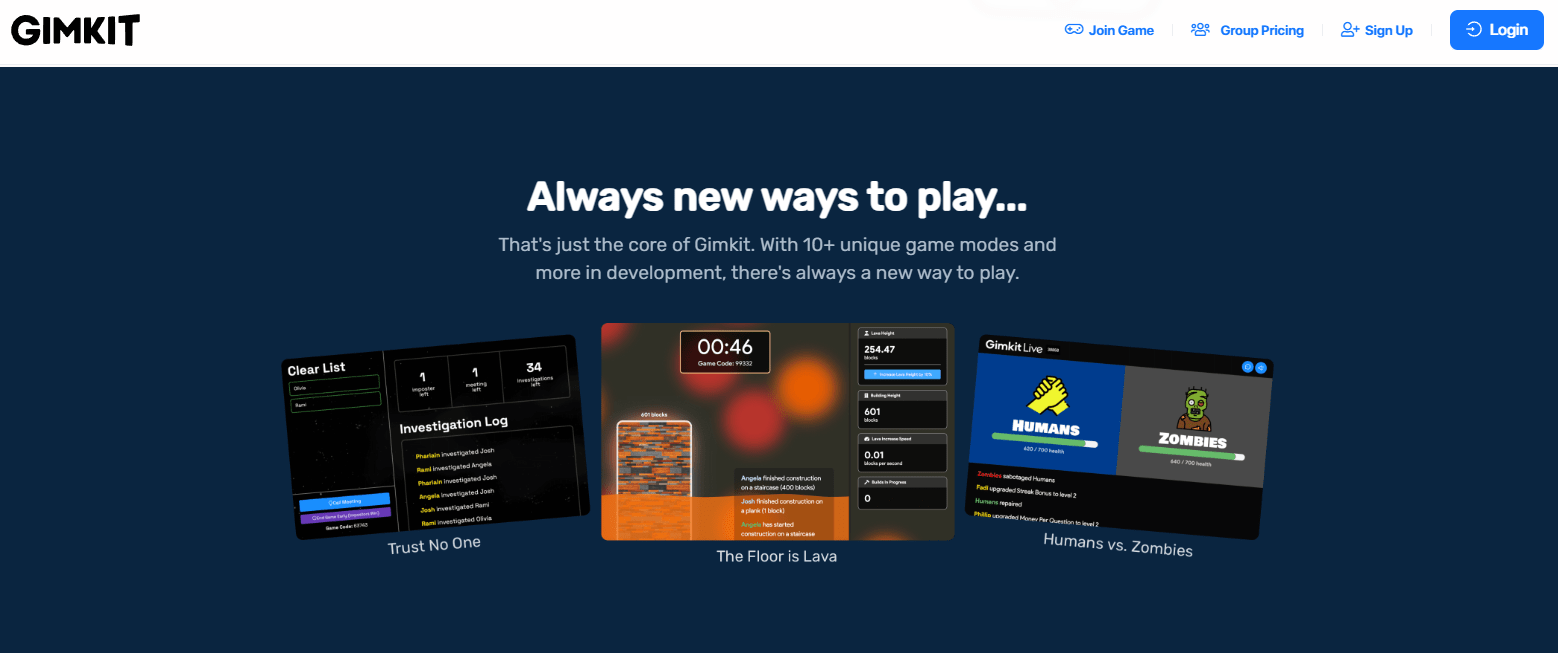
Gimkit is a game-based learning app in which students can score points by answering questions and buying goodies with these points. They can also purchase power-ups to unlock higher levels and continue earning to level up.
KitCollab is a feature unique to Gimkit. It allows students to submit questions to teachers in real time and play collectively with the class.
In addition to games, you can also assign homework within the app. Students will receive grades automatically and earn points based on their grades.
Pros
✅ Involve students more actively by allowing them to submit their own questions
✅ Choose from various game modes designed for learning & development
✅ Enable competitive spirit with an earn-and-buy approach
Cons
❌ Only offers two question formats, no interactive options
❌ Expensive yearly pricing with limited capabilities, not ideal for business use cases.
Kahoot Alternatives: Which Platform Should You Choose?
That’s our list of the 7 best Kahoot alternatives for quiz makers in 2026. If you need a tool that goes beyond quick-fire classroom games — one that handles real assessments, lead generation, and branded quiz experiences — Opinion Stage is the place to start
FAQ
What is similar to Kahoot but free?
Here’s a list of free Kahoot alternatives:
- Opinion Stage
- Quizizz
- Quizlet
- Slido
- AhaSlides
Why is Kahoot so famous?
Kahoot is a popular tool known for its gamified learning experience. Users can create quizzes, polls, and various interactive games based on the standard Q&A format.
What is the best free Kahoot alternative for quiz makers?
Opinion Stage is the best free Kahoot alternative for creating quizzes. It offers unlimited quiz creation on its free plan, an AI quiz maker, 100+ templates, and no credit card requirement to get started. Unlike Kahoot, there are no time limits on questions, making it better suited for assessments and professional use cases.
Which Kahoot alternative works with WordPress?
Opinion Stage integrates directly with WordPress, letting you embed quizzes into any page or post with a shortcode. It’s purpose-built for websites and content publishers who want interactive quizzes without leaving their CMS.
What's the difference between Kahoot and Opinion Stage?
Kahoot is designed for live, time-pressured group play — originally built for classrooms. Opinion Stage is built for flexible quiz creation across marketing, education, and business use cases. It supports self-paced quizzes, lead capture, conditional logic, and detailed analytics that Kahoot doesn’t offer.
You can easily do it yourself, no need for a developer
Make a Quiz