
How to Run an Instagram Survey That Gets Better Results
Learn how to make a survey that gets more and better results because people enjoy answering it. Quick and easy to create and share on Instagram.
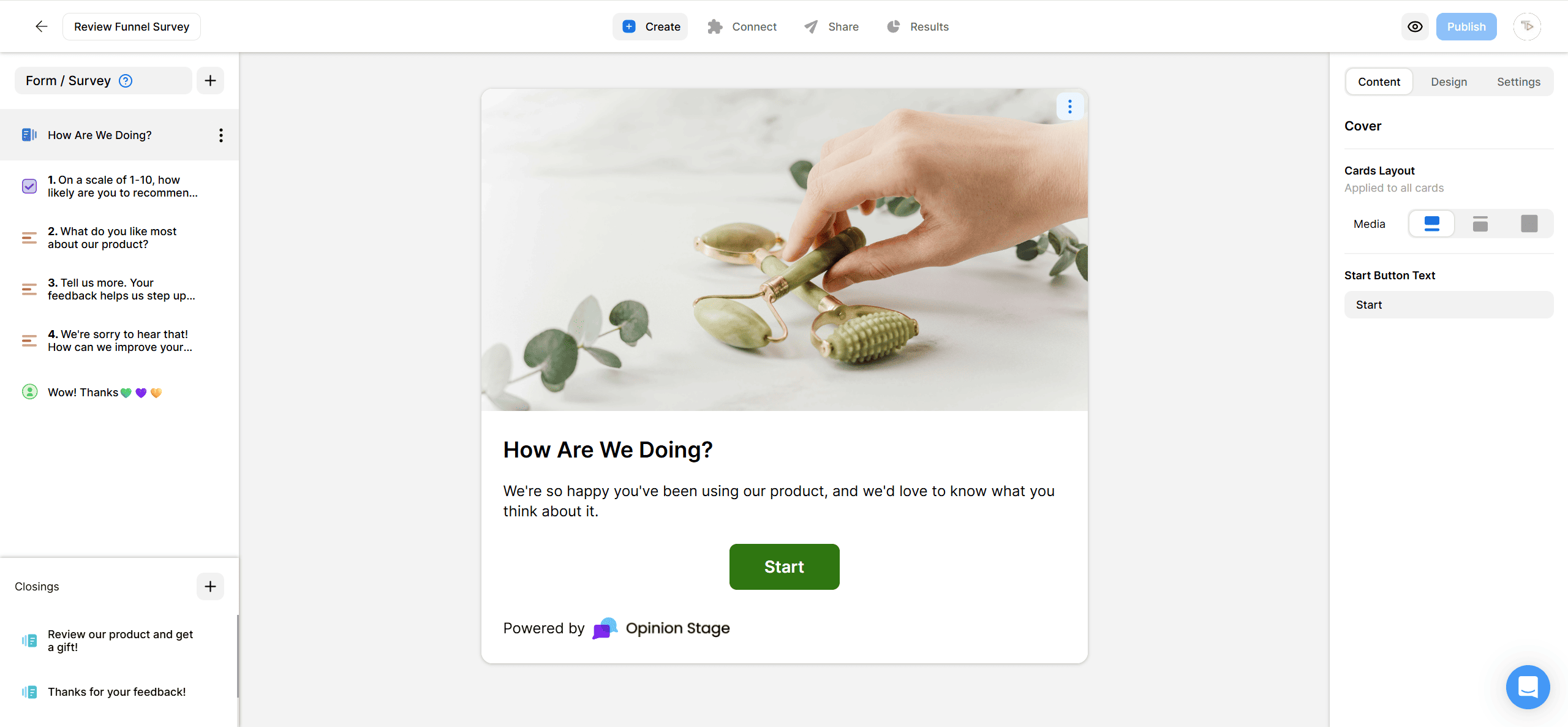
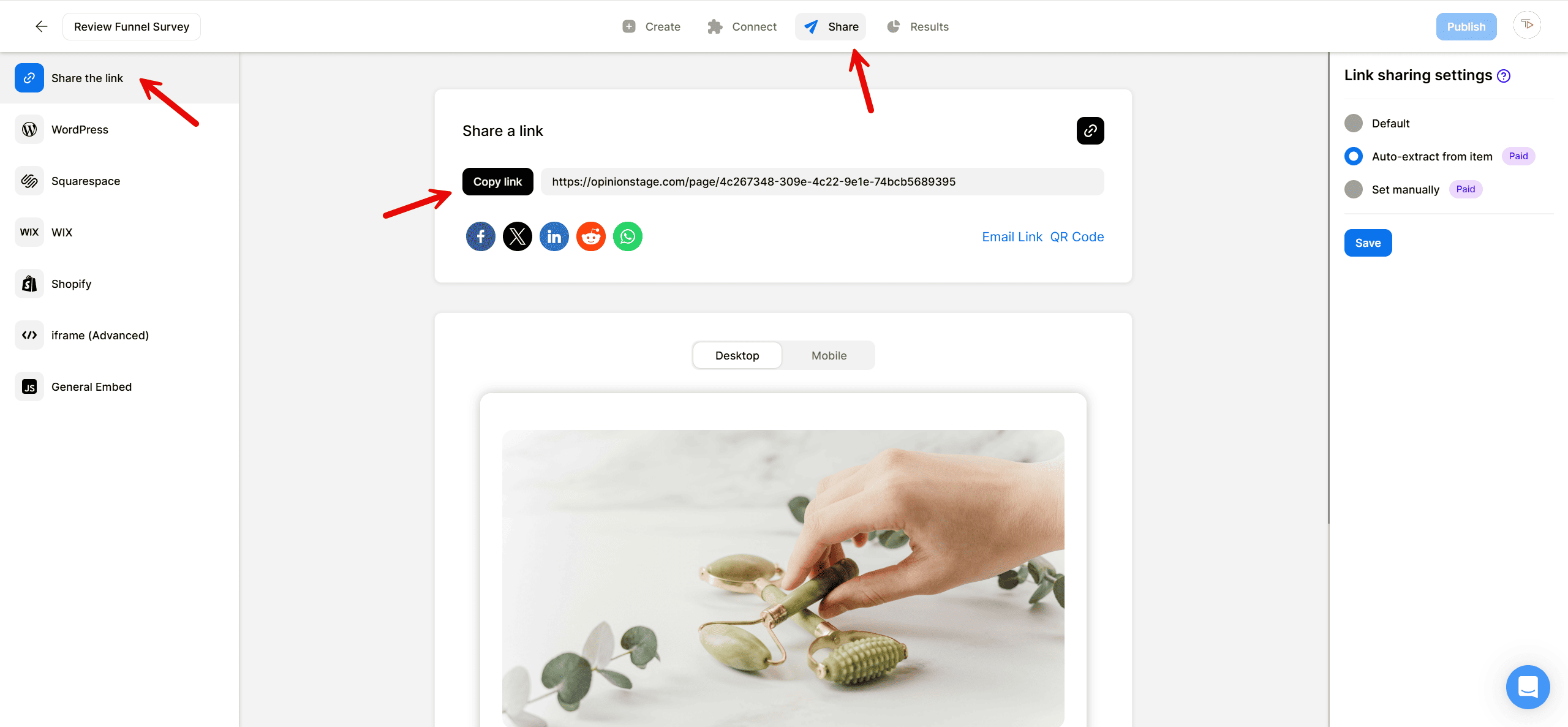
2. Share your survey on Instagram
Click on the Share button and select the Share the link tab. Copy the link. You can share the link in your Instagram stories using an interactive sticker or send it in a direct message.
Now you’re done!
Best Practices for Creating an Instagram Survey
Follow these tips when creating your survey to make it even more engaging and improve the quantity and quality of the results.
Make It Visual
Instagram is a visual medium. Use images and videos to make the survey fit into the medium. You can add images to the cover, to each question, and to each answer.
Keep It Simple
Use short questions and simple answers whenever possible. Ensure that you cover all possible answers in each question and avoid overlapping answers.
Don’t Make It Too Long
Remember that the longer the survey, the fewer responses you will get. We recommend asking between 5 and 15 questions, depending on the scenario.
Make It Stand Out
Select a theme that stands out, and locate the survey in a prominent location (e.g., top of the fold, in a pop-up, etc).
Learn more about our survey maker.
FAQ
How do you do an Instagram survey?
You can’t do an Instagram survey because the app only allows polls, which are limited to one question. To create surveys with multiple questions and exportable data, you’ll need survey software like Opinion Stage’s survey maker. Our platform allows you to create a survey from scratch, from a template, or using the AI survey maker. You can also customize it to match your Instagram feed, add fun images, videos, and GIFs, and add a lead form to collect your follower’s contact information.
Why do people use Instagram surveys?
People use Instagram surveys to gather feedback and engage with their audience. However, it’s important to note that you can’t create surveys natively on Instagram. The app only has a poll option that’s limited to one question. If you’re looking to ask multiple questions and get deeper insights, Opinion Stage’s survey maker is a great choice. It offers advanced analytics, various question types, and it’s easy to share with your Instagram followers.
You can easily do it yourself, no need for a developer
Create a Survey