
How to Make a Quiz: A Step-by-Step Guide
Creating an online quiz used to require a developer and a decent budget. Today, anyone can build a polished, interactive quiz in minutes — no design or coding skills needed. Whether you’re looking to generate leads, educate your audience, or help visitors find the right product, this guide walks you through exactly how to make a quiz from start to finish using Opinion Stage.
Step 1: Choose your quiz type
Before you add a single question, decide what you want your quiz to do. Opinion Stage offers three purpose-built quiz types, and the one you choose shapes everything – the questions you ask, the logic behind your results, and the outcome you deliver to each respondent.
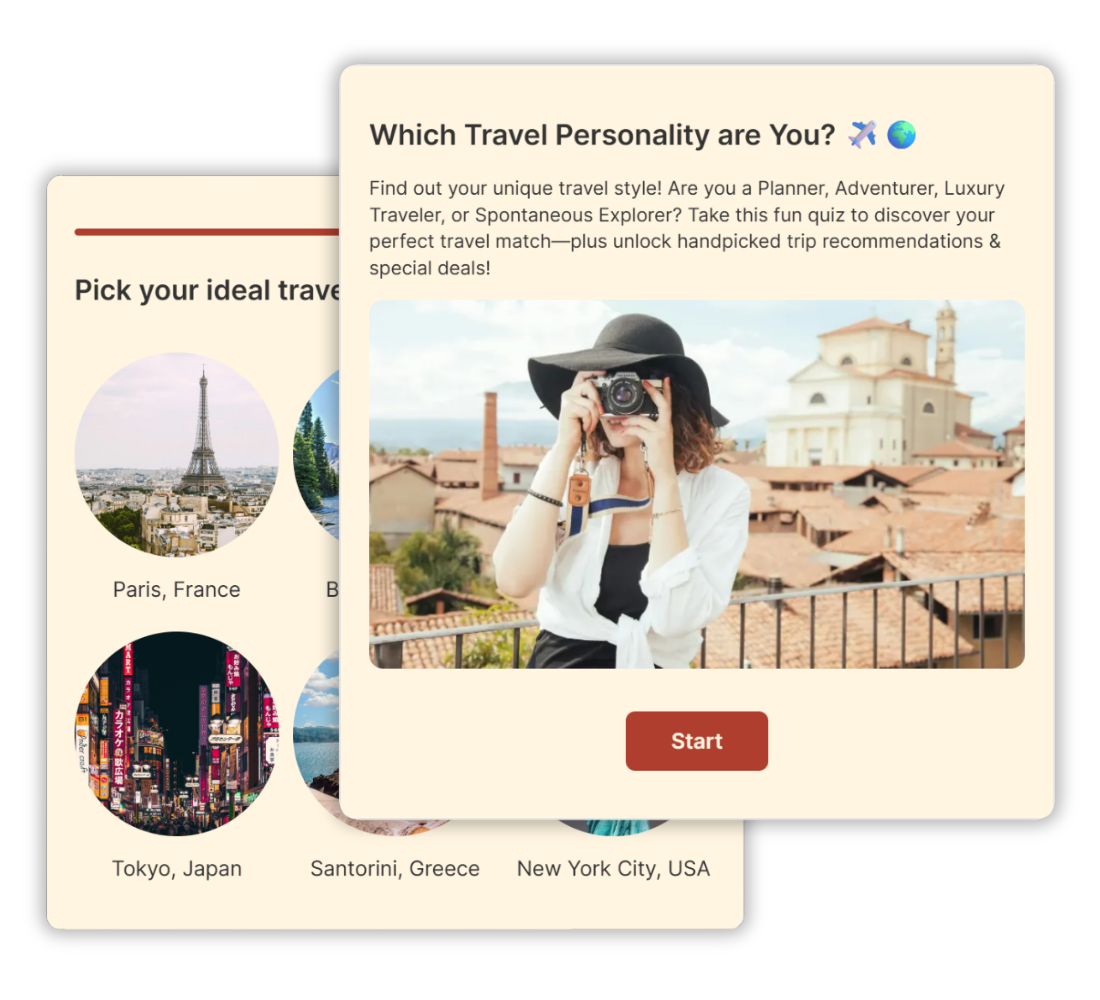
Personality quiz
A personality quiz segments your audience into types based on their answers. There are no right or wrong responses – the quiz maps each answer pattern to a result profile you define. Personality quizzes are the most shared format online and consistently outperform other content types for lead generation, audience profiling, and top-of-funnel engagement. The format is often associated with the BuzzFeed-style quiz – the kind of highly shareable “which one are you?” content that spreads organically across social media
Common uses: brand affinity quizzes, “which type are you?” content, audience segmentation for email marketing, coaching intake.
→ Learn more about personality quizzes.
Knowledge quiz
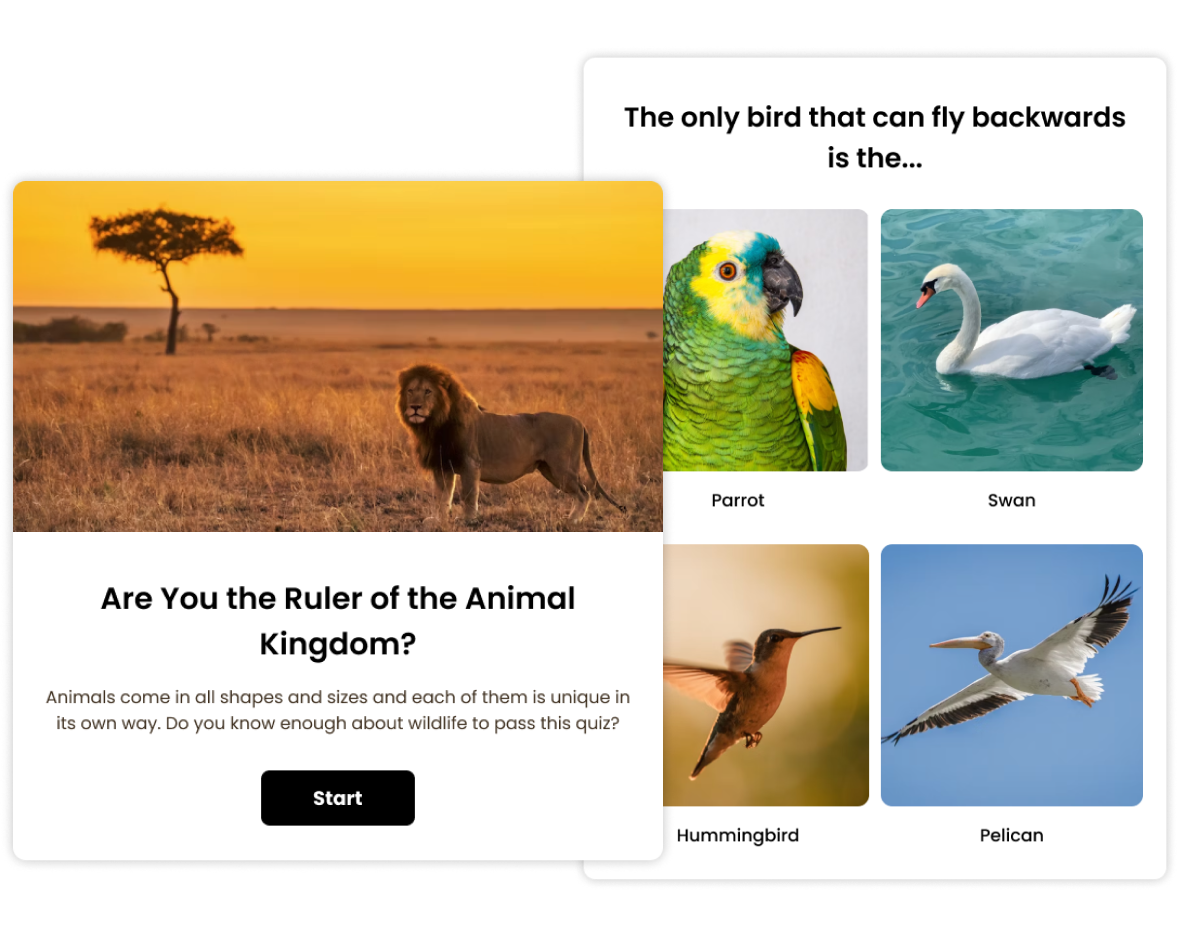
A knowledge quiz tests what your audience knows. Questions have correct and incorrect answers, and respondents receive a score at the end. You control the scoring logic, feedback per question, and the message shown based on score ranges.
Common uses: employee training and certification, education and e-learning, audience engagement campaigns, fun trivia content.
→ Learn more about knowledge quizzes.
Product recommendation quiz
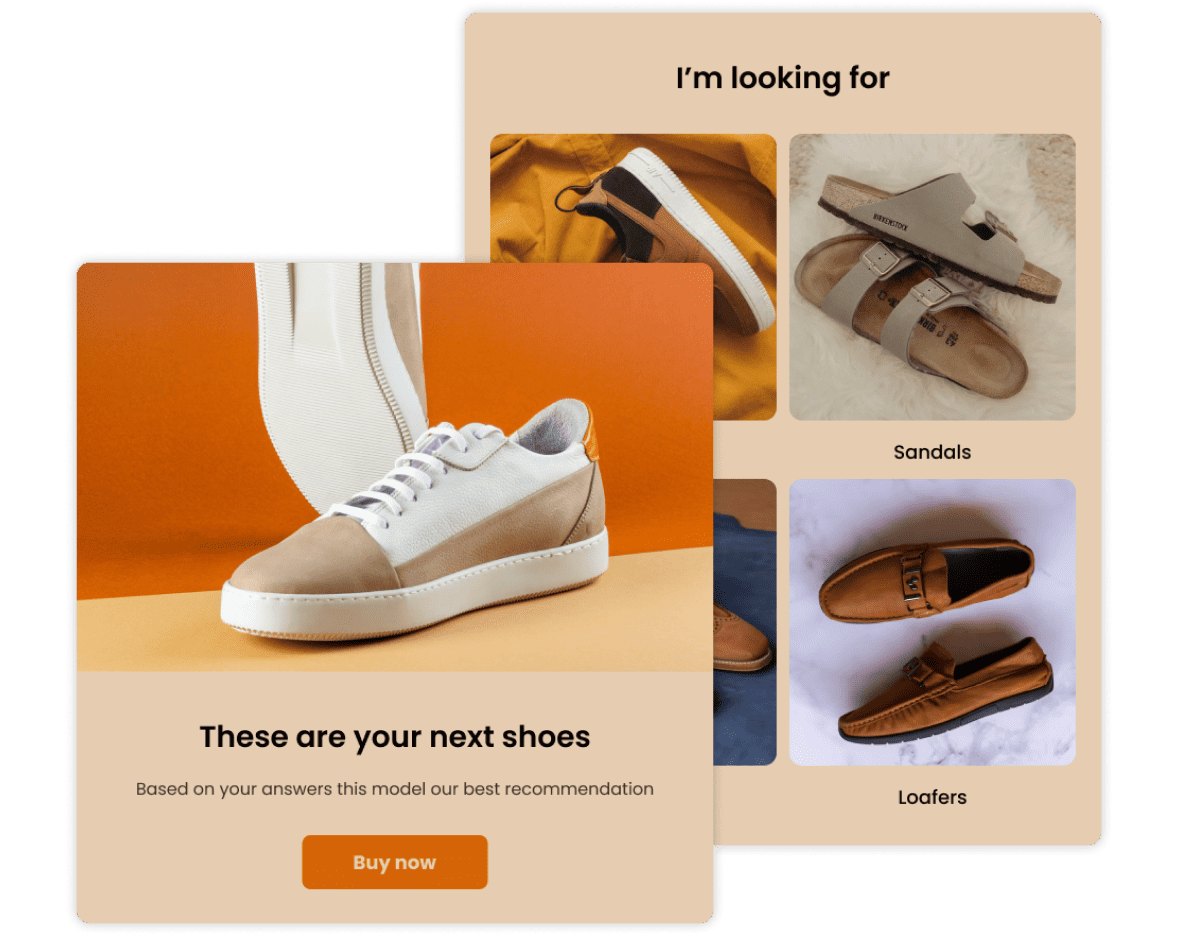
A product recommendation quiz guides visitors to the right product or service based on their preferences and needs. Instead of scrolling through a catalog, respondents answer a few targeted questions and get a personalized recommendation — dramatically improving conversion rates.
Common uses: e-commerce product finders, SaaS plan selectors, consultative sales flows, service matching.
→ Learn more about product recommendation quizzes.
Step 2: Choose how you want to create your quiz
Once you’ve chosen your quiz type, you have four ways to build it in Opinion Stage. All four produce the same embeddable, fully branded quiz – the choice just comes down to how much time you have and what you’re starting with.
Build from scratch
Open the quiz builder, select your quiz type, and start adding questions one by one. This is the best option when you already have a specific set of questions in mind and want full control over structure and order from the beginning. The builder is visual and drag-and-drop – no configuration required.
Generate with AI
Describe your quiz topic or goal in plain language and let Opinion Stage’s AI quiz generator create a complete first draft — questions, answer options, and result logic – in seconds. From there, you edit, reorder, and refine until it reflects exactly what you need. This is the fastest path from idea to published quiz, and it works especially well when you’re not sure where to start.
Start from a template
Browse Opinion Stage’s library of ready-made quiz templates, filtered by industry, use case, or quiz type. Pick a template that fits your goals, swap in your own questions and branding, and publish. Templates are particularly useful when you want a proven structure and don’t want to build result logic from scratch.
Import your questions
If you already have questions in a spreadsheet or document, you can import them directly into the quiz builder and skip manual entry entirely. Opinion Stage supports bulk import so you can get a large question bank into your quiz without copying and pasting each one.
Step 3: Customize your quiz
With your questions in place, the next step is making the quiz feel like yours – and making sure it does the job you need it to do.
Design and branding. Apply your brand colors, fonts, and logo directly in the quiz builder. You can add images or short videos to individual questions and result screens to make the experience more visual and engaging.
Lead capture. Add an email opt-in form before results are shown. Connect it to your email marketing tool or CRM so captured leads flow automatically into your existing workflows.
Result logic. For personality and product recommendation quizzes, define what each outcome means and map answer combinations to the right result. You can write custom result copy, add CTAs, and redirect respondents to a specific page after they finish.
Scoring and feedback. For knowledge quizzes, mark correct answers, assign point values per question, and set score thresholds that trigger different feedback messages. Respondents can see per-question explanations if you want to make the quiz educational rather than just evaluative.
Step 4: Publish and share your quiz
Once your quiz is live, you have several options for distributing it – and you can use more than one at the same time.
Embed on your website. Every quiz comes with an embed snippet you can paste into any page — whether you’re on Squarespace, Shopify, Wix, or any other platform. If you’re running WordPress, Opinion Stage also has a dedicated WordPress plugin that lets you insert any quiz directly from your editor without touching any code. If you need more control over how the quiz appears in your HTML, see our guide to creating an HTML quiz with a custom embed.
Share a direct link. Opinion Stage hosts every quiz at a unique URL. Share that link via email, social media, or anywhere you’d drop a hyperlink.
Frequently Asked Questions
Using the AI generator, you can have a complete quiz draft ready in under two minutes. Starting from a template takes 5–10 minutes to customize. Building from scratch depends on how many questions you include, but most users publish their first quiz within 15 minutes of signing up.
No. Opinion Stage’s quiz maker is built for non-technical users. The builder is entirely visual — you add questions, pick a layout, and apply your branding through a point-and-click interface. Embedding your quiz on a website requires copying and pasting a single code snippet.
Opinion Stage offers a free plan that lets you create and publish quizzes with core features. Paid plans unlock lead capture, advanced result logic, analytics, integrations, and branding customization. You can start for free and upgrade when you’re ready.
Ready to make your quiz?